Shared Link Allows Editing by Mistake? Fix It
A shared link set to edit by mistake can let anyone with the link change, delete, or move your document. The fix is fast, but you should also check who already opened it, because changing the setting does not undo edits already made.
TL;DR / Quick Fix
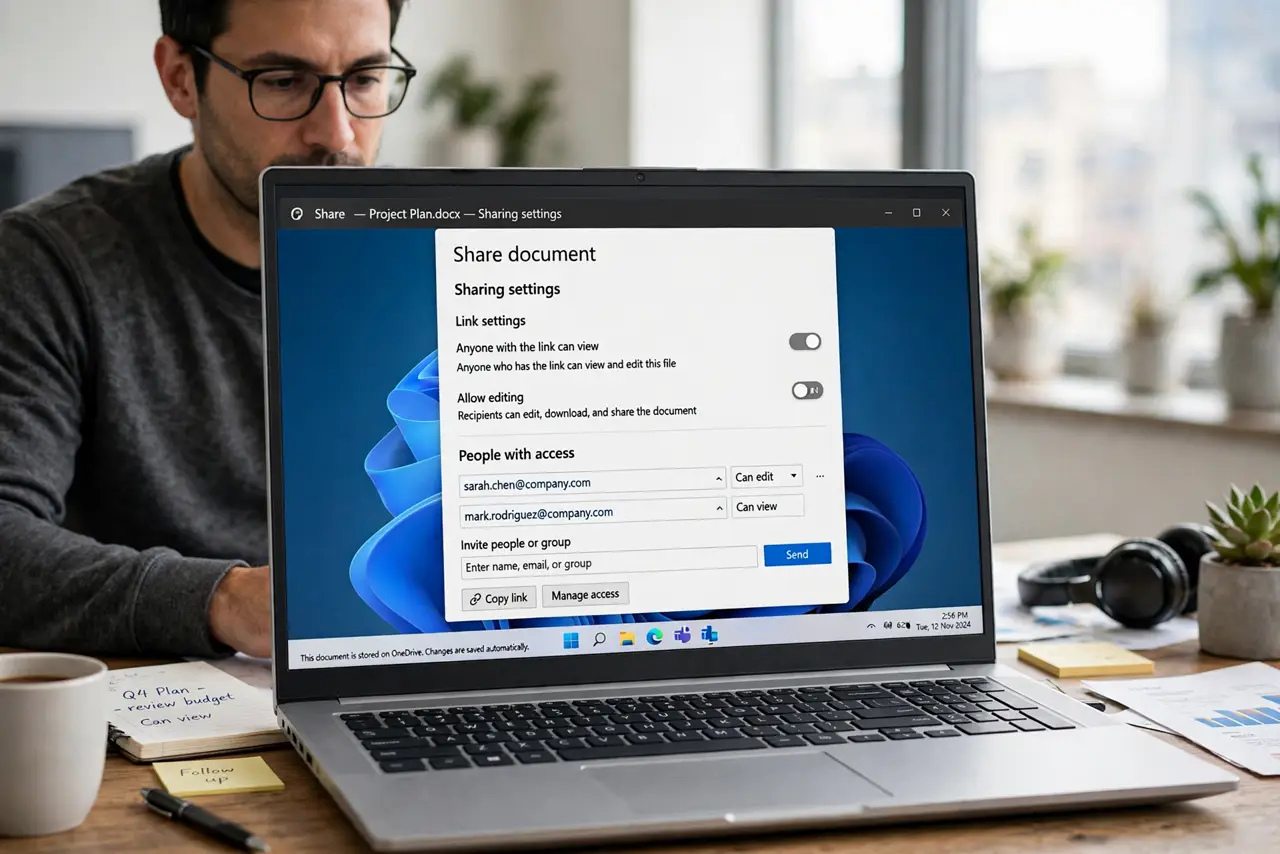
Quick fix: Open the sharing settings for the file. Change the link permission to view-only. Replace the link if it spread widely. Review who already has direct access. Check the track changes and version history. Tell recipients the link changed.
Follow these steps
- Open the sharing settings for the file. Find the share settings for the exact file, not the folder around it. Folder settings and file settings can differ, and the file setting is the one that matters.
- Change the link permission to view-only. Switch the link role from editor to viewer. Viewers can read and copy, but cannot change or delete the original.
- Replace the link if it spread widely. If the editing link went to a large group, create a new view-only link and stop sharing the old one. The old link should no longer grant access.
- Review who already has direct access. Check the list of named people with access, not just the link. Remove anyone who should not be there, especially former teammates.
- Check the track changes and version history. Look for edits made while the link allowed editing. Revert anything suspicious before you consider the file clean again.
- Tell recipients the link changed. Let the people who need the file know the new view-only link, so nobody keeps using an old editing link from their inbox.
What NOT to do
- Do not assume changing the setting undoes past edits. Review the history for changes made while editing was open.
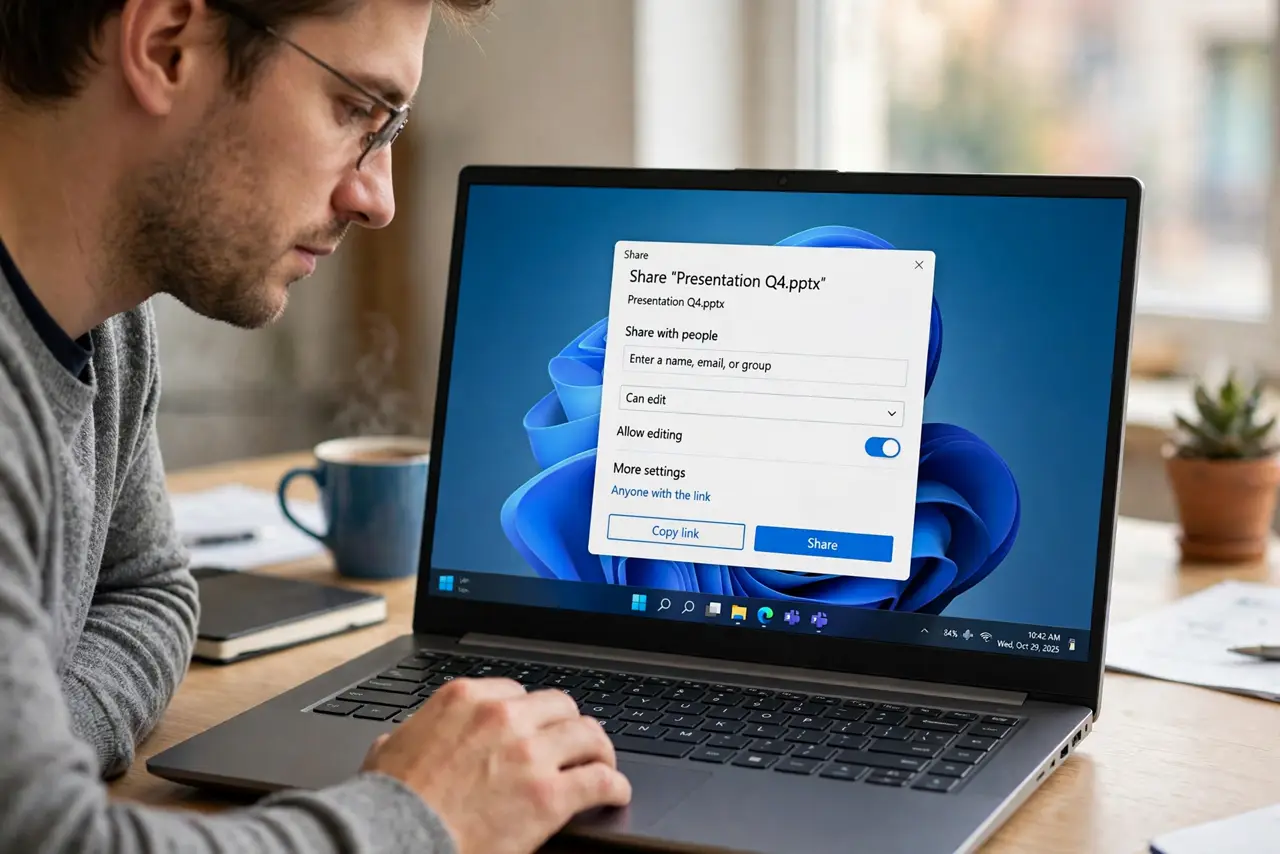
- Do not share a folder with edit access when you meant to share one file. Folder access spreads further than people expect.
- Do not leave the old editing link active just in case. An active link is an open door, even if nobody uses it today.
- Do not skip the named-access list. A link setting does not remove people added directly.
Frequently asked questions
What is the difference between a link and named access?
A link works for anyone who has it, while named access applies to specific people. Check both.
Can viewers still copy my document?
Yes, viewers can usually copy or download. View-only stops edits, not copying.
Should I replace the link or just change it?
Change it if the audience was small and trusted. Replace it if the link spread widely.