Dual SIM Uses the Wrong Line for Data
Your phone burns mobile data on the wrong SIM — the expensive line, the travel line, or the one with no data plan. Dual SIM phones let you pick a default data line, but updates and settings can silently switch it. This guide locks data to the right line, including the iPhone labeling quirks.
TL;DR / Quick Fix
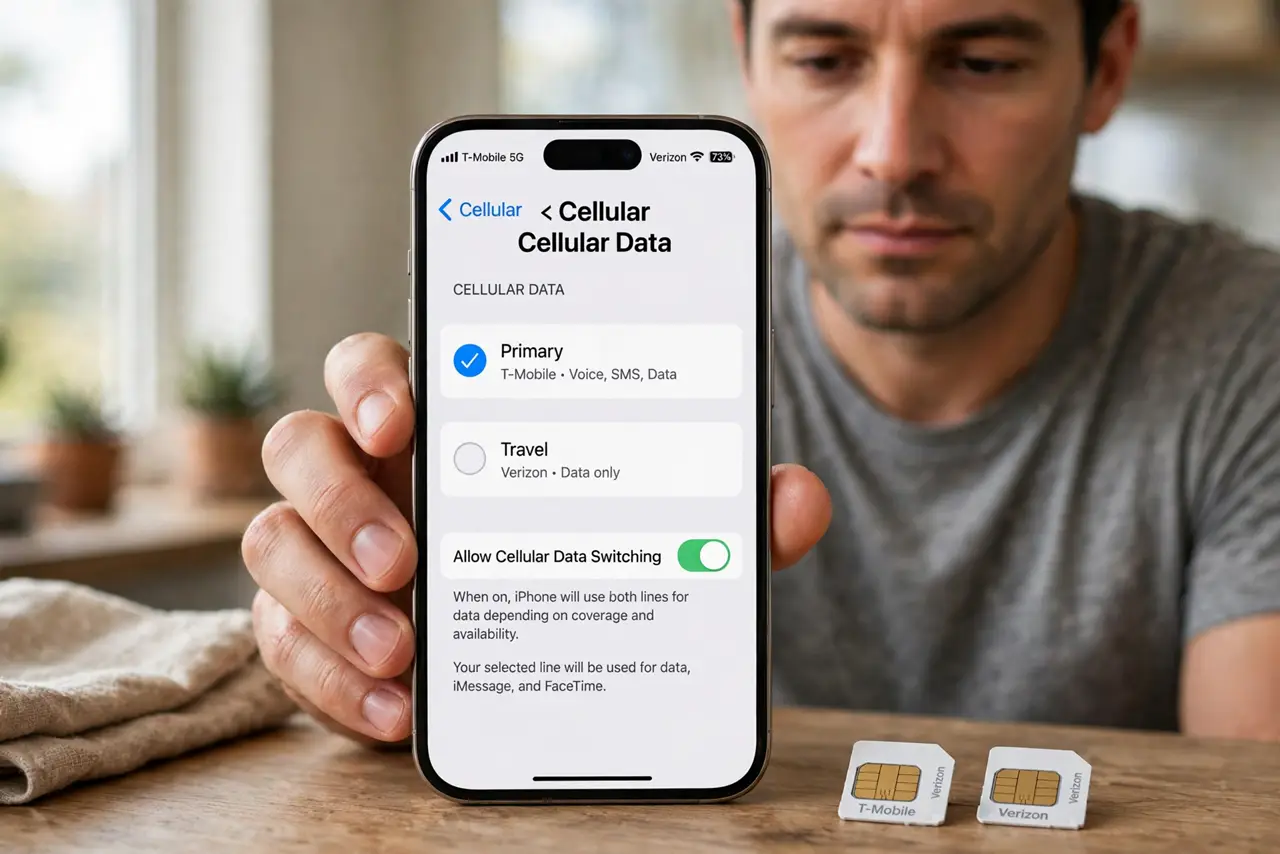
Quick fix: open SIM or mobile data settings and set the correct SIM as the default for mobile data. Turn off 'switch data automatically' if your phone offers it. After any system update, re-check the default — updates are notorious for silently changing it.
Follow these steps
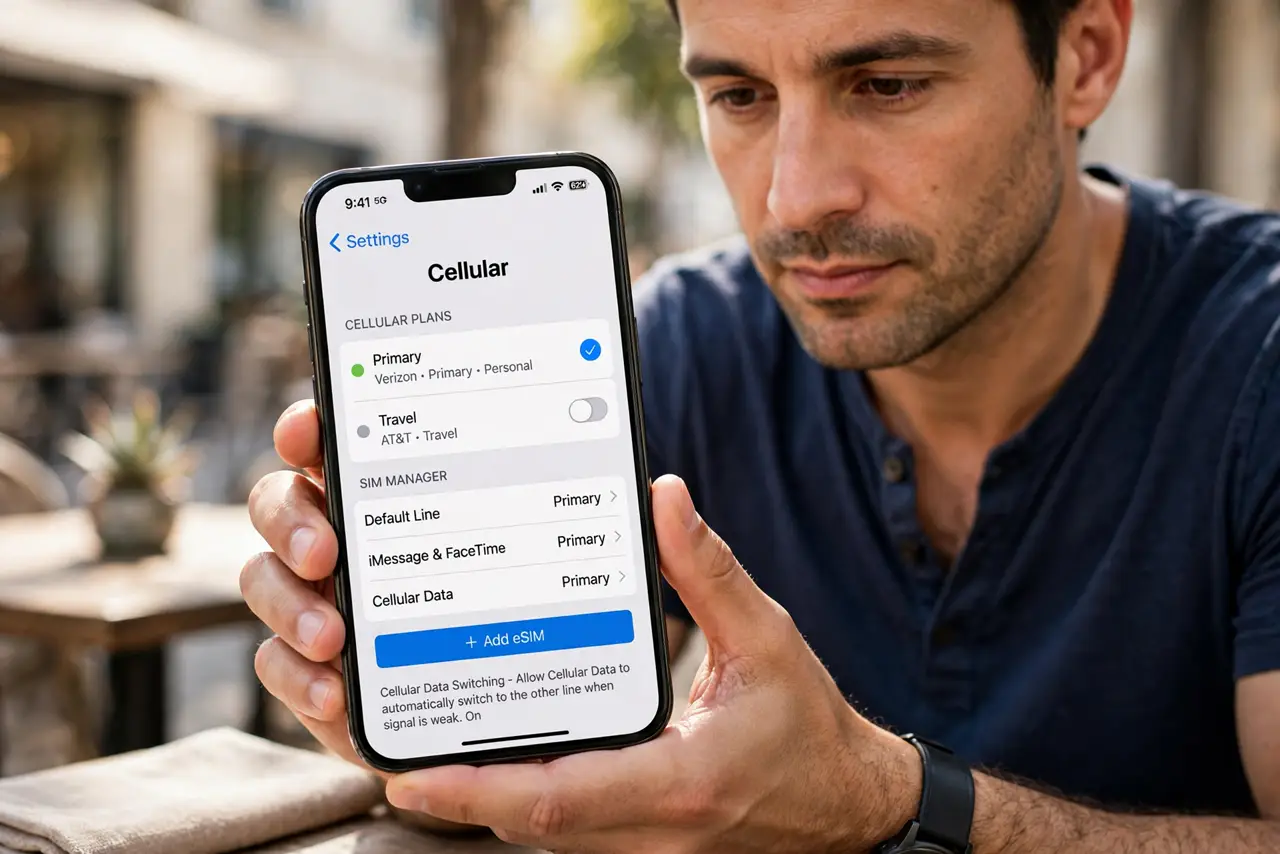
- Open the SIM manager. Find the SIM card manager or mobile network settings. This is where the default lines for calls, texts, and data live.
- Set the correct default data SIM. Choose the SIM with the data plan as the mobile data default. Confirm the selection stuck — some phones need a second tap.
- Disable automatic data switching. Turn off any 'switch data automatically' or 'smart switch' option. This feature jumps to the other SIM on weak signal, spending the wrong plan's data.
- Label the SIMs clearly. Name them 'Personal' and 'Work,' or by carrier. Clear labels prevent future mix-ups — see the iPhone dual SIM labels guide for Apple's version of this screen.
- Check per-SIM data usage. Look at data usage broken down by SIM. If the wrong line shows usage after your change, something is still switching it.
- Re-check after every update. System updates love to reset the default data SIM. Make this setting part of your post-update routine.
What NOT to do
- Do not leave automatic data switching on with two paid plans. It will spend whichever line has signal, not whichever is cheaper.
- Do not assume the physical SIM slot decides. The default data SIM is a software setting, independent of which slot holds which card.
- Do not ignore roaming on the wrong line. A travel SIM set as default data at home — or vice versa — gets expensive fast.
- Do not set it once and forget it forever. Updates reset it, so verify after every major update.
Frequently asked questions
Why is my phone using the wrong SIM for data?
The default data SIM setting changed — often after an update — or automatic data switching jumped lines on a weak signal.
Can I use one SIM for calls and another for data?
Yes. Dual SIM phones let you set separate defaults for calls, texts, and data independently.
Does dual SIM use more battery?
Slightly — the phone maintains two network registrations. The difference is small for most people.