eGPU Explained
Your thin laptop handles everything except games — the moment you launch one, the frame rate collapses. An eGPU (external graphics card) promises a fix: a desktop graphics card in a box on your desk, connected by one Thunderbolt cable, turning your ultrabook into a gaming machine when docked. It works, but it is the most expensive way to add performance, and the cable itself takes a cut. Here is the honest math.
TL;DR / Quick Fix
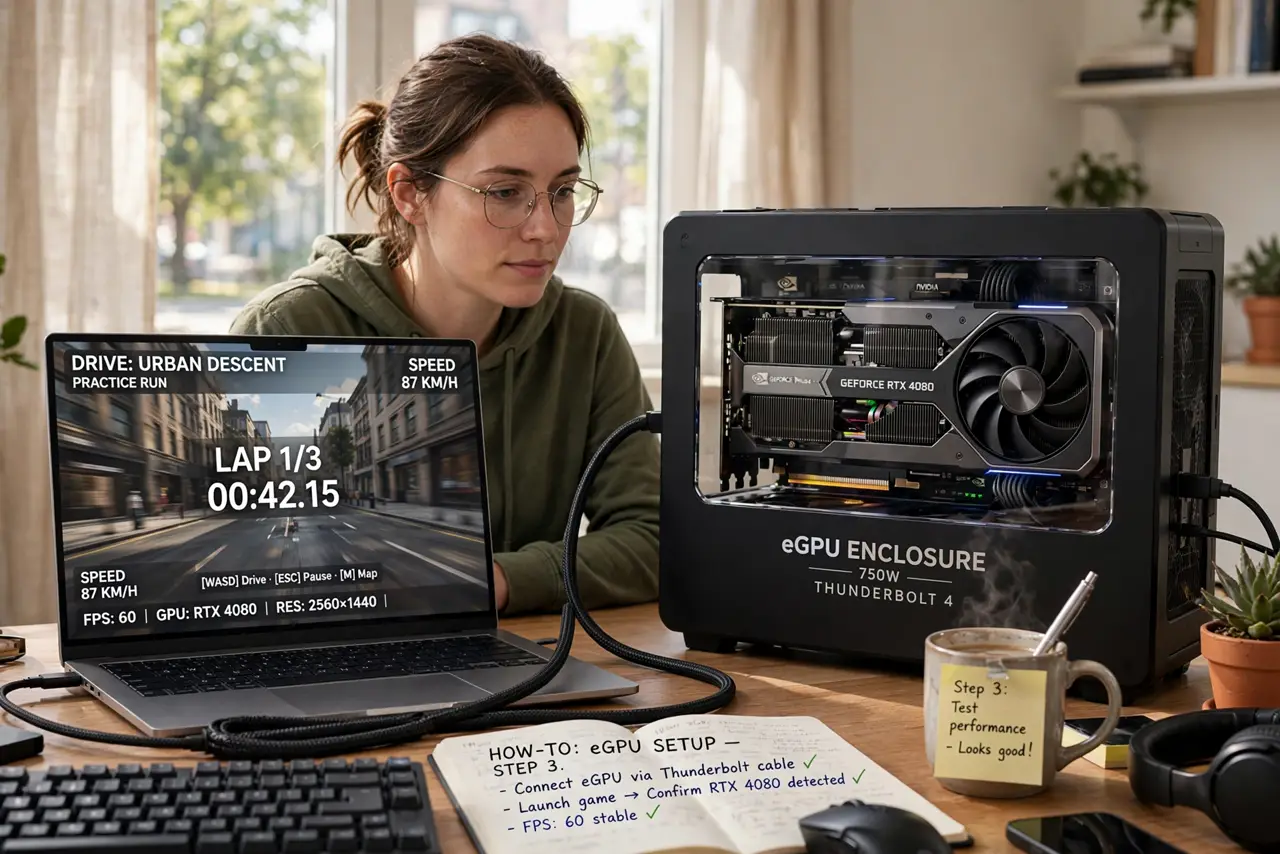
Quick fix: an eGPU is a desktop graphics card connected by Thunderbolt to give a thin laptop gaming power when docked. Budget for the enclosure plus the card, and expect performance lost to the cable. Laptop-first users benefit most; desk gamers get more frames per dollar from a desktop PC.
Follow these steps
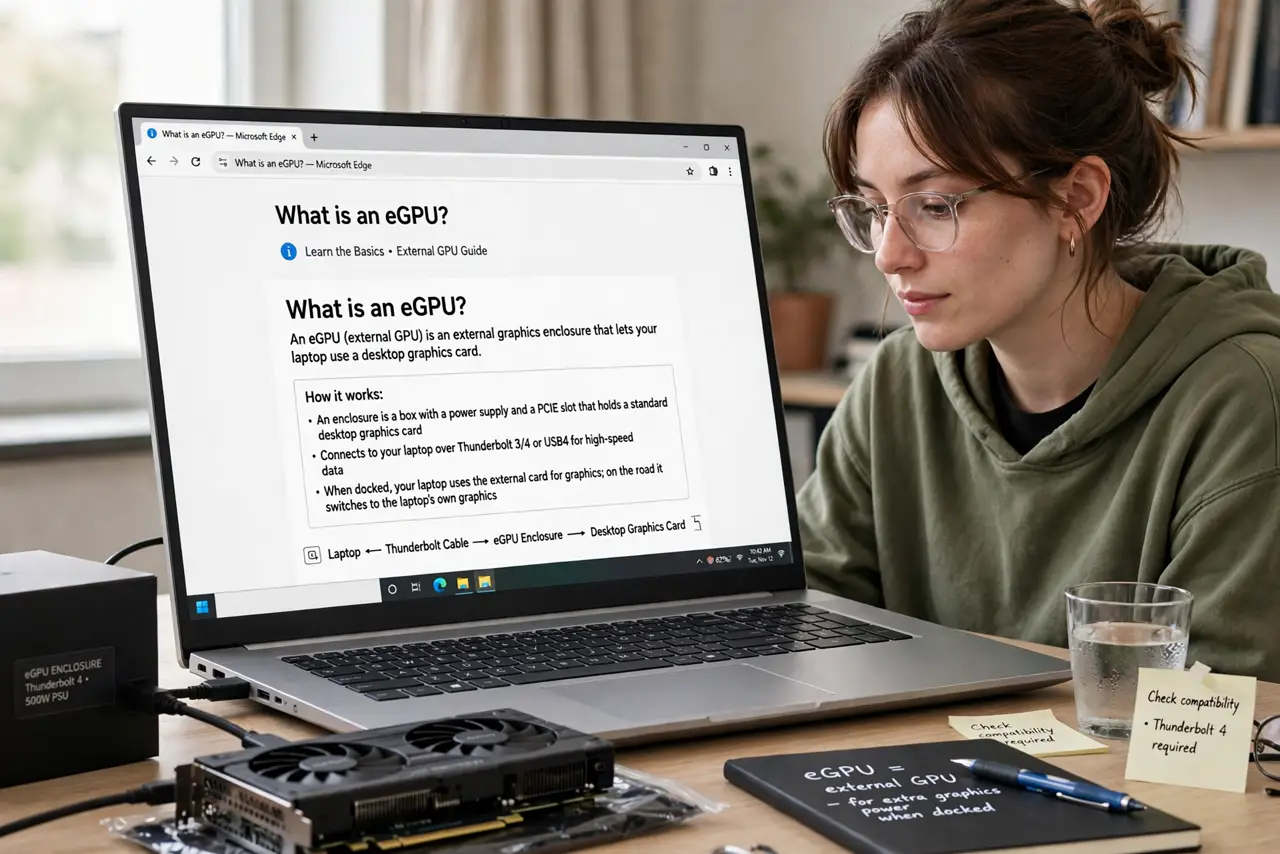
- Learn what an eGPU actually is. An enclosure (a box with a power supply and a PCIe slot) holds a standard desktop graphics card and connects to your laptop over Thunderbolt 3/4 or USB4. The laptop uses the external card when docked and its own graphics on the road.
- Confirm your laptop has Thunderbolt or USB4. Without a Thunderbolt/USB4 port, there is no eGPU — regular USB-C lacks the bandwidth. Check the port specs, not just the shape; the Thunderbolt vs USB-C distinction matters here.
- Budget for two purchases. You buy the enclosure AND the graphics card separately (some bundles exist). Together they often cost as much as a mid-range gaming desktop — do this math before falling in love with the idea.
- Expect 10–30% less than the same card in a desktop. The Thunderbolt cable is a bottleneck: the same GPU scores lower externally than in a desktop PCIe slot. It is still a huge upgrade over integrated laptop graphics — just not desktop-equal.
- Plan your desk setup. The enclosure needs desk space, its own power outlet, and a monitor connection. Most people run the monitor from the eGPU's outputs for the best performance — one cable to the laptop, everything else to the box.
- Consider the alternatives honestly. A gaming laptop, a desktop PC, or a cloud gaming subscription may all cost less. The eGPU wins only for one specific person: someone who needs a thin portable laptop AND serious GPU power at one desk.
What NOT to do
- Do not buy an eGPU for a laptop without Thunderbolt or USB4. Regular USB-C cannot carry the bandwidth — check the port spec, not the connector shape.
- Do not expect desktop-level performance from the same card. The cable bottleneck is physics, not a defect — budget your expectations accordingly.
- Do not forget the enclosure cost in your budget. The box alone is a significant purchase before you even buy the graphics card.
- Do not buy an eGPU for light gaming. Integrated graphics handle casual games fine; the eGPU is for demanding titles that truly need a discrete GPU.
Frequently asked questions
Does an eGPU work with any laptop?
No — it needs Thunderbolt 3/4 or USB4 with PCIe support, and the laptop's firmware must allow external GPUs. Most thin-and-light Windows laptops and Intel Macs qualify; Apple Silicon Macs do not support eGPUs.
Can I use the laptop's screen with an eGPU?
Yes, but you lose more performance — the frames travel back over the same cable. Connecting the monitor directly to the eGPU's outputs is noticeably faster.
Is an eGPU good for video editing or 3D work?
Yes — creative apps benefit hugely, sometimes more than games, since they are less sensitive to the cable's latency. It is a legitimate workstation upgrade, not just a gaming toy.