Email Plus Addressing, Explained in Plain Words
Adding a plus sign and a word to your email address, like [email protected], still delivers to your inbox. That one trick lets you sort mail and spot who shared your address.
TL;DR / Quick Fix
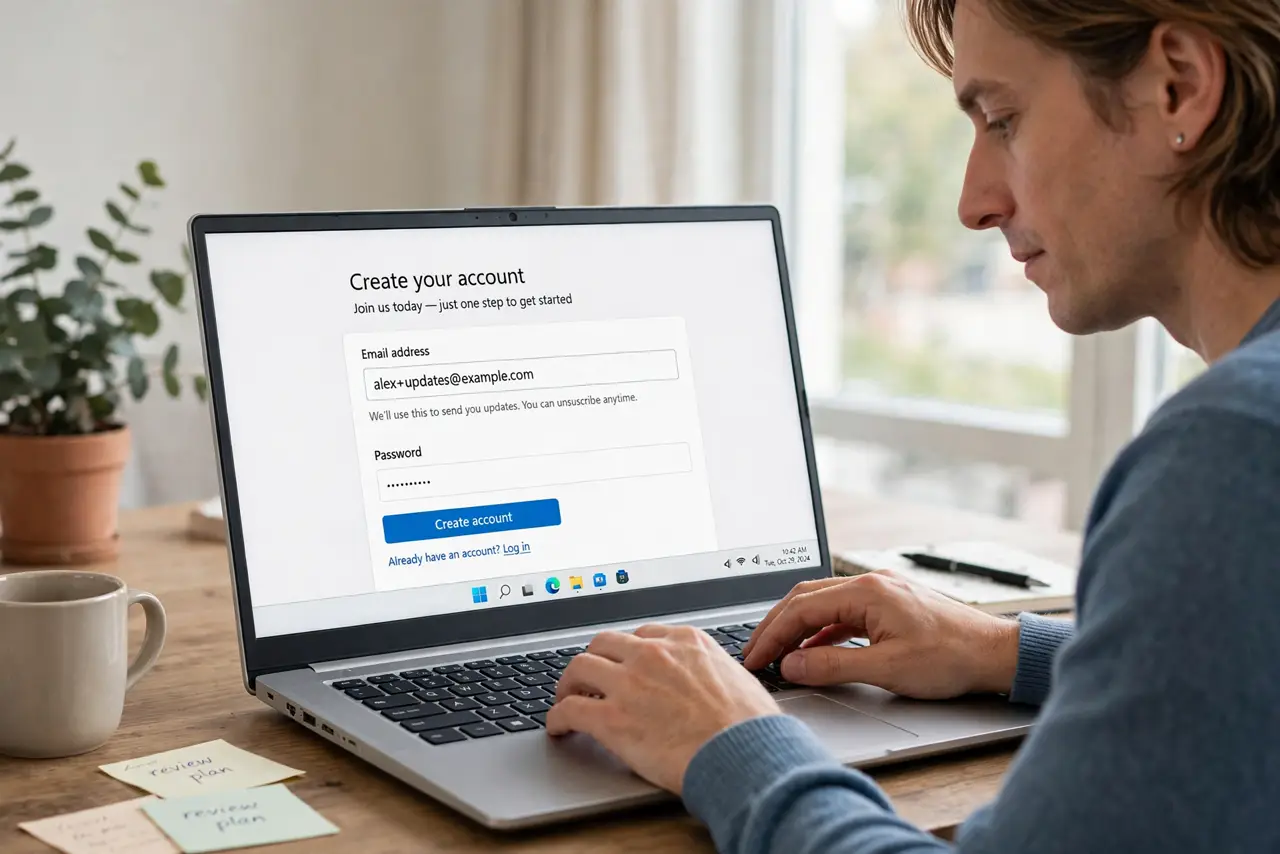
Quick fix: the next time you sign up for something, add a plus and a label to your address, such as [email protected]. Then make a filter that files mail sent to that label, and watch it sort itself to keep your inbox organized.
Follow these steps
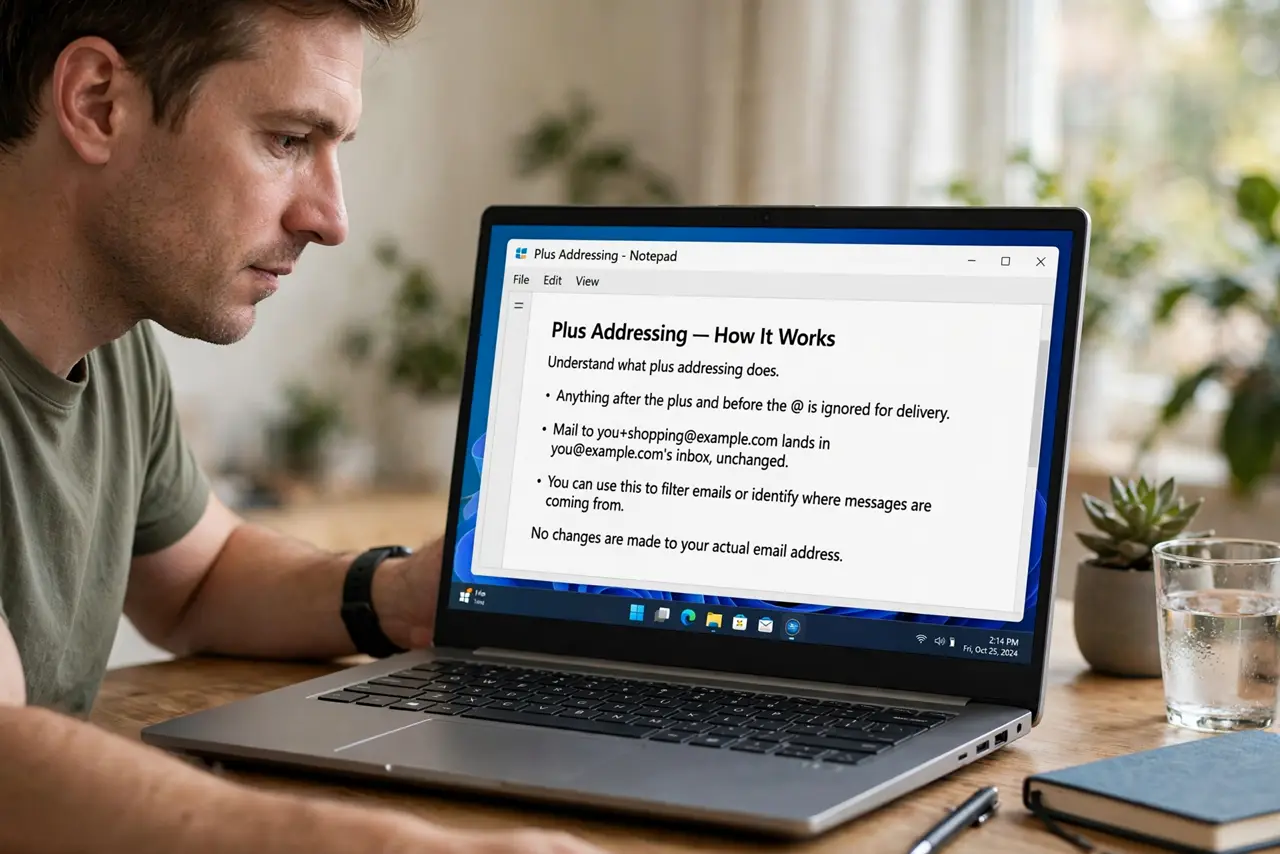
- Understand what plus addressing does. Anything after the plus and before the at-sign is ignored for delivery. Mail to [email protected] lands in [email protected]'s inbox, unchanged.
- Check your provider supports it. Most major providers support plus addressing, but a few do not. Send yourself a test to [email protected] and confirm it arrives.
- Use a label per signup. When a site asks for your email, add a plus and the site name. If spam later arrives to that label, you know exactly which site leaked it.
- Make filters on the label. Create a filter that matches mail sent to your plus label and files it into a folder. Each label then sorts itself without you touching it.
- Use labels for one-time signups. For signups you may never use again, a plus label keeps the clutter in one folder. Deleting the folder later cleans up the whole category.
- Do not use plus labels for banking. Keep your real address for banks and important accounts. Plus addressing is best for newsletters, shopping, and trials, not for critical mail.
What NOT to do
- Do not assume every site accepts a plus address. A few forms reject the plus sign, so keep your plain address ready as a backup.
- Do not use plus addressing to dodge a ban. Sites can strip the plus part, and using tricks against their rules can cost you the account.
- Do not create a filter before testing delivery. Confirm the test email arrives first, so your filter files real mail and not a mistake.
- Do not share which labels you use publicly. Labels work best as quiet tracking tools, not as addresses you hand out widely.
Frequently asked questions
What is plus addressing?
It is adding a plus sign and a word to your email address, which still delivers to your inbox while letting you label and filter the mail.
Which providers support it?
Most major ones do, but send yourself a test first, since a few providers ignore or reject the plus.
Can a site tell my real address?
Yes. The part before the plus is your real address, so it is a sorting tool, not a privacy shield.