Mailing List Digest vs Individual Emails
A busy mailing list can flood your inbox with dozens of emails a day. A digest bundles them into one daily email, while individual delivery sends each message as it arrives. Choosing well keeps you informed without the flood.
TL;DR / Quick Fix
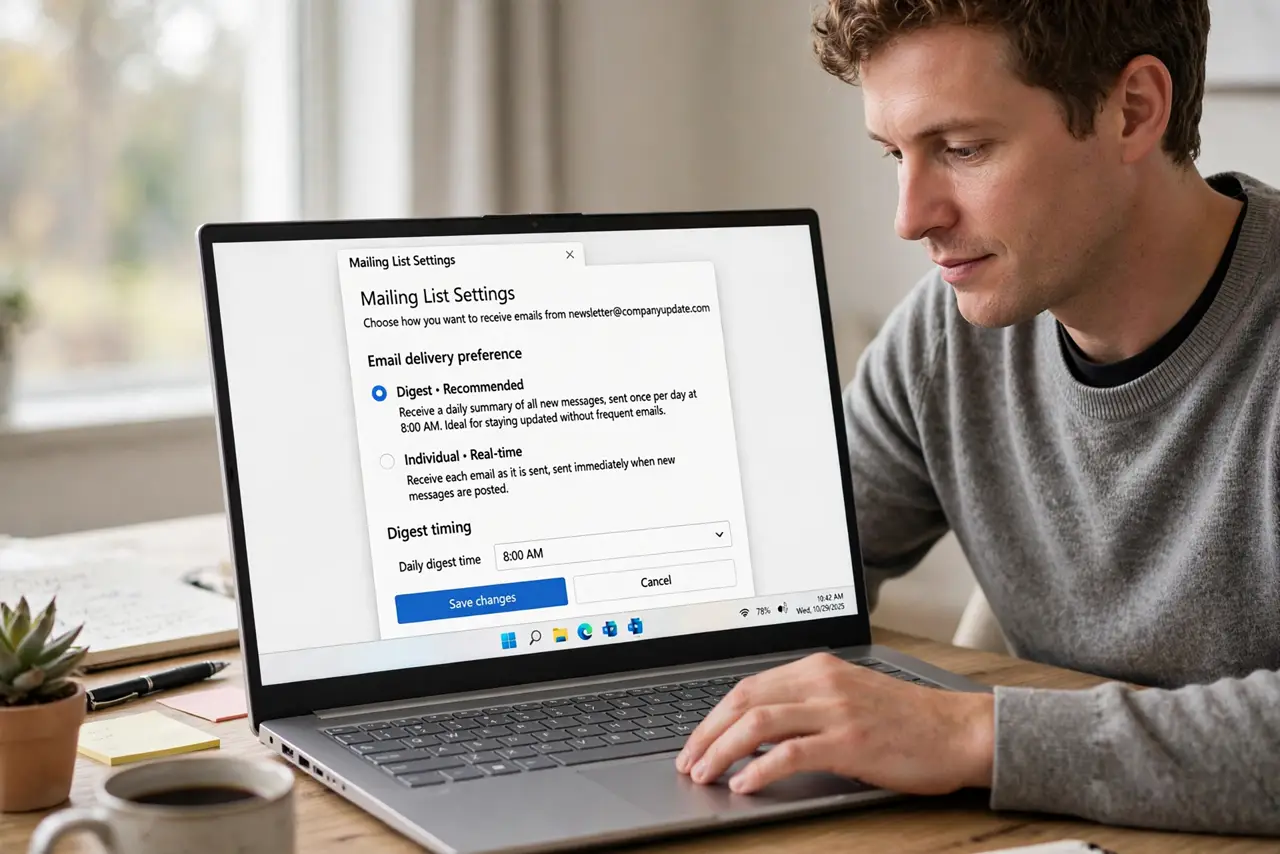
Quick fix: open the list's subscription settings and switch high-volume lists to digest mode. Then check one digest when it arrives to confirm the format works for you, and keep only urgent lists on individual delivery without losing any list content.
Follow these steps
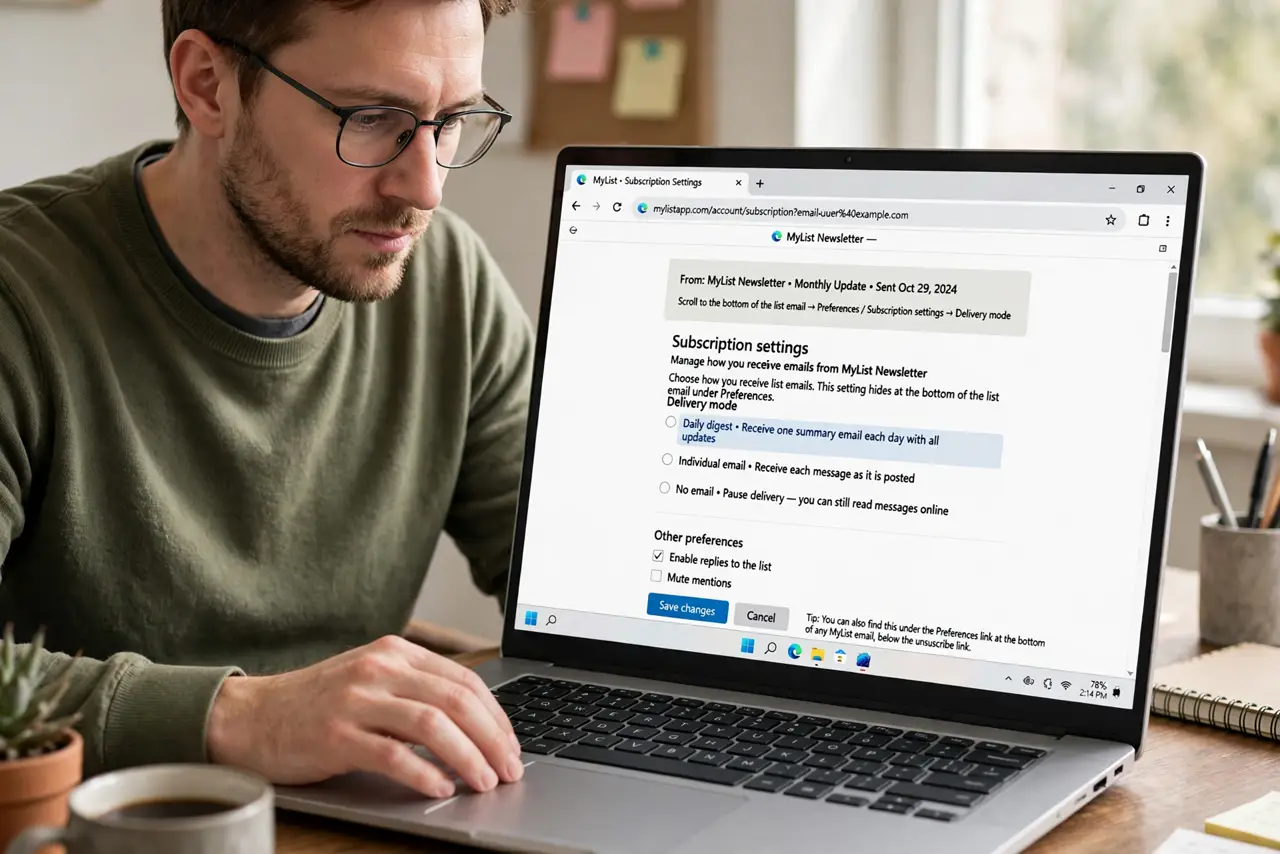
- Open the list's subscription settings. Find the subscription or preferences link, usually at the bottom of a list email. The delivery mode hides there, not in your email app.
- Switch busy lists to digest. Choose the digest or summary option for high-volume lists. One daily bundle replaces dozens of separate emails without losing any content.
- Keep urgent lists on individual delivery. For lists where timing matters, like outage alerts, keep each message arriving alone. Digests delay news until the bundle goes out.
- Check the digest when it arrives. Open one digest email and confirm you can read and follow the threads. Some digests format poorly, and one look tells you whether it works.
- Unsubscribe from lists you never read. If even the digest goes unread, leave the list. No delivery mode fixes a subscription you do not want.
- Use a filter for the digest label. Make a filter that files digests into a folder by subject or sender. The digest then waits in one place instead of sitting in the inbox.
What NOT to do
- Do not stay on individual delivery for a busy list. Dozens of daily emails bury the important mail, while a digest keeps the same content readable.
- Do not pick digest for urgent alerts. A daily bundle delays time-sensitive news, so keep alerts on individual delivery.
- Do not ignore the digest completely. Skim it when it arrives, or the unread pile grows just as it did with individual emails.
- Do not join every list that invites you. Fewer subscriptions beat any delivery mode, so leave lists you never open.
Frequently asked questions
What is a mailing list digest?
One bundled email that collects a day's list messages, replacing dozens of individual emails.
When is individual delivery better?
For urgent or low-volume lists, where each message matters and arrives rarely enough to read alone.
Can I switch back if I dislike digest?
Yes. The same settings page lets you change modes, so try digest for a week and decide.