Block Email Tracking Pixels
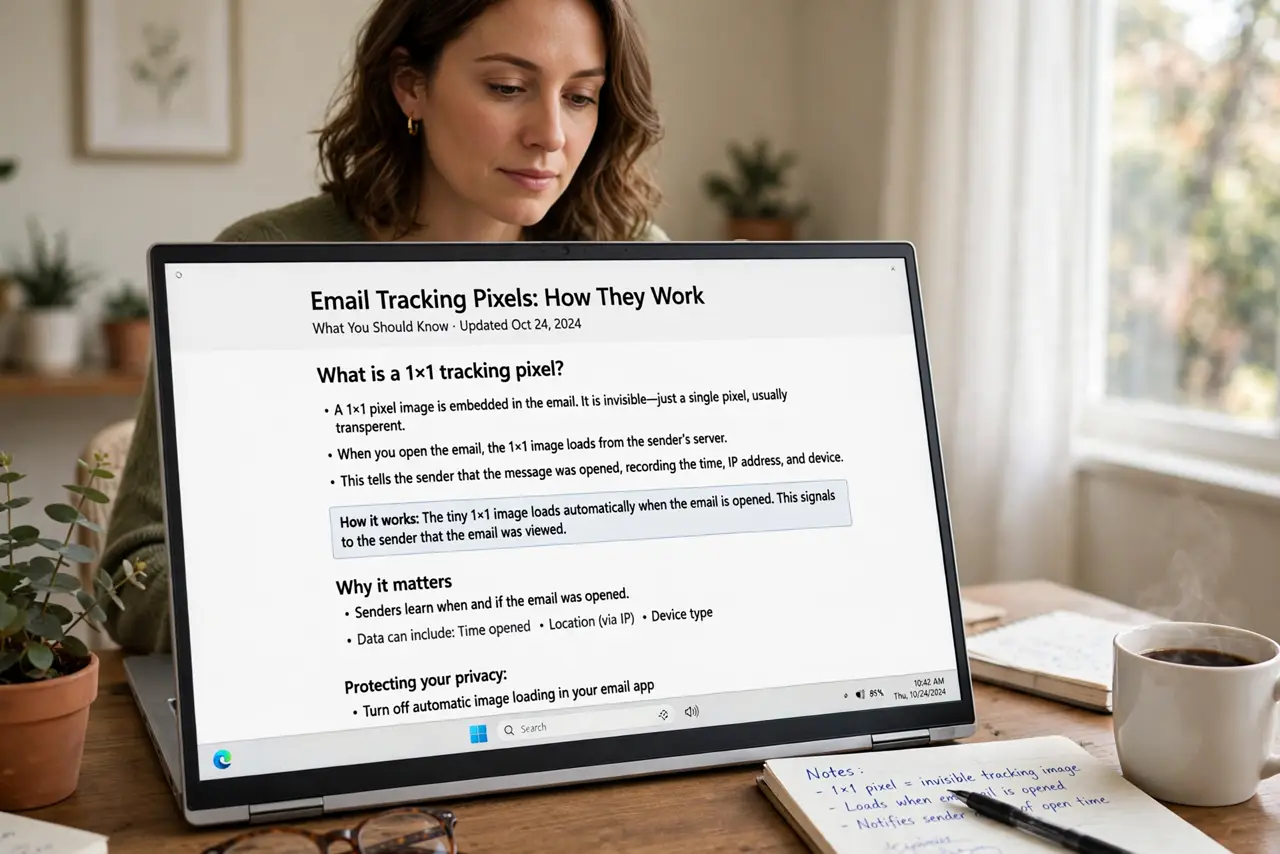
That 'harmless' newsletter knows exactly when you opened it, where you were, and what device you used — via a tiny invisible image called a tracking pixel. You can shut it off without missing the content. Here is how in the major email apps.
TL;DR / Quick Fix
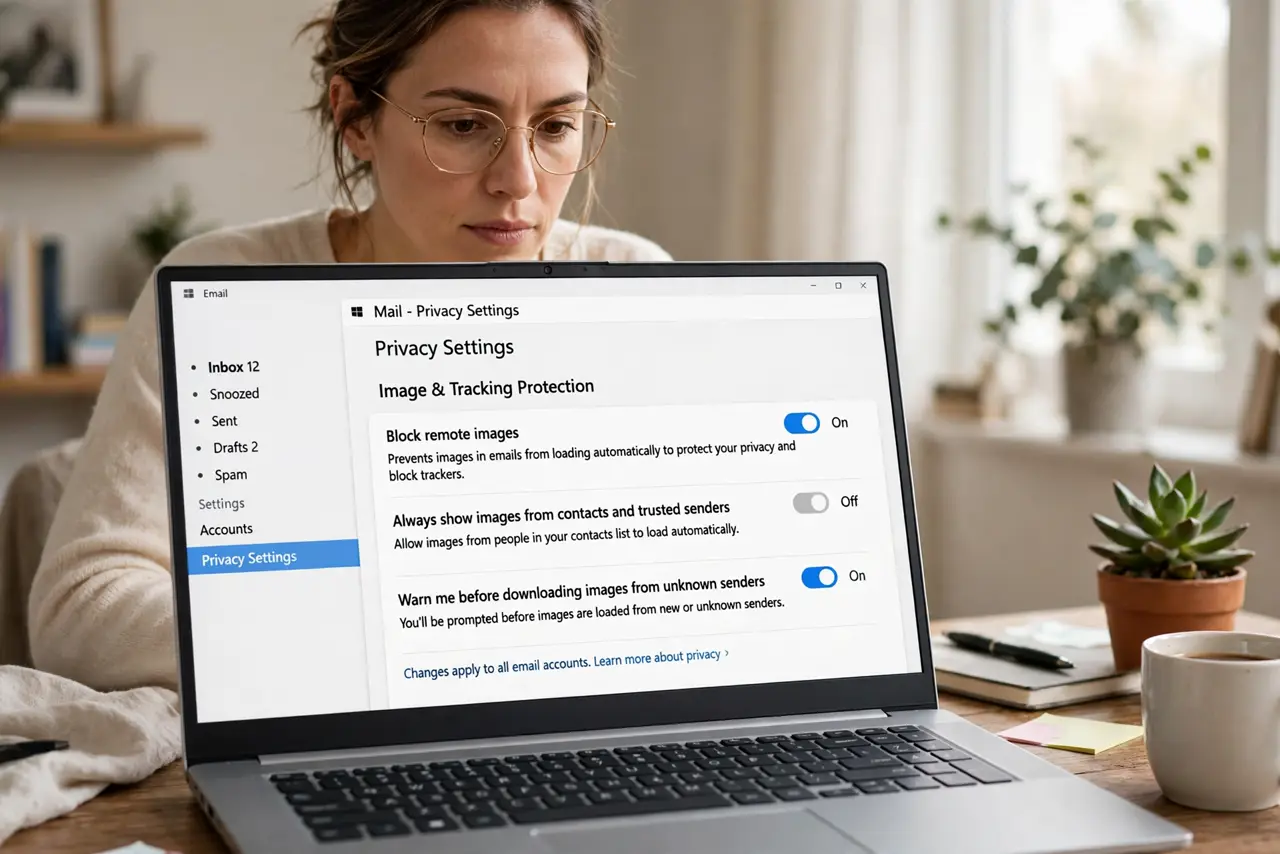
Marketing emails hide invisible tracking pixels that report opens, location, and device. Block them by switching off 'load remote images' in your email app — Gmail, Apple Mail, and Outlook all have the toggle. Newsletters still read fine; only the open-tracking stops working.
Follow these steps
- Understand the pixel. A 1x1 invisible image in the email. When your app loads it, the sender learns you opened the message, plus rough location and device.
- Block remote images in Apple Mail. Settings > Mail > Privacy Protection, or the 'block remote content' option. Apple can even route loads through a proxy.
- Block them in Gmail. Settings > Images > 'Ask before displaying external images.' You approve images per sender.
- Block them in Outlook. File > Options > Trust Center > Automatic Download — switch off automatic picture downloads.
- Use per-sender exceptions sparingly. Allow images only for trusted senders. The read receipt mechanism is the same one you are blocking.
- Remember it stops read receipts too. Email read receipts ride on the same image loads. Blocking pixels blocks both.
What NOT to do
- Do not click 'unsubscribe' on outright spam. It confirms your address is live and invites more.
- Do not assume blocking images hides everything. Clicked links still report back to the sender.
- Do not forward tracked emails without thinking. The pixel travels with the forward and reports the new reader's open.
- Do not confuse this with chat-app read receipts. Email pixels and messaging ticks are separate systems — see the read receipts guide.
Frequently asked questions
Will emails look broken?
Some images will not load until you allow them per message. Text content is unaffected.
Does this stop all email tracking?
Pixel tracking, yes. Links you click still phone home — hover before clicking.
Why do senders use tracking pixels?
Open-rate metrics drive marketing decisions: subject lines, send times, and who gets culled from lists.