Drive Enclosure vs Ready-Made External Drive
You can buy a finished external drive or build one from an enclosure plus a bare drive. The DIY route can be cheaper and more flexible — but only if you pick matching parts and accept a little assembly.
TL;DR / Quick Fix
Quick fix: choose a ready-made drive if you want zero fuss and a single warranty. Choose an enclosure plus a bare drive if you already own a spare drive or want to pick the exact drive inside — just match the size and interface.
Follow these steps
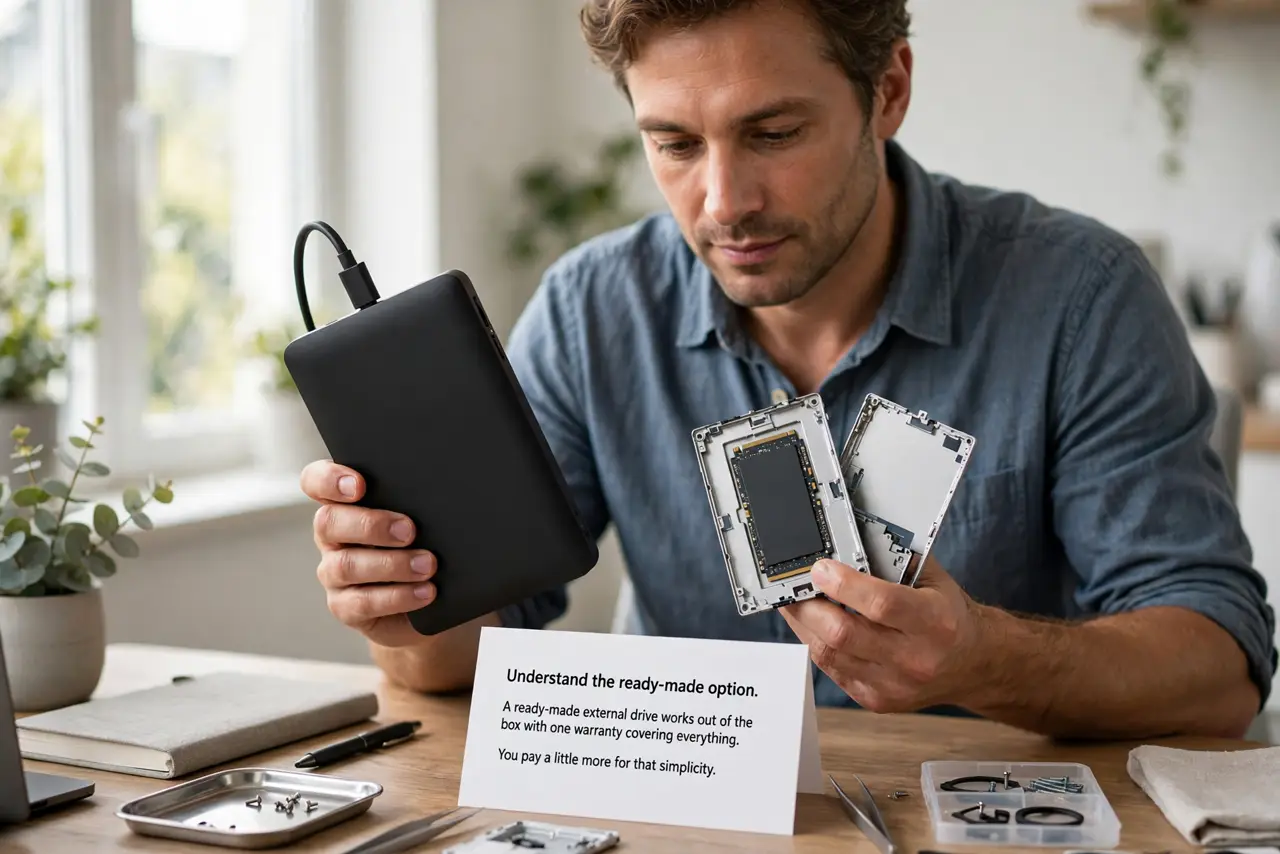
- Understand the ready-made option. A ready-made external drive works out of the box with one warranty covering everything. You pay a little more for that simplicity, and you cannot choose the drive inside.
- Understand the enclosure option. An enclosure is an empty shell with a USB bridge; you add your own 2.5-inch or 3.5-inch drive. It is ideal for repurposing a spare drive or choosing a specific model.
- Match size and interface. Check whether the enclosure takes 2.5-inch or 3.5-inch drives and which SATA generation it supports. A mismatched drive physically will not fit, so verify before buying.
- Check the power situation. 2.5-inch enclosures usually run on USB power alone; 3.5-inch enclosures need their own power brick. If the drive never spins up, check the external drive not spinning guide before assuming a bad enclosure.
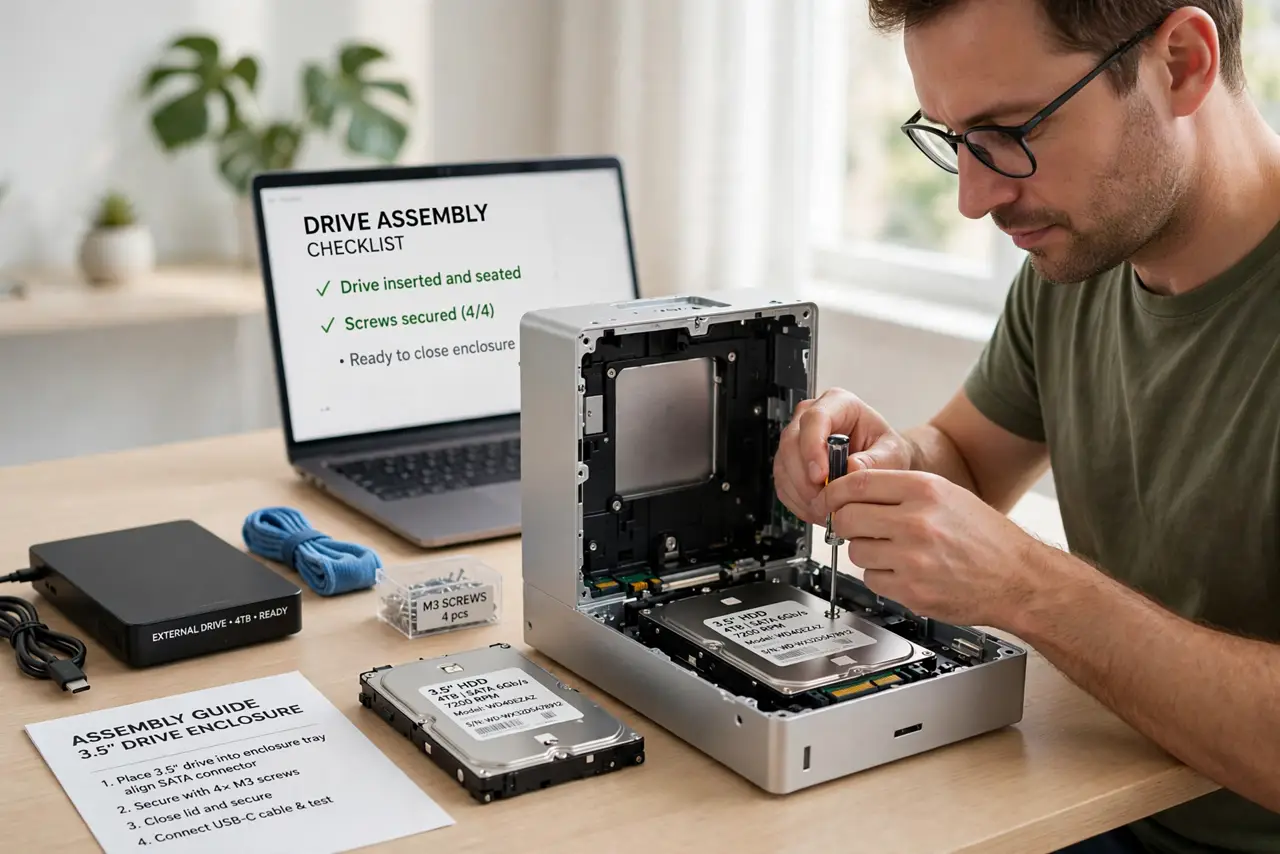
- Assemble carefully once. Slide the drive in, secure it with the provided screws or tray, and connect firmly. One careful assembly beats forcing connectors that then work loose.
- Test thoroughly before trusting it. Copy a large batch of files to and from the new drive and verify them. An enclosure that drops under sustained writes is defective — find out now, not during a backup.
What NOT to do
- Do not force a 3.5-inch drive into a 2.5-inch enclosure. It will not fit, and forcing it breaks the connector.
- Do not skip the power brick on a 3.5-inch enclosure. USB alone cannot spin those drives, so a dark enclosure usually just needs its adapter.
- Do not buy the cheapest enclosure for important backups. A flaky USB bridge corrupts transfers, so reputable enclosures are worth it.
- Do not toss the bare drive's warranty info. The drive keeps its own warranty separate from the enclosure, so keep both receipts.
Frequently asked questions
Is building my own external drive cheaper?
Sometimes, especially with a spare drive on hand. With all-new parts, the savings are modest once you add the enclosure cost.
Can I reuse an old laptop drive?
Yes, with a 2.5-inch SATA enclosure. It is a great second life for a drive replaced by an SSD upgrade.
Do enclosures slow the drive down?
A good USB 3 enclosure barely does. A cheap USB 2 enclosure will bottleneck any modern drive badly.