External Hard Drive Not Spinning? Fix It
An external drive that never spins up gives no sound, no vibration, and no appearance on the computer. The cause is often power, not the drive itself, so check the adapter, cable, and port before you assume the drive is dead. A drive that spins but clicks needs a different approach, because clicking points to a failing mechanism or weak power under load.
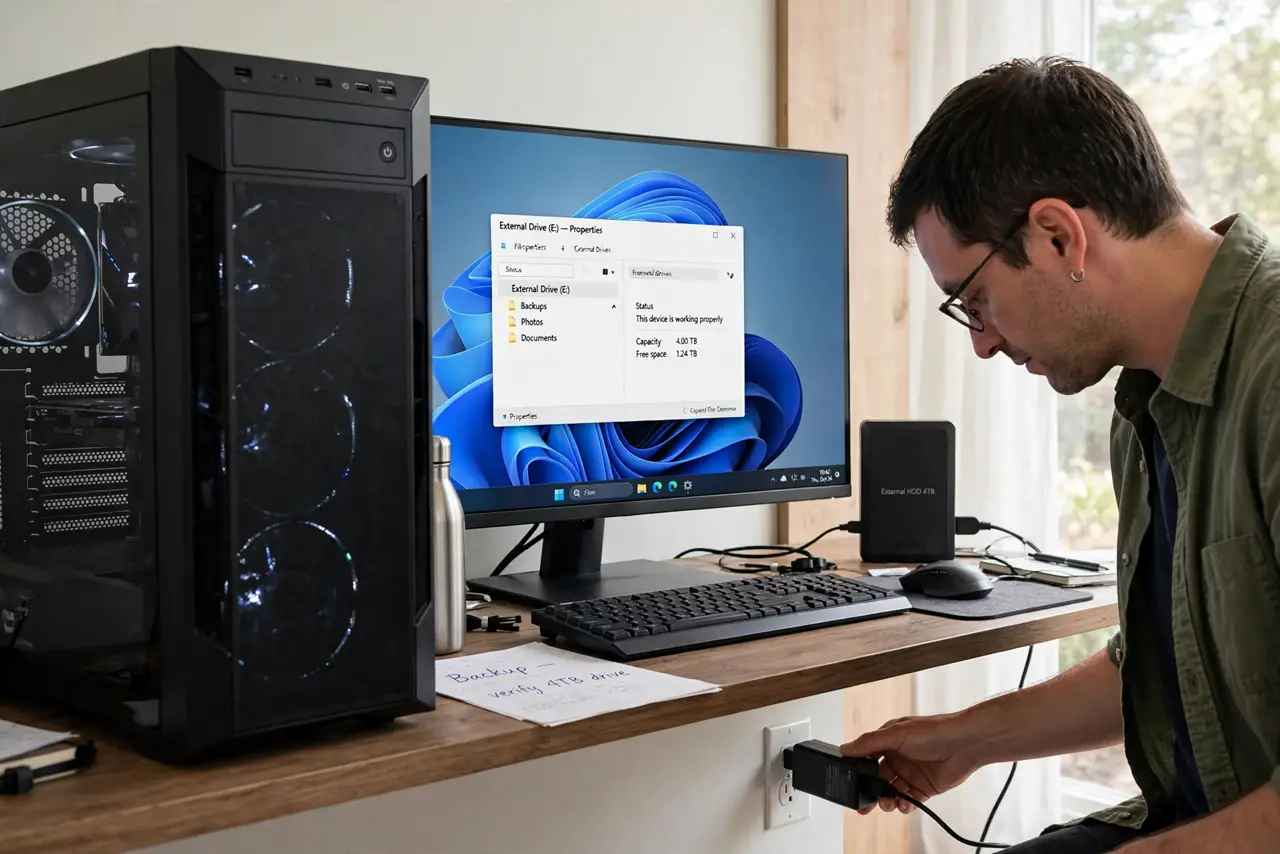
TL;DR / Quick Fix
Quick fix: Check the power adapter and wall socket. Look for a power light or switch. Then work through the remaining steps in order, checking one change at a time, and stop for a technician if you see damage, swelling, or a burning smell.
Follow these steps
- Check the power adapter and wall socket. Confirm the adapter is plugged firmly into the drive and into a wall socket you know works. Try another socket, and check the adapter for damage or a loose plug.
- Look for a power light or switch. Many external drives have a power light or a small switch. Turn the switch on, watch for the light, and note whether the drive vibrates at all when power arrives.
- Try a different USB port and cable. Use a port directly on the computer, not a hub, and try a spare cable. A worn cable or a weak hub port can leave a drive without enough power to spin.
- Test the drive on another computer. Connect the drive, with its adapter, to a second computer. If it spins there, the first computer port or cable is at fault; if it spins nowhere, the drive or its adapter is suspect.
- Try a matching replacement adapter if you can. If the adapter is dead, a replacement with the same voltage, plug, and equal or higher current rating may revive the drive. Never use an adapter with the wrong voltage.
- Check whether the computer sees the drive at all. Open disk management or the file manager and look for the drive, even without a drive letter. A drive seen by the system but not spinning fully still needs a technician, not a format.
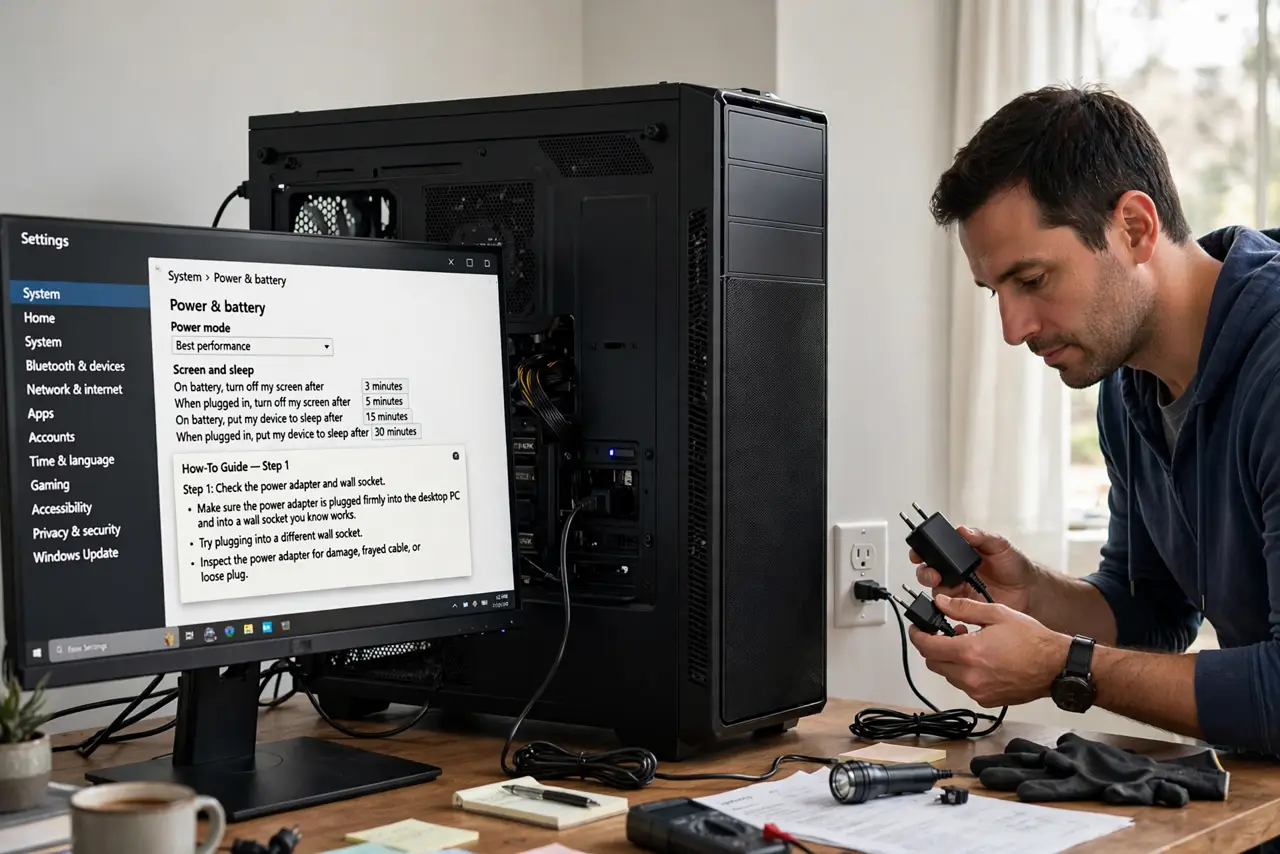
What NOT to do
- Do not force a wrong-voltage adapter onto a drive. Wrong voltage can destroy the drive electronics at once, so match voltage exactly.
- Do not open the drive enclosure to spin it by hand. There is nothing user-serviceable inside, and opening it destroys any chance of recovery.
- Do not format a drive that suddenly appears. Formatting wipes files, so back up first if the drive comes back after a power fix.
- Do not keep the drive plugged into a hub that cannot power it. A starved drive may appear and vanish repeatedly, which risks file corruption.
Frequently asked questions
Why is my drive silent when plugged in?
A silent drive usually gets no power, or its adapter or cable has failed. Power checks come before any judgement about the drive itself.
Can a USB cable stop a drive spinning?
Yes, if the cable is damaged or the port cannot deliver enough power. Large drives need their own adapter or a strong direct port.
What if it spins on another computer?
Your files are likely safe, and the fault is in the first computer port, cable, or hub. Use a direct port and a good cable there.