USB Port Works for Mouse but Not Drive? Fix It
A mouse needs very little power, while a drive needs much more, so a port can run a mouse happily and still fail a drive. That difference is the key clue: the port is not fully dead, it is underpowered, misconfigured, or blocked for storage. Test power and settings before blaming the drive. A drive that never appears anywhere needs the drive not showing checks instead.
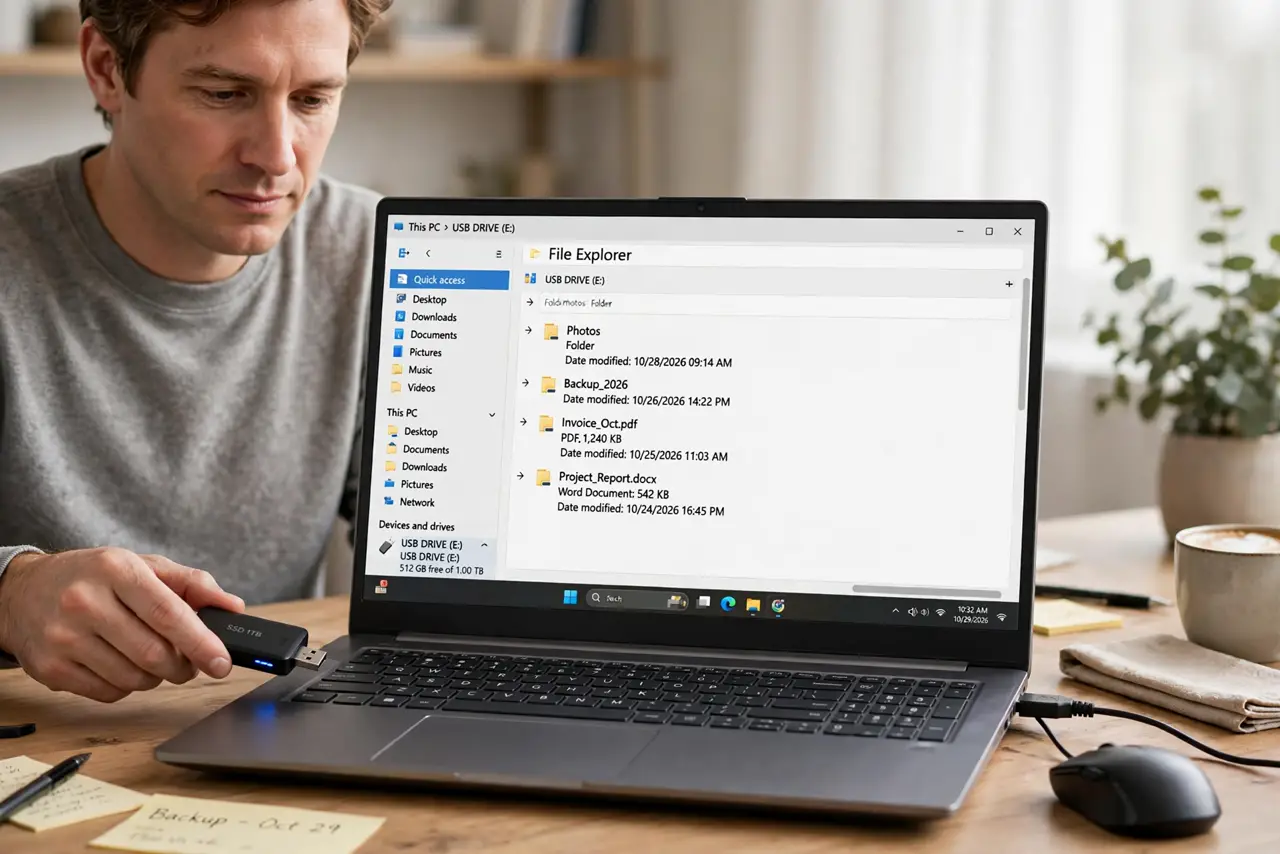
TL;DR / Quick Fix
Quick fix: Move the drive to a port directly on the computer. Try a rear port on a desktop. Then work through the remaining steps in order, checking one change at a time, and stop for a technician if you see damage, swelling, or a burning smell.
Follow these steps
- Move the drive to a port directly on the computer. Unplug the drive from any hub or extension and plug it into a port on the computer itself. Hubs split power, and a drive often needs the full power of a direct port.
- Try a rear port on a desktop. On a desktop, rear ports connect straight to the board, while front ports run through internal cables. A drive that fails on a front port but works on a rear port points to the front wiring.
- Try a different cable for the drive. Swap to a spare cable, preferably the one that came with the drive. A worn cable can carry a mouse signal fine while failing under a drive power load.
- Check whether the drive appears in disk management. Open disk management and look for the drive without a letter. A drive seen there but unlettered needs a letter assigned, not a new port.
- Restart with the drive plugged in. Shut down fully, plug the drive into a direct port, and boot. A fresh boot reloads port power and drivers, which can clear a port stuck in a low-power state.
- Test the drive on another computer. If the drive works elsewhere on a direct port, the first computer port or its power delivery is at fault. If it fails everywhere, the drive or its cable is suspect.
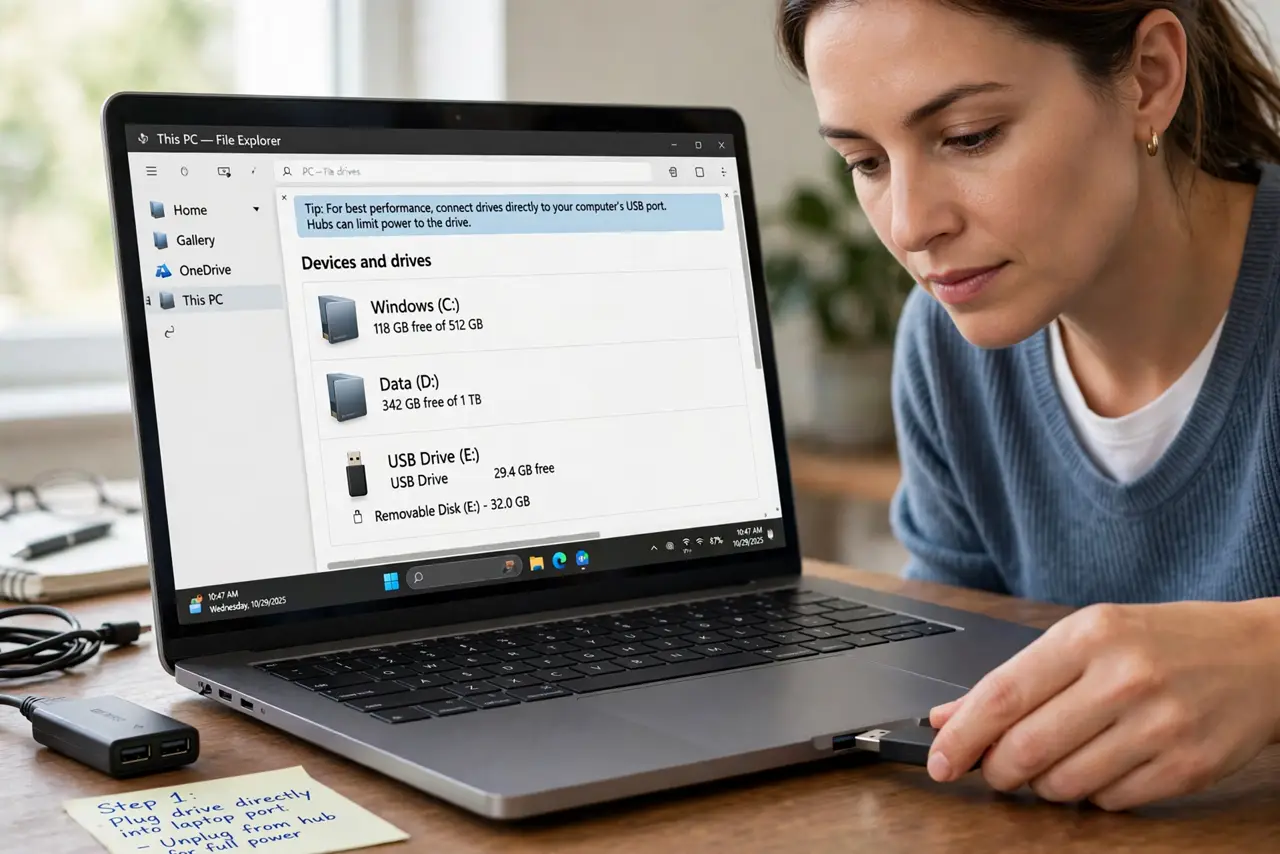
What NOT to do
- Do not force a drive into a damaged port. A bent port can short and damage the drive, so inspect the port and use another one if it looks bent.
- Do not keep a drive on an unpowered hub and hope it works. A starved drive can appear and vanish, which risks corrupting files during a copy.
- Do not format a drive that appears in disk management. Formatting wipes files, so assign a letter and back up first if the drive shows up there.
- Do not disable USB power settings at random. Changing power settings without a reason can make ports behave worse, so test direct ports first.
Frequently asked questions
Why does a mouse work but a drive does not?
A mouse draws tiny power and sends little data. A drive needs far more power and a steady data link, so a weak port passes the mouse test and fails the drive test.
Can a hub really be the problem?
Yes. Unpowered hubs are the most common cause of this exact symptom, because they share one port power between several devices.
What if the drive works on a rear port only?
The front port wiring or connector is likely faulty. Use the rear port, and ask a technician if you need the front ports fixed.