Bluetooth Keyboard Lags? Fix It
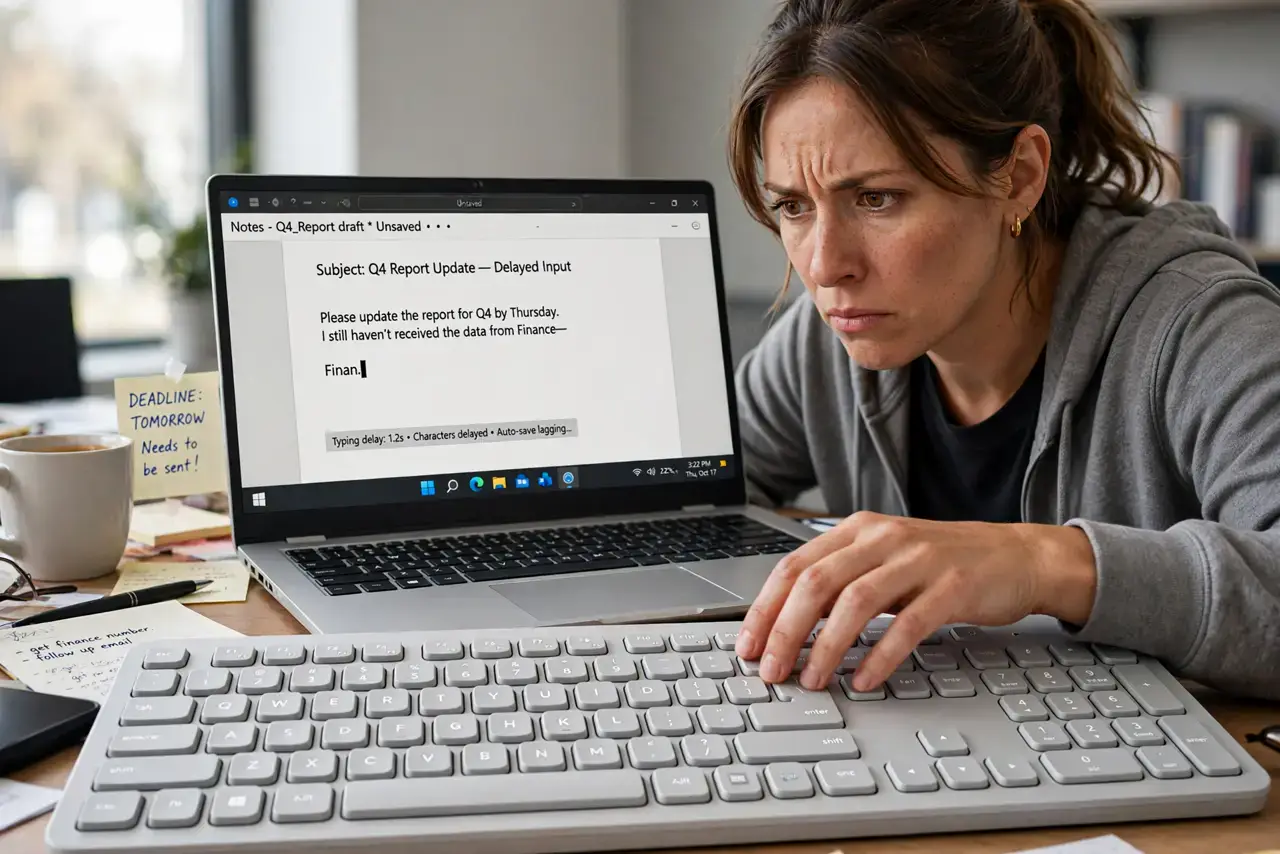
Every keystroke on your Bluetooth keyboard arrives a beat late — typing feels like talking over a bad phone line. The lag usually comes from interference, low battery, or a struggling Bluetooth radio, not a broken keyboard. This guide eliminates the causes one by one, from the connection basics to the hidden interferers.
TL;DR / Quick Fix
Quick fix: replace or recharge the keyboard's batteries first — low power is the top cause of lag. Then move the keyboard closer, move USB 3 devices away from the receiver, and re-pair the keyboard. If lag strikes only when Wi-Fi is busy, interference is the culprit.
Follow these steps
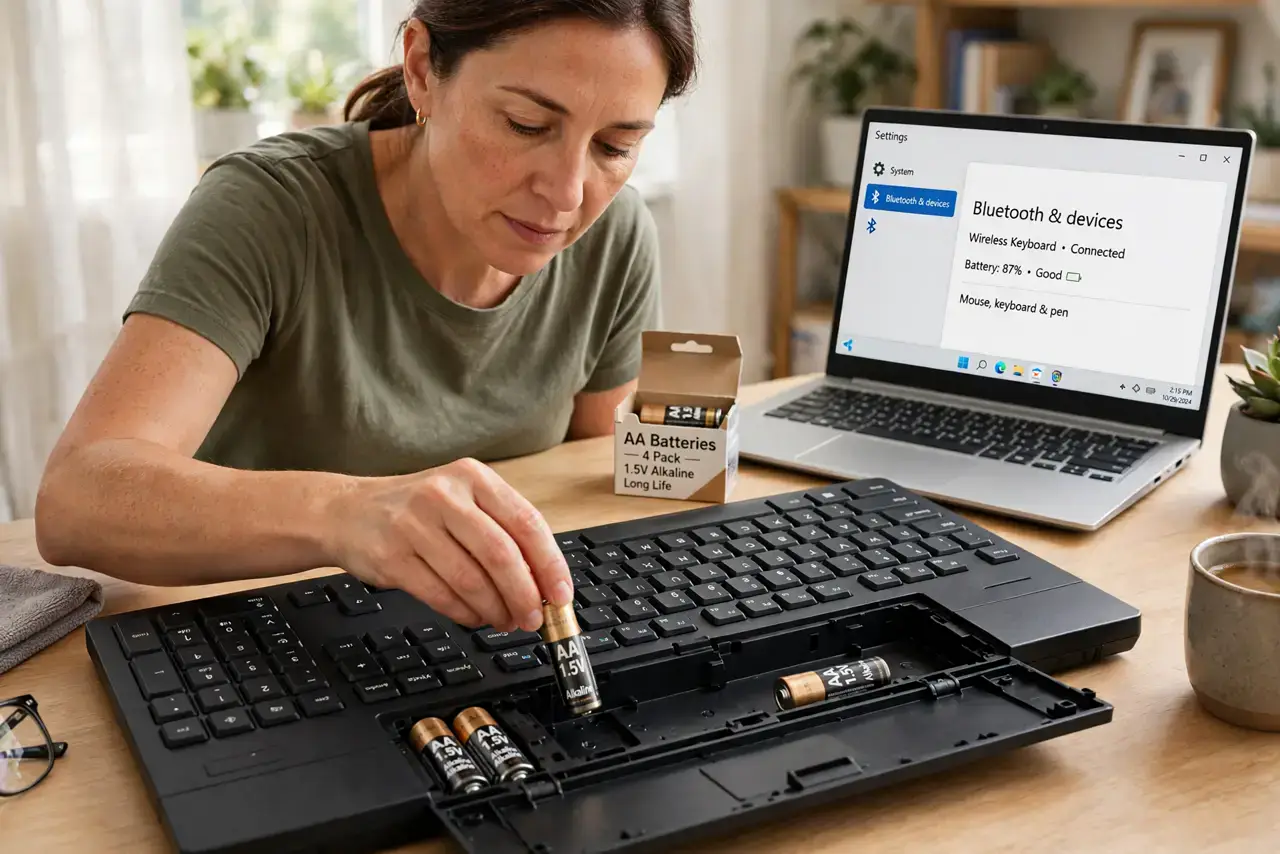
- Replace the batteries. Weak batteries cause lag long before they cause disconnection. Put in fresh batteries or fully recharge — this single step fixes most cases.
- Bring the keyboard closer. Bluetooth range shrinks through desks, monitors, and your body. Move within a meter or two with a clear line of sight and test again.
- Move USB 3 devices away. USB 3 ports and drives spray interference in the 2.4GHz band Bluetooth uses. Move dongles and drives to ports on the far side of the computer.
- Re-pair the keyboard. Remove the keyboard from your Bluetooth device list and pair it fresh. A stale pairing with a corrupted profile causes exactly this stuttering.
- Reduce competing wireless traffic. Busy Wi-Fi, streaming video, and other Bluetooth devices crowd the same frequencies. Pause a download and see if typing smooths out — congestion is real.
- Try the USB dongle instead. Many wireless keyboards include a 2.4GHz dongle that outperforms Bluetooth. If yours has one, switch to it for latency-sensitive typing.
What NOT to do
- Do not buy a new keyboard before trying batteries. Fresh batteries resolve the majority of Bluetooth lag complaints for almost no money.
- Do not place the receiver behind a metal monitor stand. Metal blocks Bluetooth effectively; a dongle with line of sight works far better.
- Do not run Bluetooth through a crowded USB hub. Hubs add latency and interference — plug the dongle directly into the computer.
- Do not ignore other lagging Bluetooth devices. If your mouse lags too, the computer's Bluetooth radio is the problem, not the keyboard.
Frequently asked questions
Why does my Bluetooth keyboard lag but the mouse is fine?
Keyboards send more data per second than a mouse at rest. Marginal interference shows up in typing first.
Does low battery really cause lag?
Yes. As voltage drops, the radio weakens and retransmits more, which you feel as delayed keystrokes before anything disconnects.
Is a wired keyboard better?
For zero lag, yes — nothing beats a cable. But a well-set-up wireless keyboard with fresh batteries comes very close.