'Update Chrome' Pop-Up? Real or Fake
A pop-up insists your Chrome is dangerously out of date and offers an urgent update. Real Chrome updates itself silently in the background — it never begs through a web page. This guide shows how to tell the fake from the real thing.
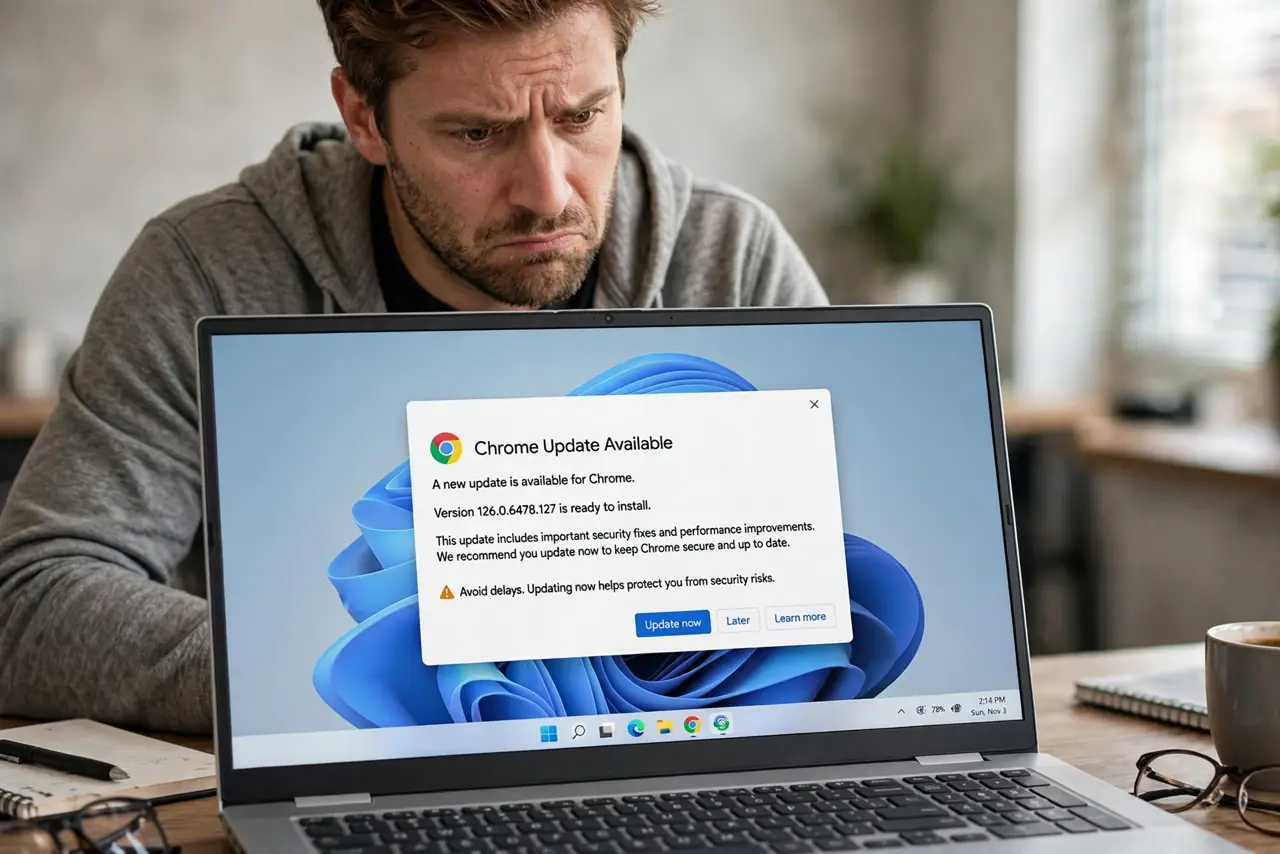
TL;DR / Quick Fix
Quick fix: close the pop-up and update Chrome through its own menu — three dots, Help, About Google Chrome — never through a web page button. Real Chrome updates silently and never shows urgent pop-ups. If you downloaded the fake file, delete it and run an antivirus scan.
Follow these steps
- Know how real Chrome updates. Chrome downloads updates in the background and applies them on restart. You will never see a web page demanding you click to update.
- Close the fake pop-up safely. Do not click its buttons — even the X can be fake. Close the tab, or quit the browser entirely if the page resists.
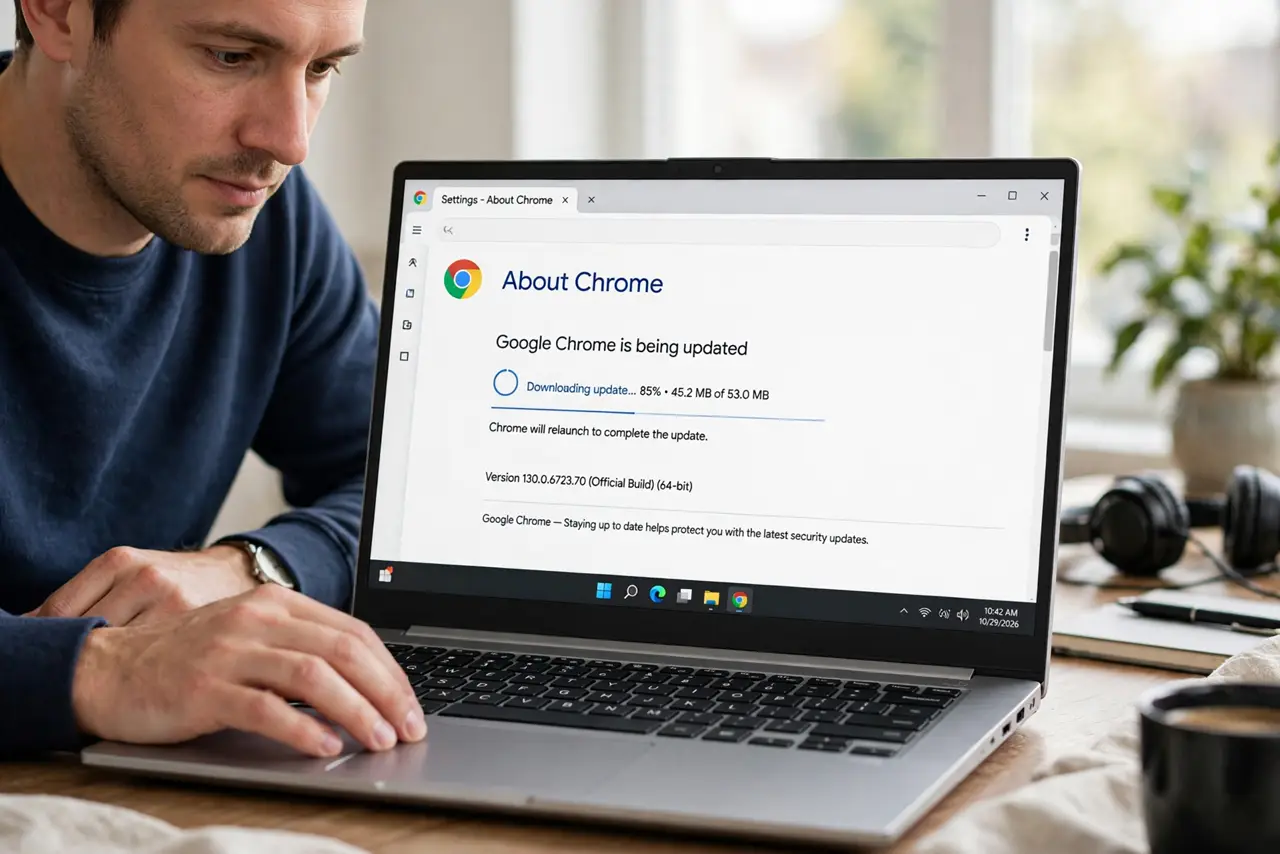
- Update the real way. Open Chrome's menu, go to Help, then About Google Chrome. Chrome checks for updates itself and tells you to relaunch when ready.
- Check your current version. The About page shows your version number. If it says Chrome is up to date, the pop-up was lying — which you already suspected.
- Delete any downloaded file. If you clicked download, find the file — usually a .exe or .dmg with a plausible name — and delete it without opening it.
- Scan and move on. Run your antivirus to be safe, then forget it. These fake updaters are common; knowing the real update path makes you immune.
What NOT to do
- Do not click Update, Download, or even Close inside the pop-up. Any click can trigger the malicious download.
- Do not trust it because it uses Google's logo. Logos are copied in seconds; the update path is what matters.
- Do not install 'helper' extensions it recommends. Fake updaters often push adware extensions as a bonus payload.
- Do not assume only shady sites show these. Malicious ads can inject fake update pop-ups into legitimate websites too.
Frequently asked questions
Does Chrome ever show update pop-ups?
No. Chrome updates silently and only mentions updates inside its own menu or a small toolbar icon — never as an alarming web page.
I downloaded the 'update' — what now?
Delete the file without opening it and run an antivirus scan. If you ran it, treat the machine as compromised: scan fully and change important passwords from a clean device — see what to do after you clicked a bad link.
What about update pop-ups for other browsers?
Same rule everywhere: Edge, Firefox, and Safari all update through their own menus or system updates, never through web page pop-ups.