Fake Support Call? Hang Up, Never Give Access
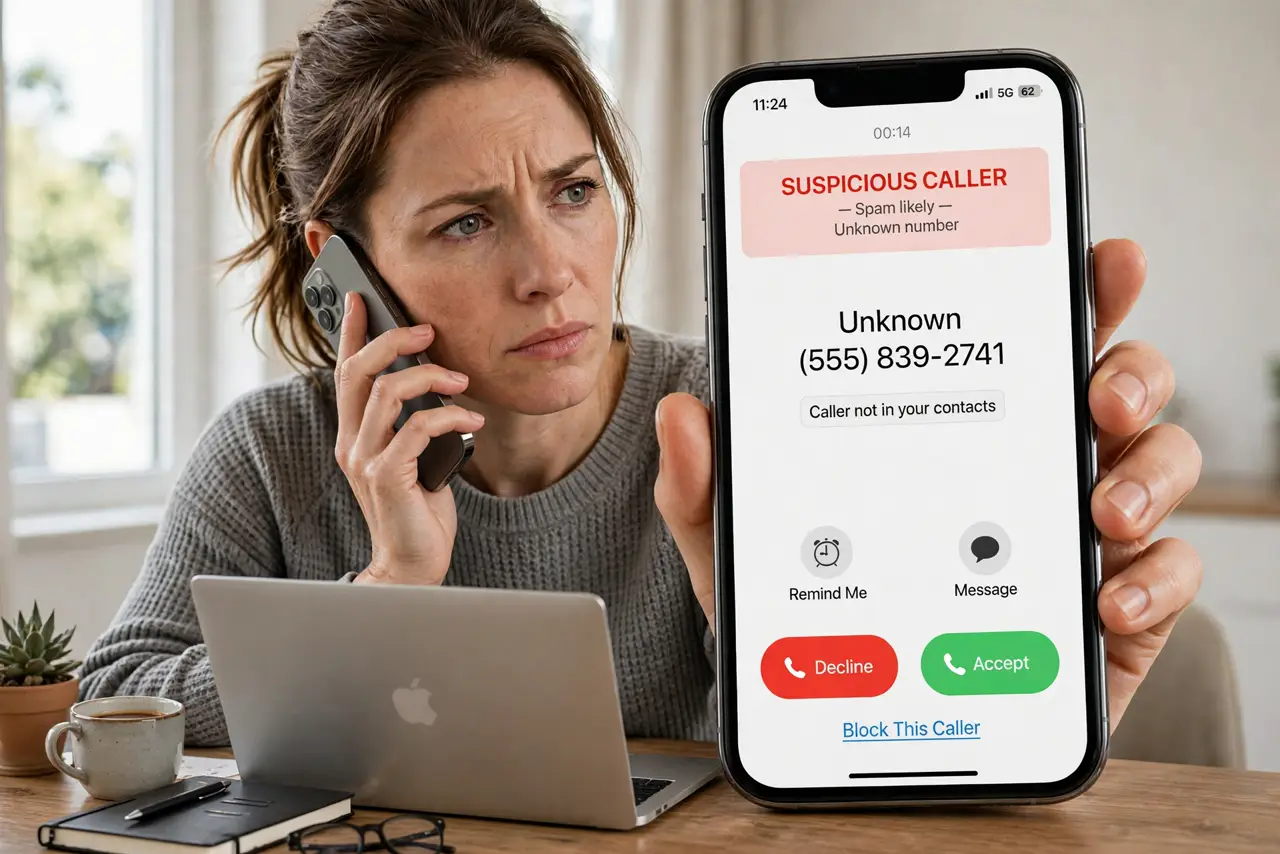
A caller who claims your computer has a virus and asks you to install a remote-access program is not helping you. Real support teams do not call out of the blue like this. Hang up, and check your device on your own terms.
TL;DR / Quick Fix
Quick fix: hang up without installing anything or sharing codes. If you already gave access, disconnect from the internet, remove any program the caller installed, change important passwords from another device, and run a full security scan. Hang up first, and check everything afterwards.
Follow these steps
- Hang up right away. Do not argue, explain, or follow instructions. End the call, even if the caller sounds urgent or threatens that your computer will stop working.
- Do not install any remote-access program. Never install software a cold caller names, and never read out a code shown on your screen. That code is what lets a stranger control your computer.
- Disconnect if access was already given. If you already shared access, disconnect from the internet at once and turn the computer off if you cannot remove the program quickly. That breaks the live connection.
- Remove what the caller installed. Check installed programs and browser extensions for anything added during the call, and remove it. If you are unsure what is new, check the install date.
- Change passwords from a clean device. Change email and banking passwords from a different device you trust, and turn on two-factor authentication where it is offered.
- Run a full security scan. Run a full scan with your built-in security software and let it finish. If it finds something, follow its removal steps before using the computer normally again.
What NOT to do
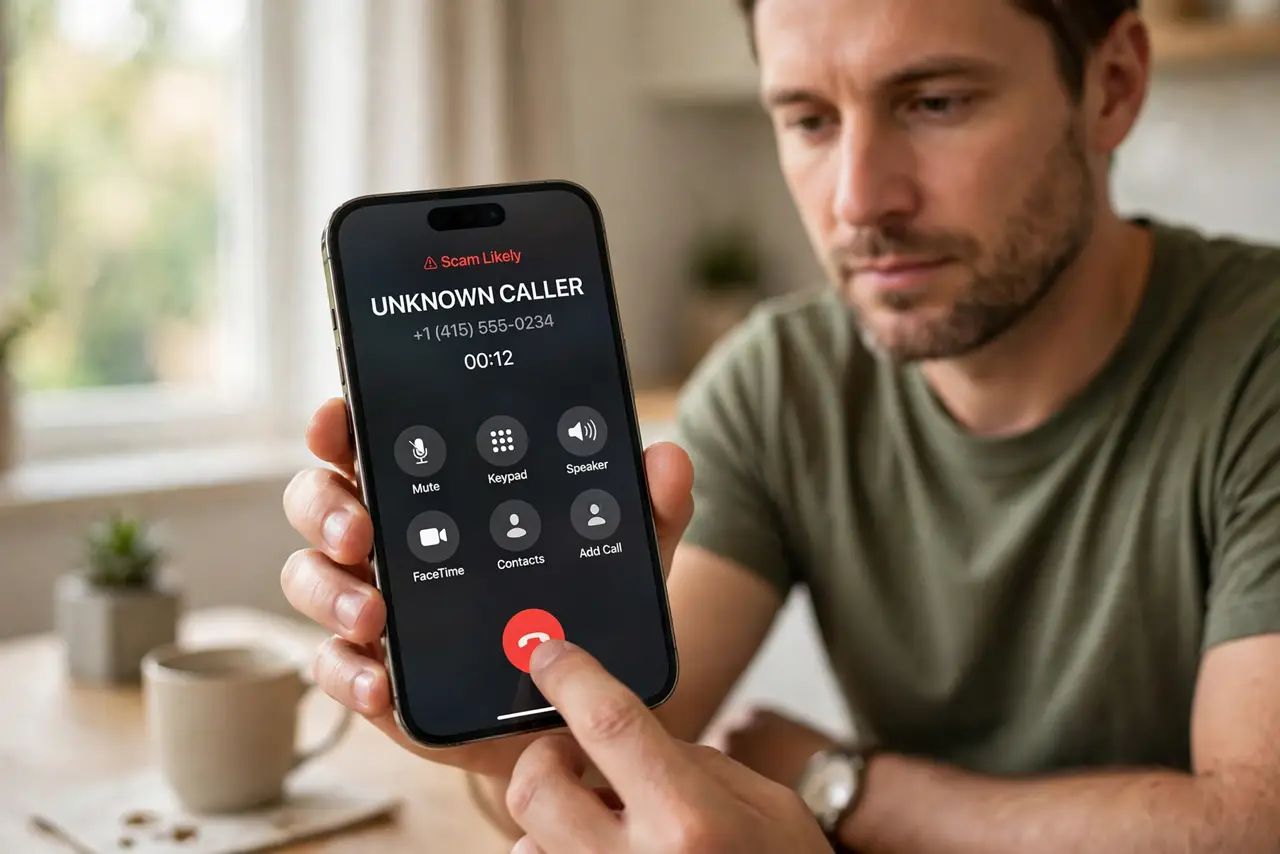
- Do not stay on the line to test whether the caller is real. A convincing caller is still a cold caller.
- Do not pay a fee to fix a problem the caller invented. Real support does not demand payment during an unsolicited call.
- Do not call back a number the caller gave you. Look up the company yourself if you want to check anything.
- Do not ignore the incident because nothing looks broken. Access given once can be reused later, so change passwords and scan.
Frequently asked questions
What if the caller knew my name or device?
Scammers buy leaked details to sound real. Knowing your name does not prove they work for the company they name.
What if I paid them?
Contact your bank at once and explain it was a scam payment. Then change passwords and check for new programs on the device.
Should I report the call?
Yes, report the number as spam on your phone and to your carrier if that option is offered. It helps others avoid the same call.