Fix Joy-Con Drift
Your Switch character walks off a cliff by itself — Joy-Con drift, the infamous phantom stick movement. It is usually dust under the stick or wear on the contacts, and Nintendo has a track record of fixing it. This guide goes from the two-minute cleaning to the official repair route.
TL;DR / Quick Fix
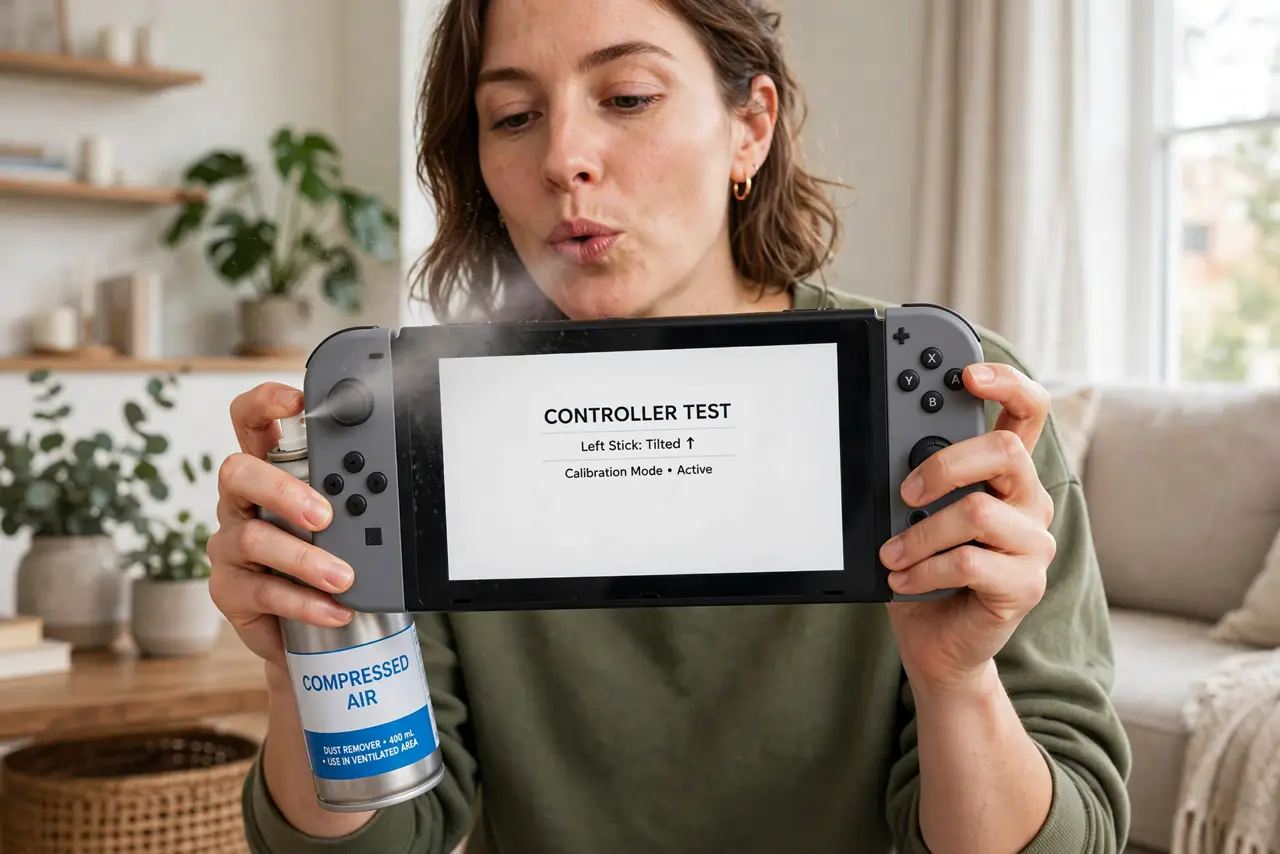
Quick fix: power off the Switch, then spray short bursts of compressed air around the base of the drifting stick while rotating it. Recalibrate the sticks in System Settings under Controllers. If drift persists, contact Nintendo support about a repair — they have handled drift cases in many regions.
Follow these steps
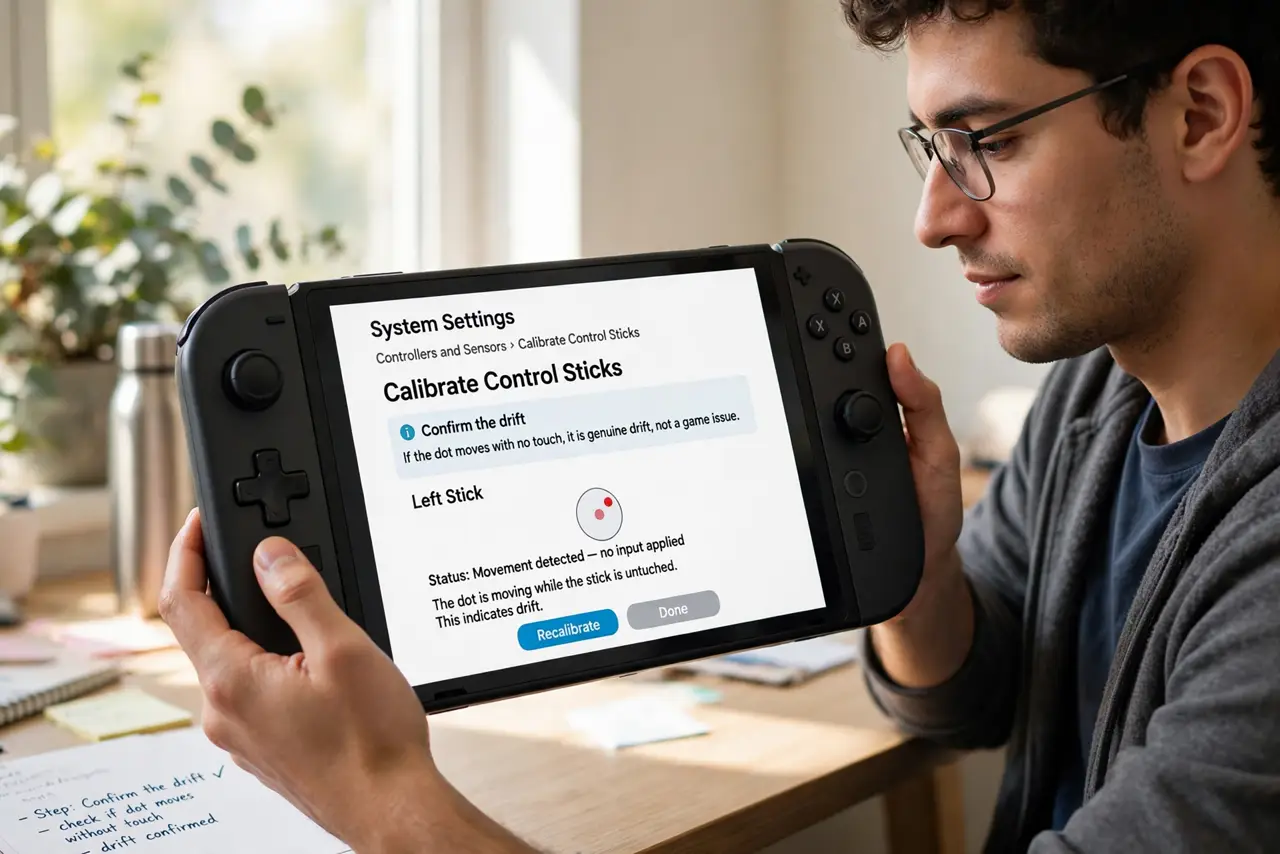
- Confirm the drift. Go to System Settings, then Controllers and Sensors, then Calibrate Control Sticks. If the dot moves with no touch, it is genuine drift, not a game issue.
- Clean with compressed air. Power the Switch fully off. Spray short bursts of compressed air around the stick base while slowly rotating the stick in circles — dust under the stick causes a large share of drift.
- Recalibrate the sticks. In the calibration screen, follow the prompts to recalibrate. A fresh calibration can correct minor sensor misalignment after cleaning.
- Update the controllers. In Controllers and Sensors, choose Update Controllers. Firmware updates occasionally improve stick behavior — it costs nothing to check.
- Detach and reattach the Joy-Con. Slide the Joy-Con off and back on firmly. A poor connection can mimic drift symptoms, and reseating rules it out in seconds.
- Contact Nintendo if it persists. For persistent drift, reach out to Nintendo support about a repair. Document the drift with the calibration screen — and check the official repair options guidance for your region's process.
What NOT to do
- Do not spray liquids into the stick. Contact cleaners and oils can damage the Joy-Con's internals — compressed air only.
- Do not open the Joy-Con unless you accept the risk. DIY stick replacement is fiddly and voids any remaining warranty.
- Do not keep playing on severe drift and hope. It does not heal — cleaning or repair is the way, not patience.
- Do not buy a third-party replacement before trying the official route. Nintendo's drift repair history makes the official channel worth trying first.
Frequently asked questions
What causes Joy-Con drift?
Mostly dust under the stick or wear on the internal contacts from heavy use. Cleaning fixes the dust cases; wear needs repair or replacement.
Will Nintendo fix drift for free?
Policies vary by region and have changed over time — Nintendo has repaired drift free in many regions. Ask support directly about your case.
Do stick covers prevent drift?
They help keep dust out and reduce wear slightly, but no cover makes a Joy-Con drift-proof.