Flashlight App Wants Location? Why
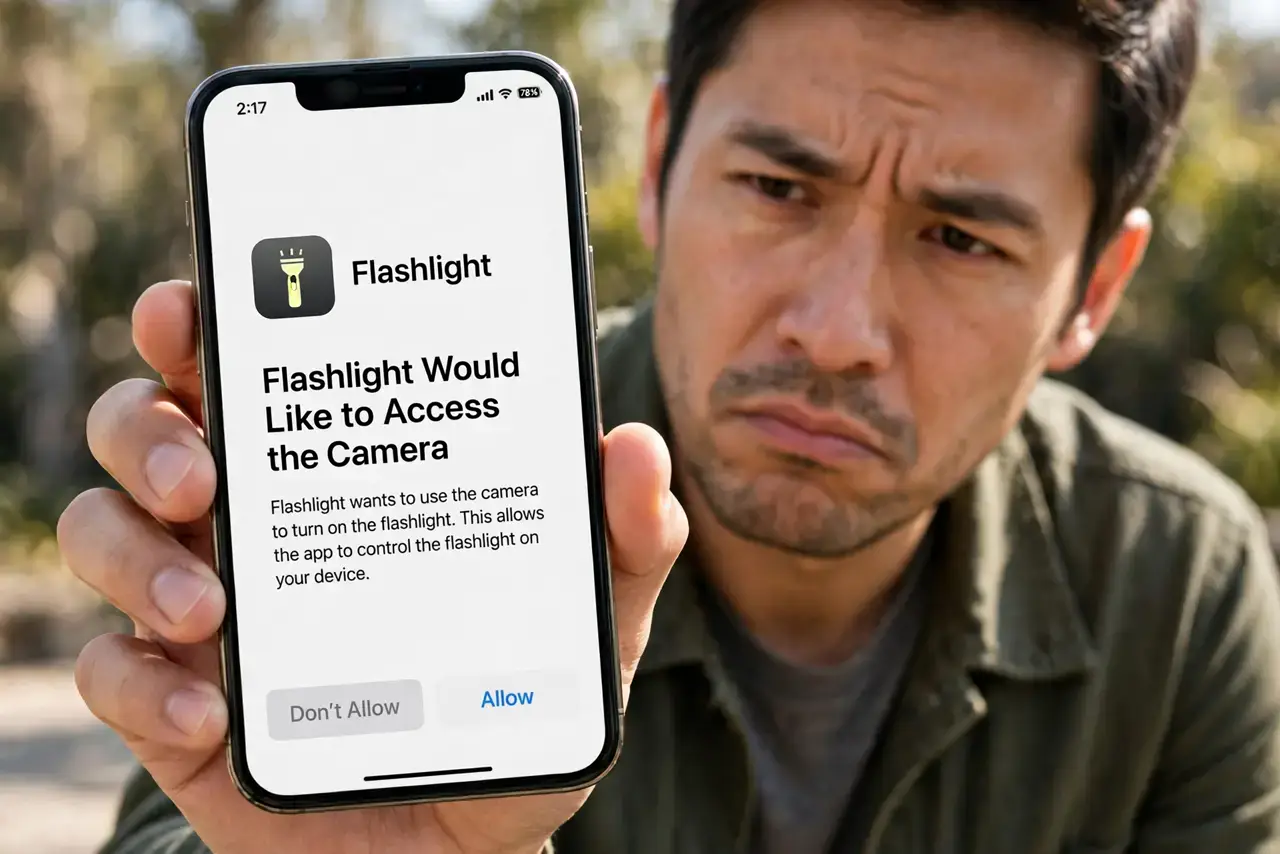
A flashlight app has one job: turn on the LED. So when it asks for your location, contacts, or microphone, something is off — it is usually collecting data to sell, not serving you. This guide explains why odd requests happen and how to shut them down.
TL;DR / Quick Fix
Quick fix: deny the location request — a flashlight never needs it. In Settings, set the app's location permission to 'Never,' and consider replacing it with your phone's built-in flashlight, which needs no permissions at all. Report data-hungry apps and delete any that demand access to work.
Follow these steps
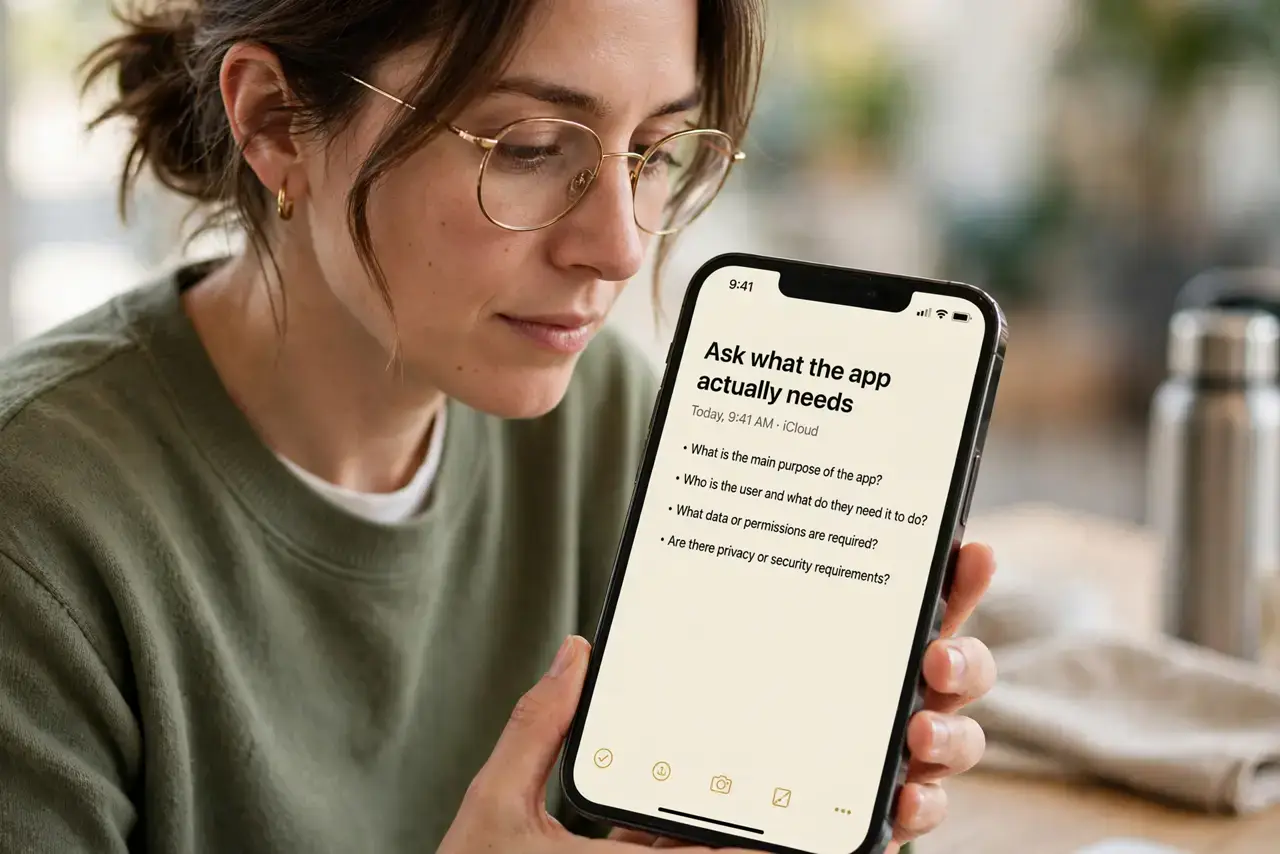
- Ask what the app actually needs. A flashlight needs the camera LED and nothing else. If a request does not match the app's visible job, treat it as a data grab, not a requirement.
- Deny the request on the spot. Tap 'Don't allow' when the prompt appears. On both iPhone and Android, denying a permission never breaks the core feature of a well-built simple app.
- Check what it already has. Open the app's entry in Settings and look at every granted permission. Many odd requests were approved months ago by accident during setup.
- Switch to the built-in flashlight. Both iPhone and Android have a flashlight in the quick settings that asks for zero permissions. It does the same job with no data collection at all.
- Delete apps that demand access. If an app refuses to work after you deny location, that is the app telling you its real business. Delete it and pick an alternative with a clean permission record.
- Report the worst offenders. In the App Store or Play Store listing, you can report apps with abusive permission requests. It takes a minute and protects the next downloader.
What NOT to do
- Do not tap 'Allow' just to dismiss the prompt. Every quick tap during setup becomes a permanent grant you will forget about.
- Do not assume a popular app is a safe app. Millions of downloads do not stop a free flashlight from selling location data.
- Do not grant 'always' location to any utility app. Background location is the most valuable data a simple app can harvest.
- Do not keep three flashlight apps installed. Pick one — ideally the built-in one — and delete the rest along with their permissions.
Frequently asked questions
Why would a flashlight want my location?
Usually to build an advertising profile: your location history is valuable to data brokers. It has nothing to do with turning on an LED.
Can I use the flashlight without any app?
Yes. Swipe into Control Center on iPhone or Quick Settings on Android — the built-in toggle needs no permissions and works instantly.
What if denying breaks the app?
Then the app was not really a flashlight app. Delete it and use the built-in toggle or a reputable alternative.