Focus Timer Stops When Screen Locks? Fix It
A focus timer that dies when the screen locks is usually being paused by battery saving or background restrictions, not by a timer bug. Giving the timer permission to run in the background, and adjusting lock behavior, usually fixes it.
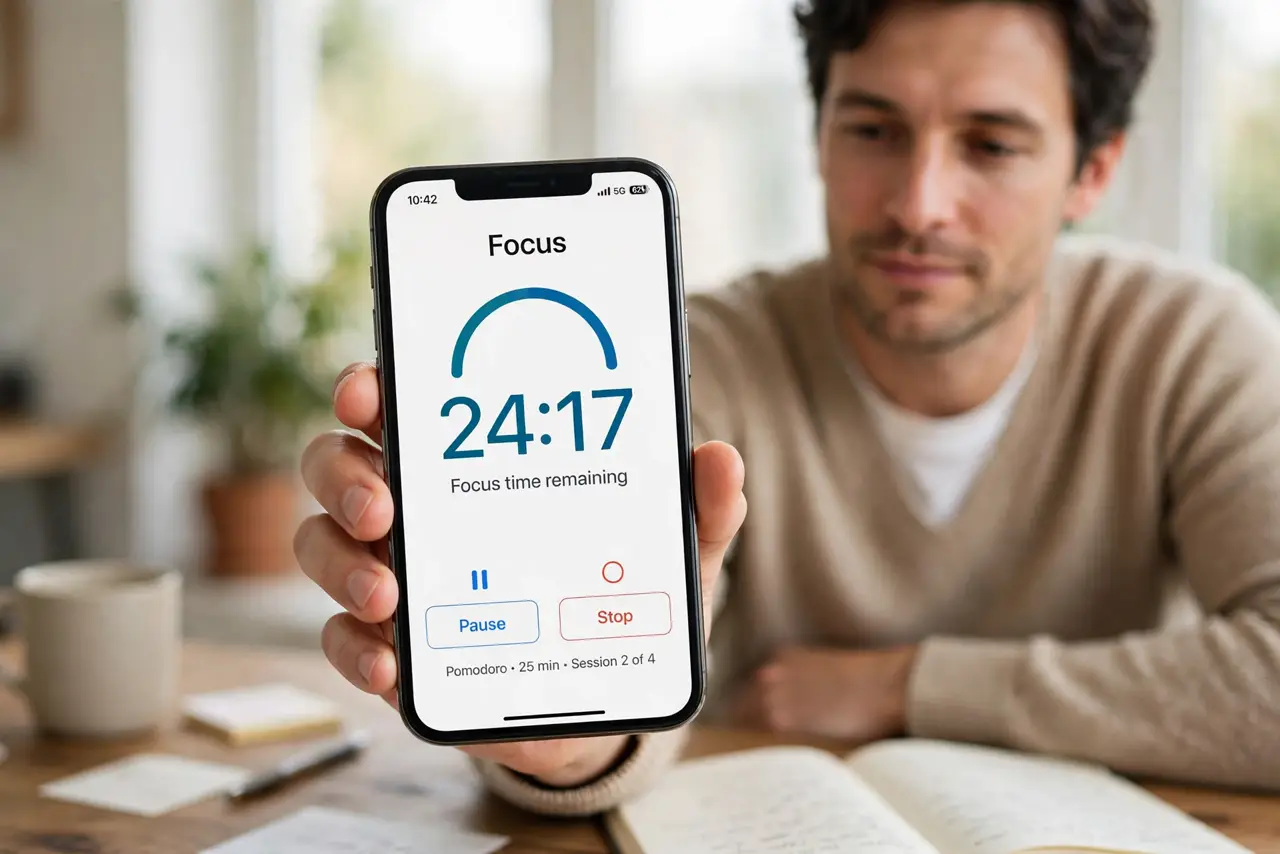
TL;DR / Quick Fix
Quick fix: Check battery optimization for the timer app. Allow the app to run in the background. Check whether the lock setting closes the app. Test a short session with the screen locked. Use the timer's own keep-awake option if it has one. Then verify the result.
Follow these steps
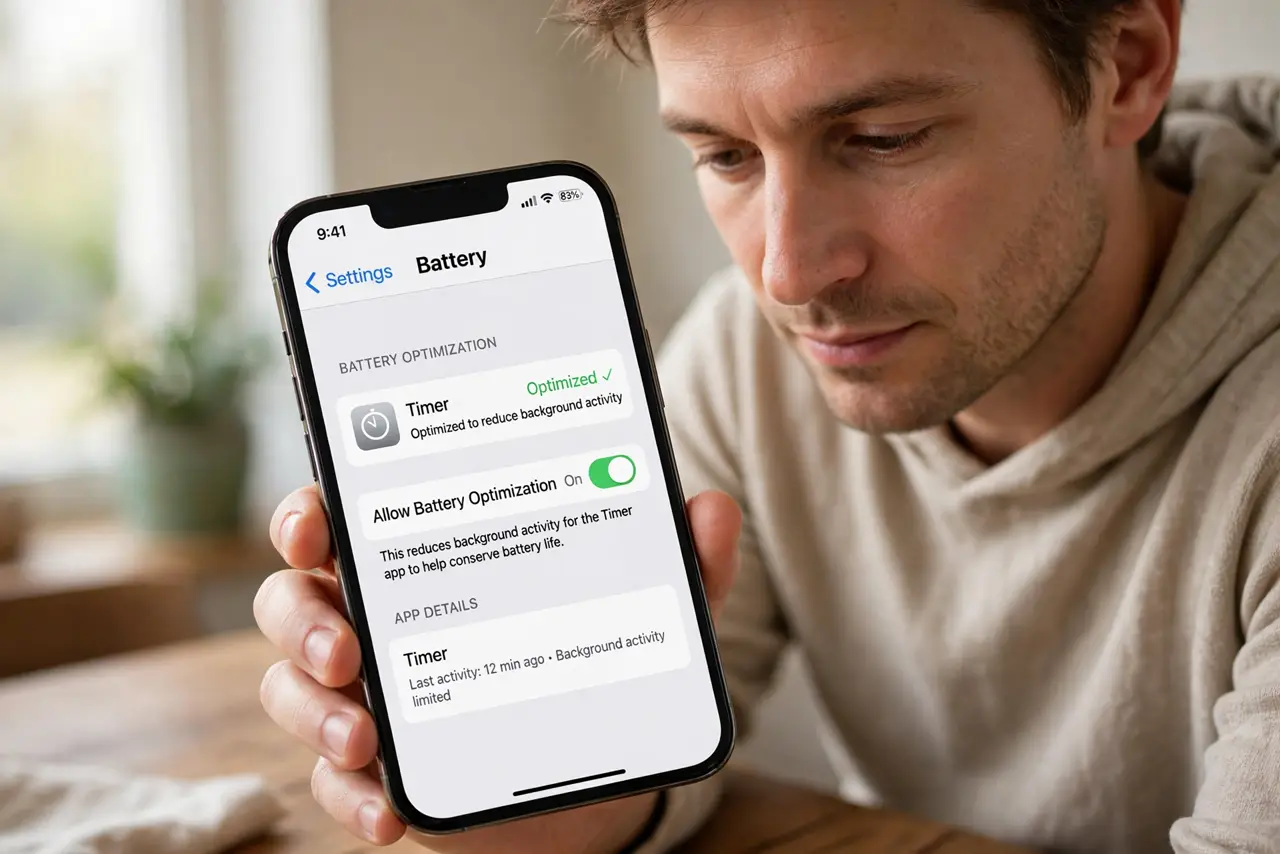
- Check battery optimization for the timer app. Open the battery settings for the timer app and exempt it from aggressive optimization. Battery savers routinely pause timers when the screen locks.
- Allow the app to run in the background. Confirm background activity is allowed for the timer. A timer that cannot run in the background cannot survive a locked screen.
- Check whether the lock setting closes the app. Some devices close apps on lock to save power. If yours does, adjust that setting for the timer, or keep the screen awake during focus sessions.
- Test a short session with the screen locked. Run a five-minute timer, lock the screen, and check whether it completes. A short test proves the fix without wasting a full session.
- Use the timer's own keep-awake option if it has one. Many focus timers offer a keep-screen-on option for sessions. Use it for important sessions, even if it uses slightly more battery.
- Pair the timer with pomodoro breaks you actually take. A timer that survives locking is only useful if you honor its breaks. Step away when it rings, and return fresh for the next session.
What NOT to do
- Do not disable all battery saving to fix one timer. Exempt the timer app specifically instead.
- Do not assume the timer is broken before checking background permissions. Restrictions are the usual cause.
- Do not keep the screen on at full brightness all day for timers. Use keep-awake only during sessions.
- Do not run two timers at once on different devices. Conflicting timers confuse the session more than they help.
Frequently asked questions
Why does my timer stop when the screen locks?
Usually battery optimization or background restrictions pause the app when the screen goes off.
Will exempting the app drain my battery?
Slightly, during sessions, but a timer uses far less power than the screen itself.
What if the timer still stops?
Test with a short session after each setting change, so you know which change fixed it.