Found a USB Drive?
A USB drive in the parking lot. One in the office lobby. Curiosity is instant — what is on it? Maybe nothing, maybe someone's photos, maybe malware engineered to run the moment it is plugged in. The safe answer is boring and absolute: do not plug it in. Here is what to do instead.
TL;DR / Quick Fix
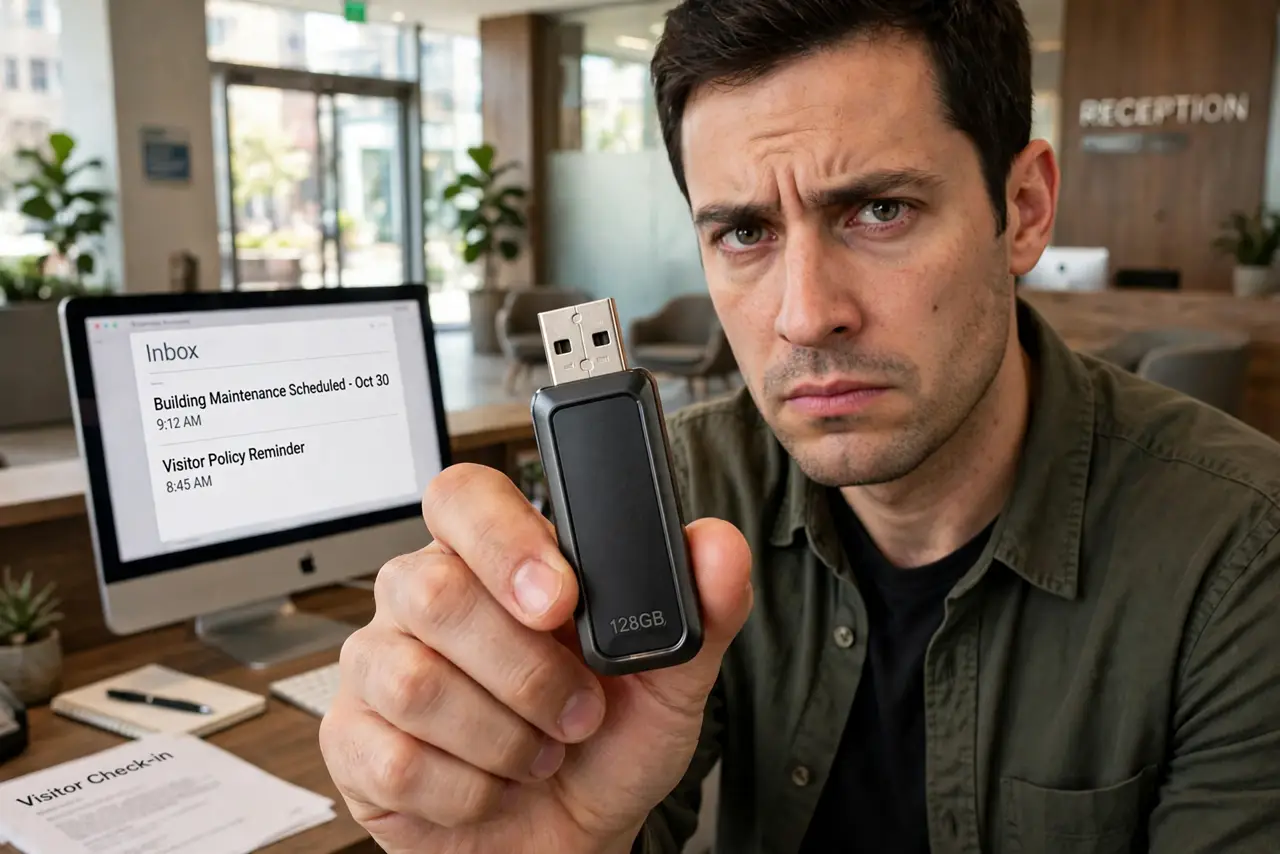
Quick fix: never plug an unknown USB drive into your computer — it can carry malware that runs on insertion. If you want to help, hand it to the venue's lost and found untouched. Curiosity about its contents isn't worth a compromised machine; some attacks need only the plug-in moment.
Follow these steps
- Do not plug it in. Ever. This is the whole rule. USB devices can emulate keyboards and execute commands on insertion — no file-opening required. The attack needs only the plug-in moment, which is exactly what curiosity provides. See why not to plug it in for the mechanics.
- Understand the attack. A malicious drive can pretend to be a keyboard and 'type' commands faster than you can react, or exploit the autoplay handlers. It is not about suspicious files — the device itself is the weapon.
- Hand it to lost and found. The helpful move: give it to the venue's reception, security desk, or lost and found, untouched. You have done your good deed without risking your machine — the owner claims it there, not in your USB port.
- Do not 'just peek' on a spare computer. An old laptop is still a computer on your network with your credentials possibly cached. Air-gapped lab machines are for professionals; your spare laptop is not one.
- If it is yours and you lost it, scan first. Your own recovered drive is lower-risk but not zero — it sat in unknown hands. Scan it with updated antivirus before opening anything, and only on a fully patched system.
- Report the suspicious ones. A drive planted somewhere odd — labeled 'salaries' in a corporate lobby — is worth mentioning to IT or security. Targeted USB drops are a known attack pattern; the security rundown explains the playbook.
What NOT to do
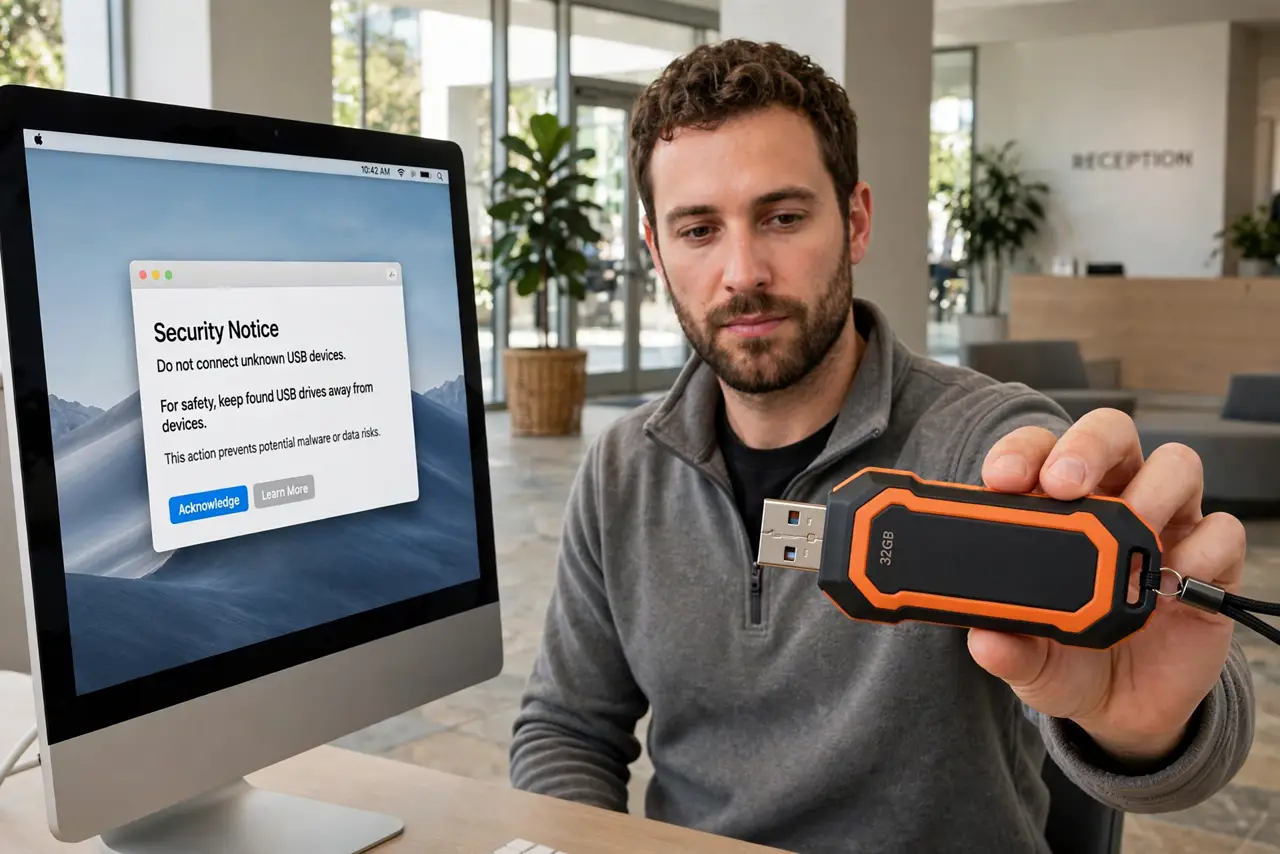
- Do not plug it in 'just to see.' There is no safe peek — the dangerous part happens at insertion, before any file browser opens.
- Do not disable autoplay as your protection. Modern USB attacks do not need autoplay; they emulate trusted device types instead.
- Do not assume a branded drive is safe. Attackers buy the same nice-looking drives you do — the shell means nothing.
- Do not take it home as a free drive. A free 64GB drive is not worth a compromised machine — the economics never work out.
Frequently asked questions
Can malware really run just from plugging in?
Yes — USB devices can identify as keyboards or network adapters and act immediately. No clicking required; insertion is the trigger.
What if I really need to check the contents?
Take it to your organization's IT/security team — they have isolated machines for exactly this. Individuals do not.
Is this attack common?
Targeted USB drops happen against organizations; random parking-lot drives are usually just lost. But 'usually' is a bad security policy.