Found a USB Drive? Don't Plug It
You found a USB drive in the parking lot, the lobby, or the conference room — and curiosity is already whispering 'just take a quick look.' Do not. A found USB drive is the oldest trick in the social-engineering book: attackers scatter infected drives hoping someone plugs one in. What looks like lost property can be a deliberate trap. Here is what to do instead.
TL;DR / Quick Fix
Quick fix: do not plug a found USB drive into any computer you care about — not even 'just to see what's on it.' Hand it to security or the front desk as lost property. If you must inspect it, use an isolated machine with no network and no accounts.
Follow these steps
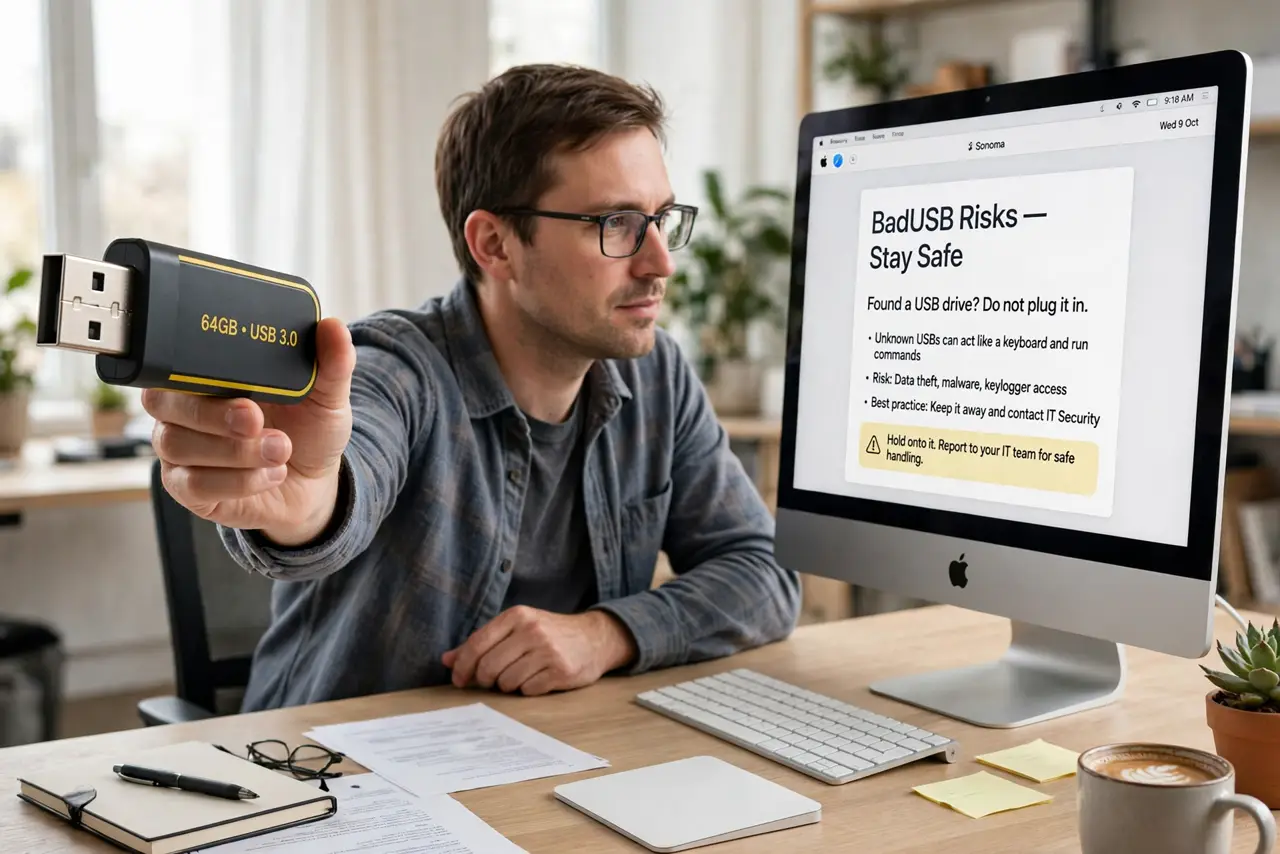
- Understand why it is dangerous. A USB drive can be programmed to act as a keyboard the moment it is plugged in, typing malicious commands faster than you can react. This 'BadUSB' class of attack needs no files to open — the plug-in itself is the attack.
- Resist the curiosity peek. 'Just checking what's on it' is exactly the reaction attackers count on. Autoplay, preview thumbnails, and even the file browser can trigger malicious payloads. Curiosity is the vulnerability here.
- Turn it in as lost property. Hand the drive to building security, the front desk, or the office manager. Describe where you found it. You have done the right thing, and the risk is now someone else's procedure, not your computer.
- If you must inspect it, isolate completely. Use a throwaway machine with no personal accounts, no network connection, and nothing to lose. Boot from a live USB OS if you are technical — never your daily driver. This is for IT folks, not casual curiosity.
- Tell others what you found. If drives are turning up around the office, warn colleagues and IT. One found drive is litter; several is a campaign — and the same wariness applies to borrowed charging gear from strangers.
- Report it if it looks targeted. A drive left at a security-sensitive workplace, labeled provocatively ('Salaries,' 'Layoffs'), is likely deliberate. Tell IT or security — they have procedures for exactly this.
What NOT to do
- Do not plug it in 'just to see.' The moment of plugging in is the attack — there is no safe peek on your real computer.
- Do not trust the label. 'Photos' or a company logo on the drive means nothing; labels are part of the lure.
- Do not plug it into your phone either. Phones are harder to infect this way, but USB accessories can still misbehave — the rule stands.
- Do not take it home as a free drive. Even after formatting, a malicious drive's firmware can survive — it is never worth a free 64 GB.
Frequently asked questions
Can antivirus catch a BadUSB attack?
Usually not in time — the drive impersonates a keyboard, which antivirus trusts. Prevention (not plugging it in) beats detection here.
What if it belongs to a coworker?
Hand it to them unplugged and let them deal with it on their own machine. You have still done them a favor without risking yours.
Are new, sealed USB drives safe?
Yes — the risk is specifically with found or gifted drives of unknown origin. A sealed drive from a reputable retailer is fine.