Is Juice Jacking Real?
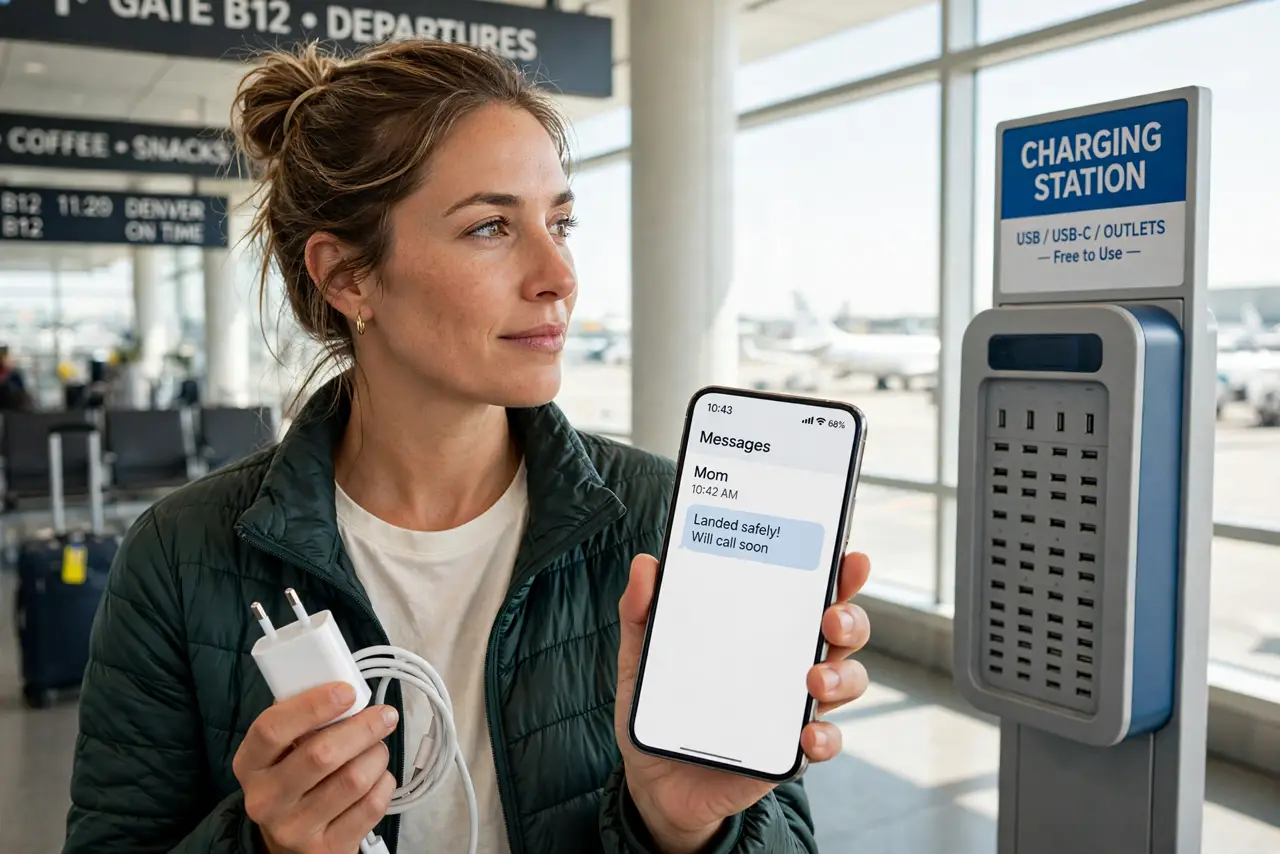
Airport charging station. Phone dying. A free USB port beckons — and a voice in your head whispers 'juice jacking.' The fear: that the port steals your data while it charges your battery. Is it real, or security folklore? The honest answer is reassuring and slightly boring — with one practical habit worth keeping.
TL;DR / Quick Fix
Quick fix: juice jacking — malware via public USB charging ports — is theoretically real but vanishingly rare in practice; no confirmed cases exist. Still, the safe habit is free: carry your own charger or a USB data blocker, and use AC outlets instead of USB ports. Paranoia not required.
Follow these steps
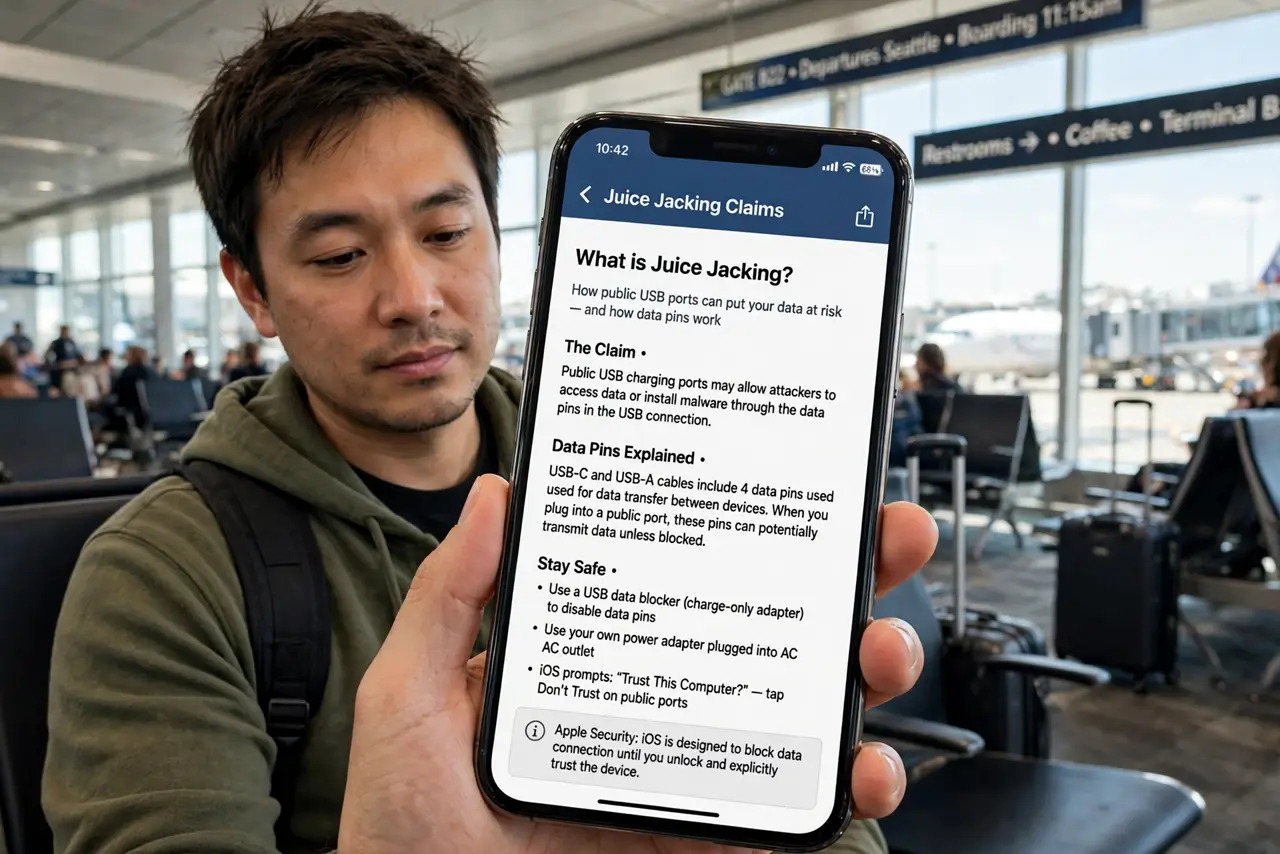
- Learn what juice jacking claims. The claim: a compromised public USB port uses the data pins to install malware or copy files while charging. USB carries both power and data on the same cable, so the theory is technically plausible — which is why the fear stuck.
- Know the actual evidence. Security researchers demonstrated it in labs over a decade ago. In the wild, there are no confirmed cases of mass juice-jacking attacks at public chargers. The full explainer separates the lab demos from reality.
- Understand your phone's defenses. Modern phones ask 'Trust this computer?' before any data exchange over USB — charge-only mode is the default. An attack would need you to tap Trust on a malicious prompt, which is the real line of defense.
- Carry your own charger anyway. The free habit: a small wall charger plus your own cable, plugged into AC outlets. It sidesteps the entire question — no USB data pins involved, no trust dialogs, no worry. See general public USB safety for the routine.
- Use a USB data blocker. A five-dollar adapter that passes power but blocks data pins makes any USB port charge-only by physics. Keep one on your keychain if you travel constantly — cheap, tiny, definitive.
- Choose 'Charge only' if prompted. If a public port ever triggers a trust dialog, choose charge-only or decline. The prompt itself is the phone doing its job — answer it correctly and the theoretical attack dies there.
What NOT to do
- Do not panic about airport chargers. The demonstrated risk is lab-only; the anxiety costs more than the protection is worth.
- Do not tap 'Trust' on unknown prompts. That dialog is the actual security boundary — treat it with the respect it deserves.
- Do not buy expensive 'anti-hacking' cables. A plain data blocker or your own wall charger solves it for dollars, not dozens of dollars.
- Do not confuse this with found USB drives. A strange drive you plug in yourself is a far more proven attack — see the found drive rules for that one.
Frequently asked questions
Has anyone actually been juice-jacked?
No confirmed real-world cases at public chargers exist — only lab demonstrations. It remains a theoretical risk that never materialized at scale.
Are airport USB ports safe then?
Effectively yes for charging, especially with modern phones' trust prompts. Your own charger remains the zero-worry option.
What about hotel USB ports?
Same story — theoretical only. Hotel ports are convenient; your own adapter is still the simplest peace of mind.