Front Panel Connectors? Guide
The tiniest, fussiest job in PC building: a dozen single-pin connectors for power button, reset, LEDs, and USB, each labeled in tiny font. Get them right and everything clicks; get one wrong and the power button does nothing. Here is the method that makes it painless.
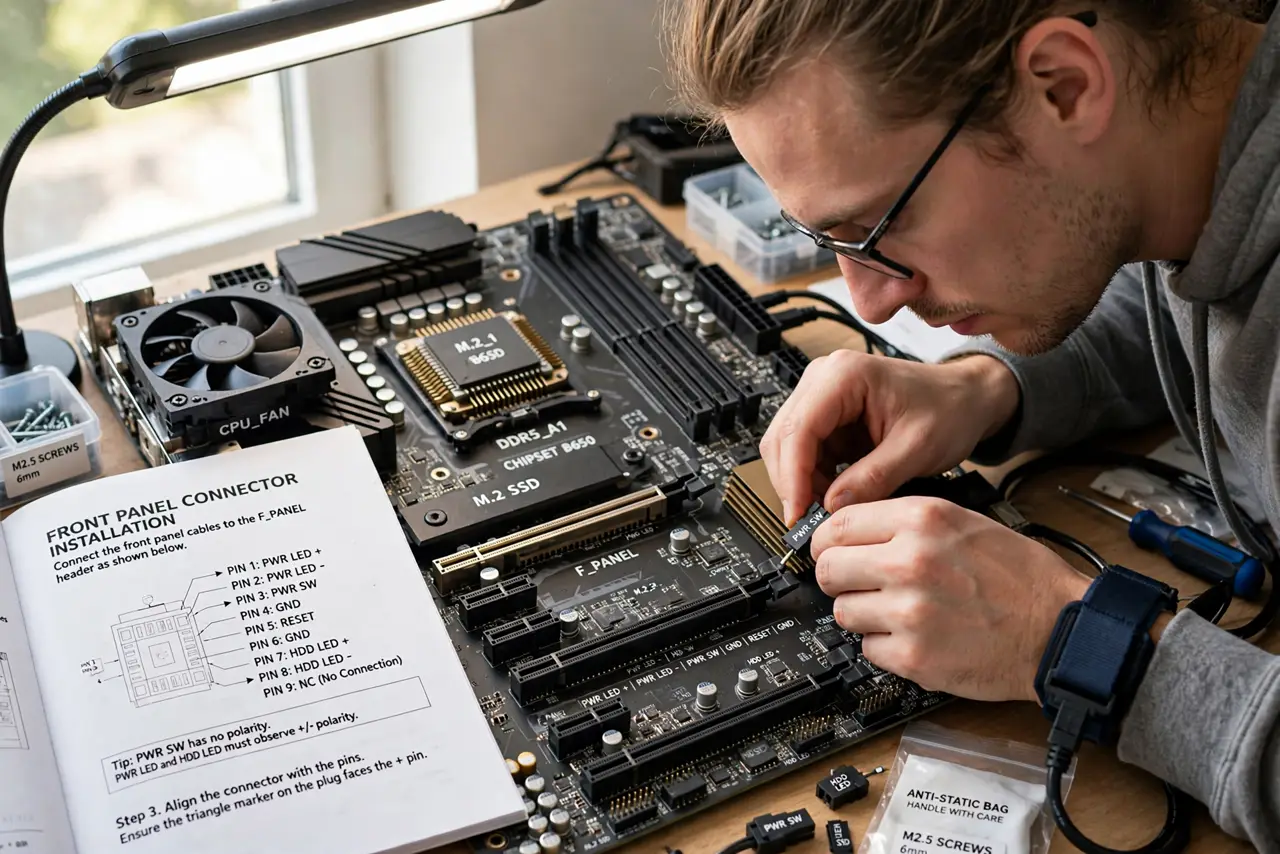
TL;DR / Quick Fix
Quick fix: the power button connector is the only one that truly matters — find the front-panel header diagram in your motherboard manual and place each tiny plug per the labels. Polarity only matters for LEDs; buttons work either way. When in doubt, connect just the power switch first.
Follow these steps
- Open the manual to the header diagram. The front-panel header layout is printed in the motherboard manual — and often on the board itself in tiny text. This diagram is the whole job.
- Connect the power switch first. Two pins, no polarity. With just this connected you can power on and test — everything else is convenience.
- Add reset, then LEDs. Reset switch: no polarity, like power. Power and HDD LEDs: polarity matters — colored wire is positive, white or black is negative.
- Do USB headers separately. USB 2.0 and 3.0 headers are keyed blocks, not single pins — they only fit one way. The front vs back guide explains why front USB sometimes underperforms.
- Connect front audio last. The HD Audio header is also keyed. It only fits correctly — never force it.
- Test before cable-managing. Power on and confirm button, reset, and LEDs work before tying cables down. Reaching the header afterward is miserable.
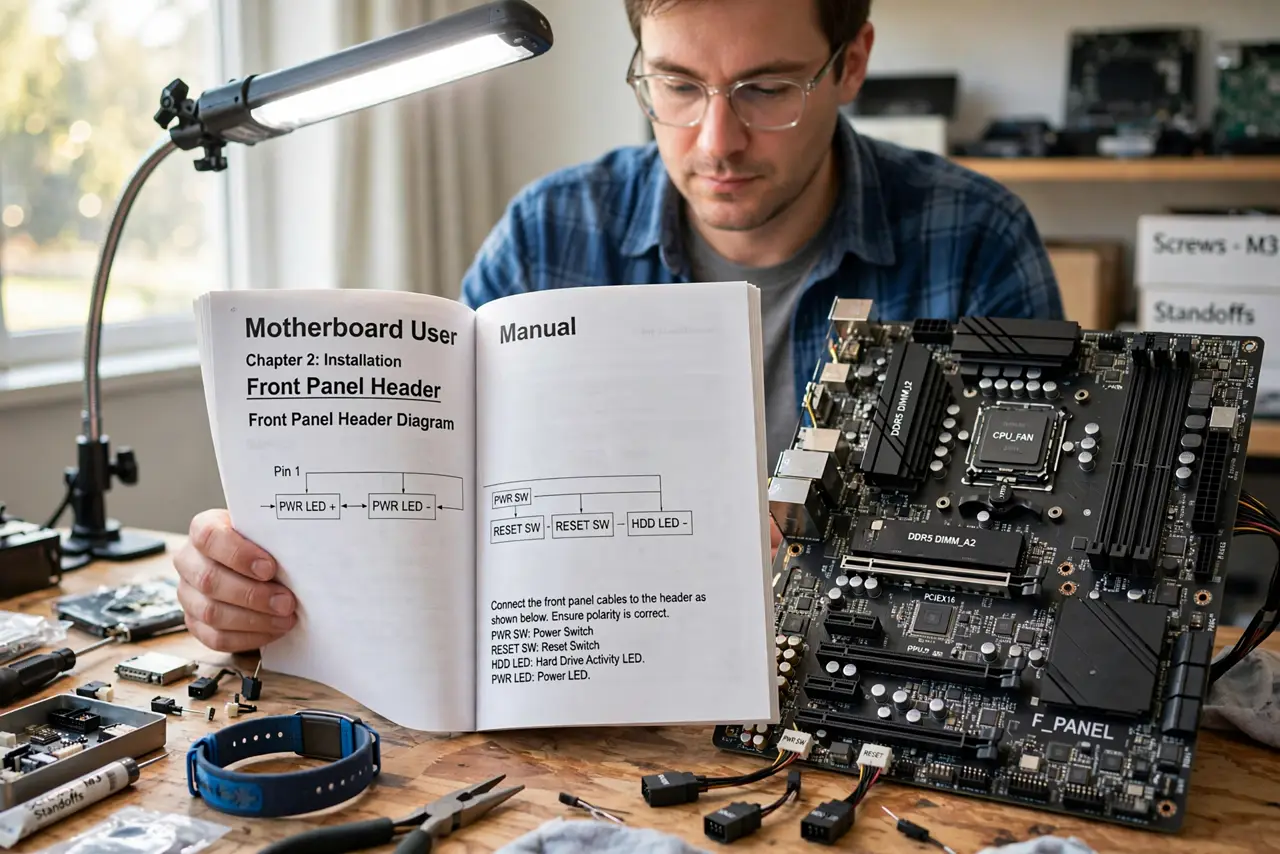
What NOT to do
- Do not force single-pin connectors. They slide on gently; force bends the header pins.
- Do not guess LED polarity repeatedly. Wrong polarity will not damage anything — the LED just stays dark — so flip it once and move on.
- Do not connect USB headers to the wrong block. Keyed means one way; forcing it risks bent pins.
- Do not skip the manual. Every board lays the header out differently — memory from a previous build will betray you.
Frequently asked questions
Which connector is the power button?
Labeled PWR_SW, PWR_BTN, or similar on the diagram — always a two-pin, non-polarized connection.
My power LED does not light — broken?
Almost certainly reversed polarity. Flip the plug; LEDs only work one way round.
Can wrong connections damage the board?
Single pins for buttons and LEDs are safe to experiment with. USB and audio headers are keyed precisely because mistakes there matter.