Set an Expiry on Confidential Mail
You're sending something sensitive — a contract draft, personal documents — and you don't want it sitting in someone's inbox forever. Gmail's confidential mode lets you set an expiry date: after it passes, the message becomes unreadable. It's not military-grade security, but it's a genuine extra layer.
TL;DR / Quick Fix
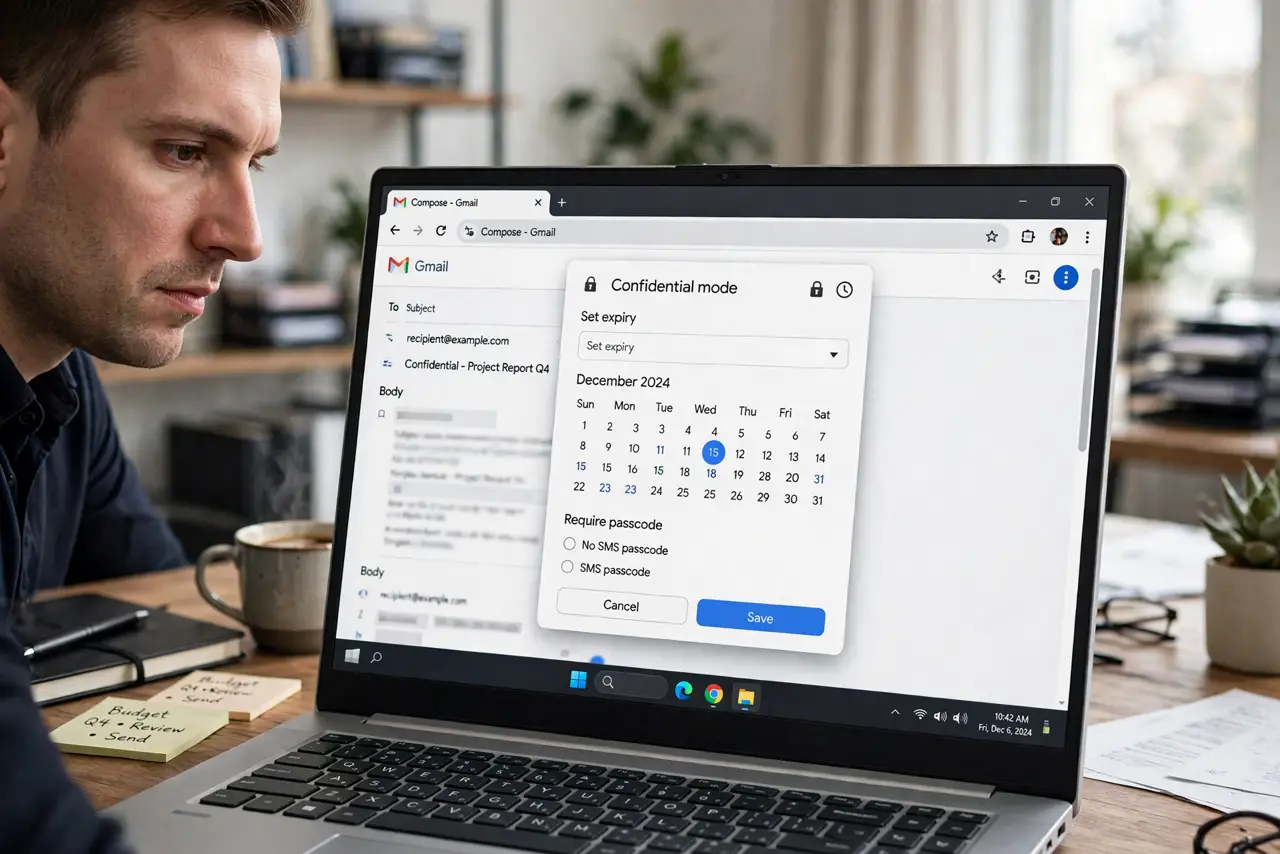
Quick fix: compose a new email, click the lock-and-clock icon at the bottom, and set an expiry — the message becomes unreadable after that date. Add an SMS passcode for extra protection. Remember it blocks forwarding and downloading, but screenshots still exist, so treat it as a speed bump.
Follow these steps
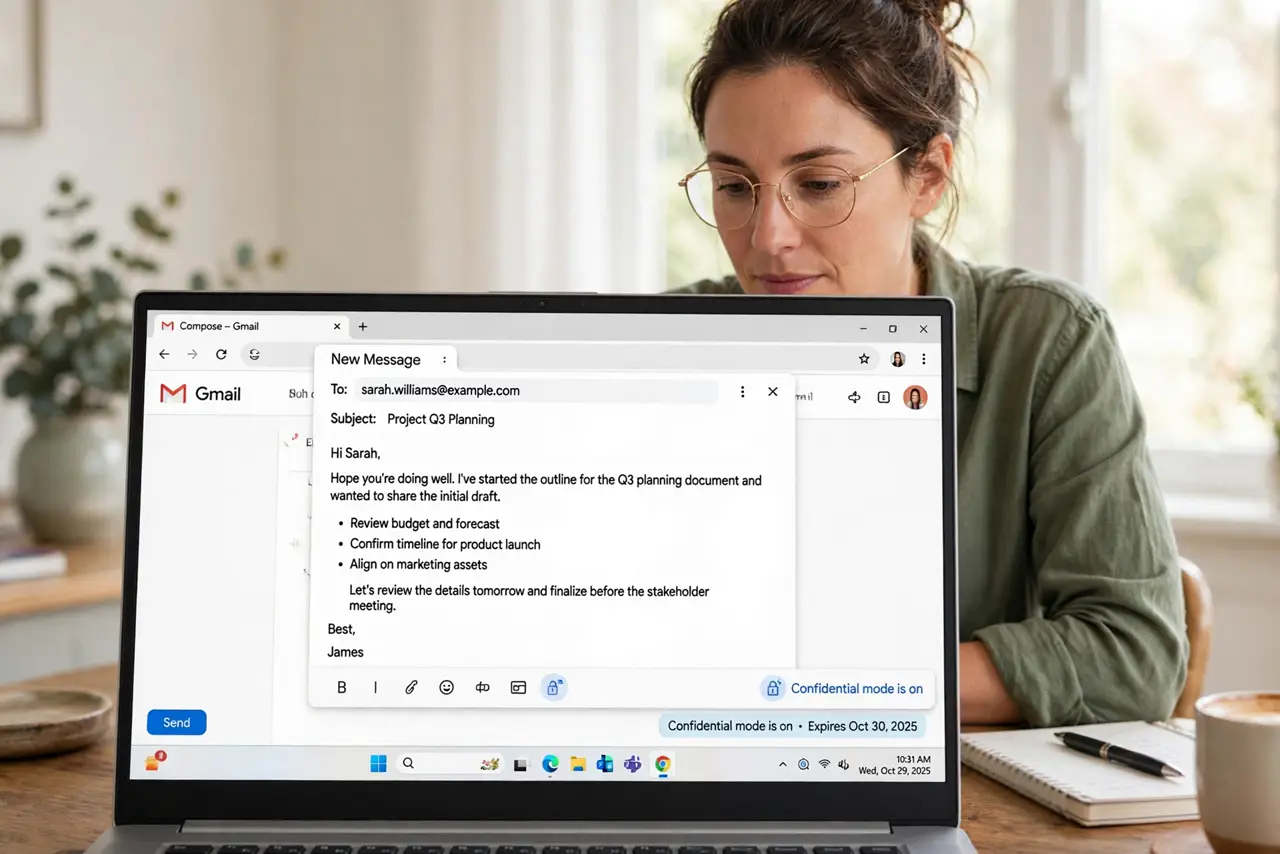
- Start a new compose. Confidential mode is set per message, at compose time — open a fresh compose window. The lock-and-clock icon sits in the bottom toolbar of the compose box.
- Open confidential mode settings. Click the lock icon. Choose an expiration: 1 day, 1 week, 1 month, 5 years, or custom. Pick the shortest window the recipient genuinely needs — shorter is safer.
- Add an SMS passcode for sensitive mail. Choose 'SMS passcode' and enter the recipient's phone number. They'll get a code by text to open the message — real two-factor protection on top of the expiry.
- Understand what it blocks. Recipients can't forward, copy, print, or download the message or its attachments — Gmail disables those actions. Learn the full picture in confidential mode explained.
- Know what it does NOT block. Screenshots, photos of the screen, and good old retyping get around everything. Confidential mode deters casual mishandling; it doesn't stop a determined recipient.
- Revoke access early if needed. Open the sent message and choose 'Remove access' — the message dies immediately, before the expiry. Useful the moment you realize it went to the wrong address.
What NOT to do
- Do not treat expiry as deletion-proof security. Screenshots exist — never send anything in confidential mode that would be catastrophic if screenshotted.
- Do not use it for legal or compliance requirements. Confidential mode is a courtesy control, not certified secure messaging — regulated data needs proper tools.
- Do not set absurdly short expiries for normal recipients. A 1-day expiry on a Friday email means a Monday-morning 'message expired' — match the window to human schedules.
- Do not forget the SMS number must be correct. A typo in the passcode phone number locks the real recipient out — double-check the digits.
Frequently asked questions
Can the recipient still screenshot it?
Yes — nothing stops screenshots or phone photos of the screen. Confidential mode blocks Gmail's own forward/copy/print/download, not the recipient's camera.
What happens after the expiry date?
The message body becomes unavailable to the recipient — they'll see an expiration notice instead. You keep your sent copy with its settings.
Does it work for non-Gmail recipients?
Yes — they open it via a secure link and verify by passcode or their email. The protections apply regardless of their provider.