Filters from One Click
You sort the same sender's mail the same way every week — archive the receipts, label the project mail, skip the inbox for the notifications. Gmail can do it automatically, and you do not have to build the filter from scratch: one click on any message creates a filter pre-filled from it. Here is the fastest path to an auto-sorted inbox.
TL;DR / Quick Fix
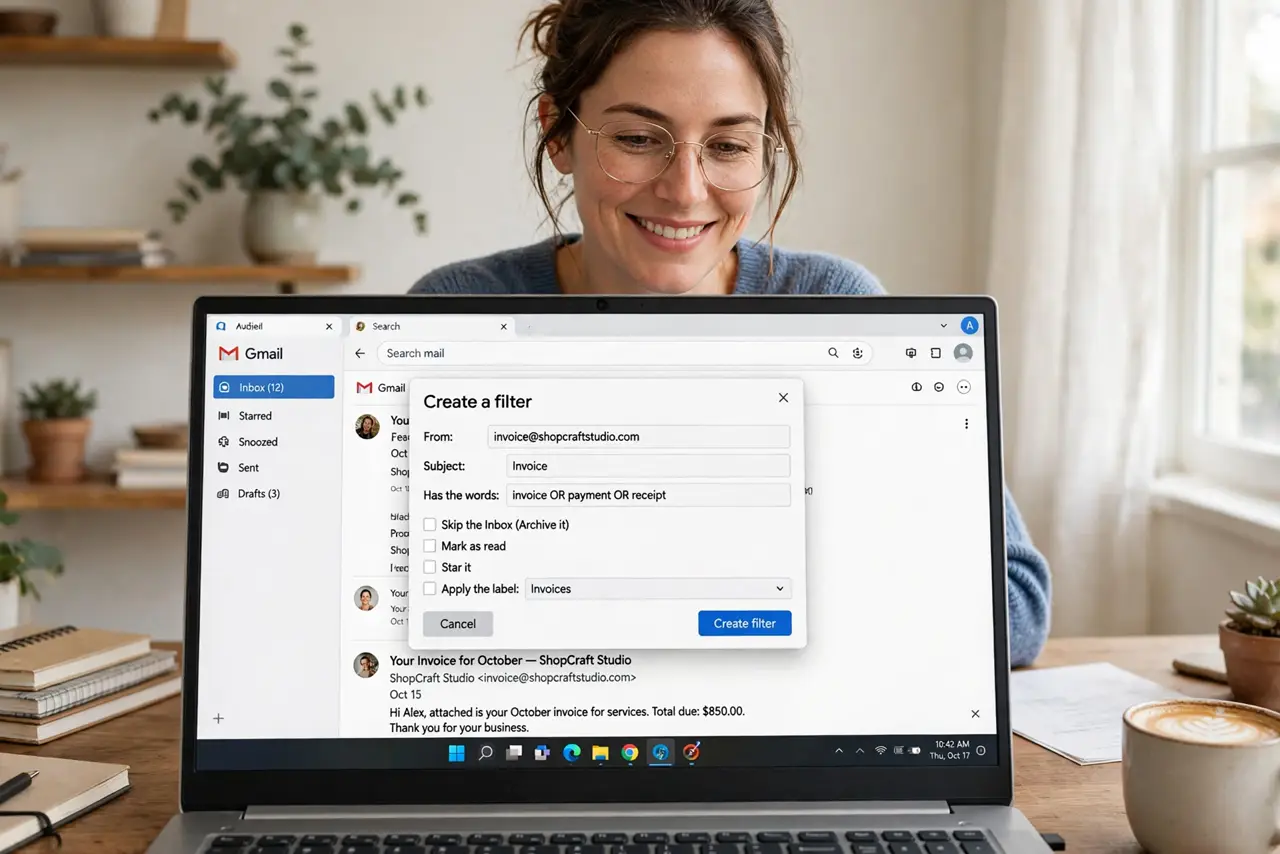
Quick fix: open any email, click the three dots, and choose Filter messages like these — Gmail prefills a filter you can tune and create in seconds. Set it to skip the inbox, apply a label, or auto-archive. One click beats rebuilding the same filter by hand every time.
Follow these steps
- Open a representative email. Find one email that matches what you want filtered — same sender, same subject pattern. The filter inherits its details, so pick a typical one.
- Click Filter messages like these. Open the three-dot menu on the email and choose it. Gmail opens the filter builder with the sender and keywords pre-filled — see the filter builder basics for the manual route.
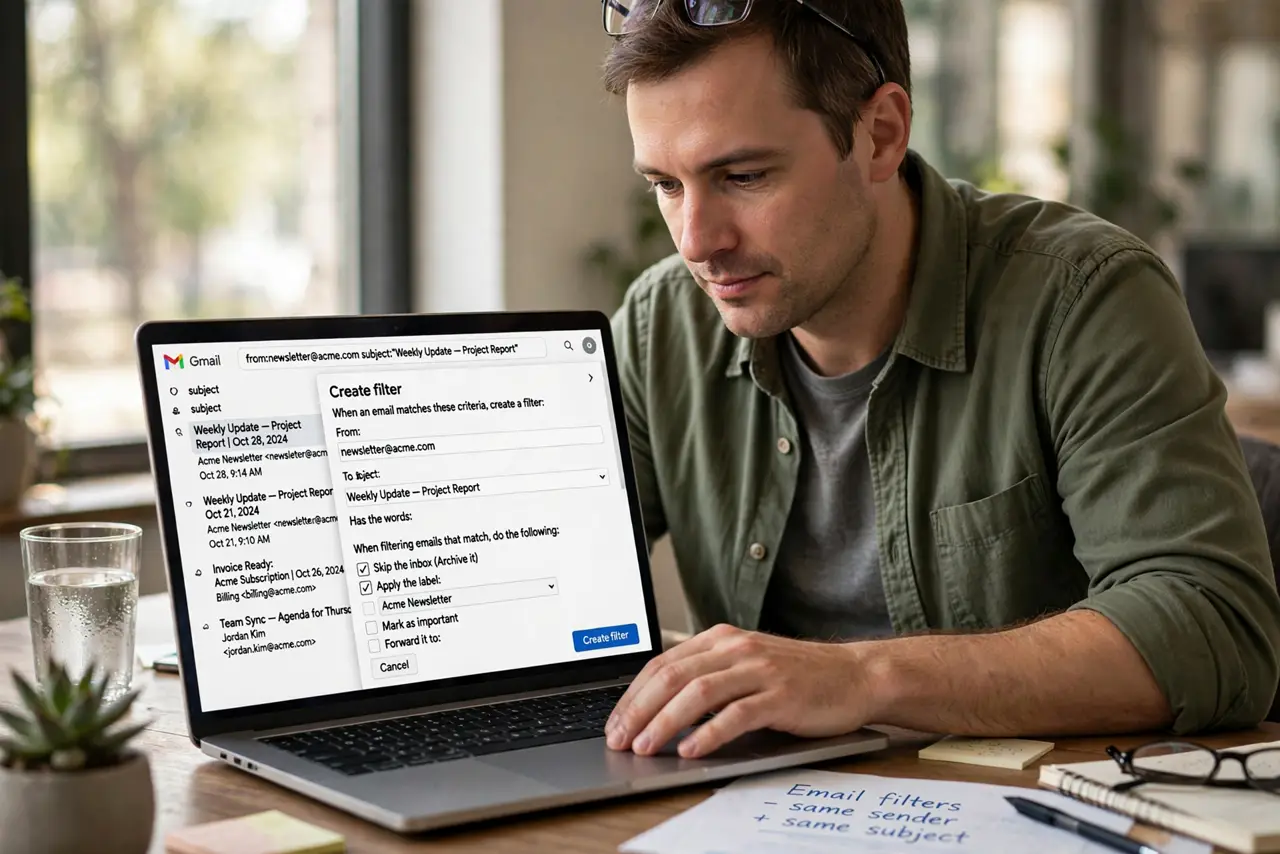
- Tune the criteria. Adjust the from-address or subject keywords if the prefill is too narrow or too broad. A quick test search shows what the filter would catch.
- Choose the actions. Skip the inbox, apply a label, mark as read, star it — pick what the manual sorting was doing. Most repetitive sorting becomes skip-plus-label.
- Apply to matching conversations. Check the box to apply the filter to existing matching mail. This cleans up the backlog, not just the future.
- Teach the tabs too. Filters and tabs work together — see how to teach Gmail tabs so the tabs and your filters agree on where mail belongs.
What NOT to do
- Do not create overlapping filters blindly. Two filters fighting over the same mail causes confusion — review existing filters first.
- Do not filter by a subject line that changes. Order numbers and dates in subjects break filters; filter by sender instead.
- Do not auto-delete with a new filter. Archive or label first and watch it for a week — deletion is forever, and new filters make mistakes.
- Do not forget filters exist. When mail starts vanishing, check Settings, Filters and Blocked Addresses before assuming the worst.
Frequently asked questions
Can one email trigger multiple filters?
Yes — filters run in order and all matching ones apply. Order matters, so arrange them deliberately.
Why is my filter not catching mail?
The criteria are usually too narrow — a full email address versus a domain, or a subject keyword that varies. Loosen one field and retest.
How many filters is too many?
There is no hard limit, but past a few dozen they get hard to manage. Merge similar ones yearly.