Follow-Up Nudges
You sent the important email three days ago and heard nothing — did they miss it, or are you being ghosted? Gmail's follow-up nudges resurface sent emails that got no reply, so nothing important quietly dies. Here is how to turn them on and use them without becoming a nag.
TL;DR / Quick Fix
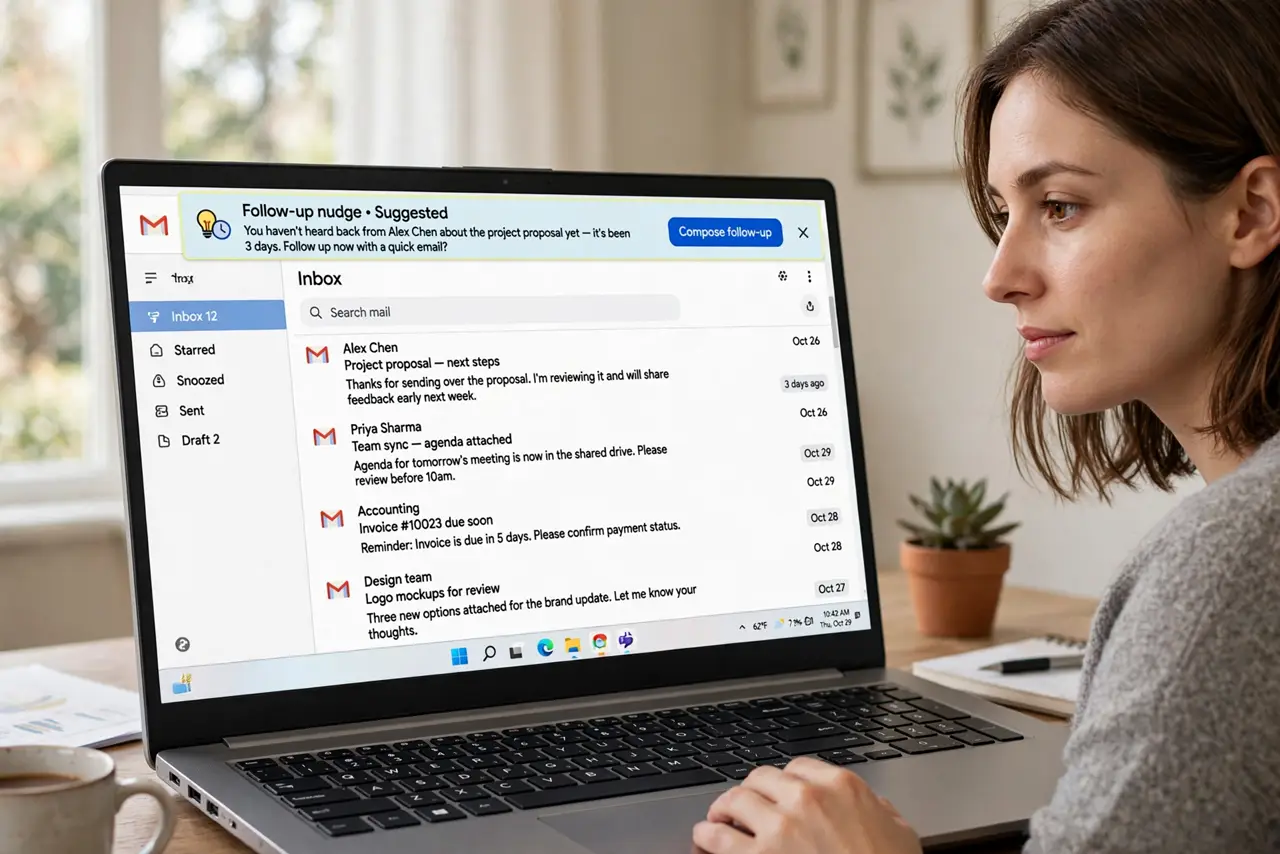
Quick fix: Gmail's nudges resurface emails you sent that got no reply — look for the Follow up suggestions at the top of the inbox. Turn them on in Settings under Nudges if they are missing. For important threads, set your own reminder instead of relying on the algorithm.
Follow these steps
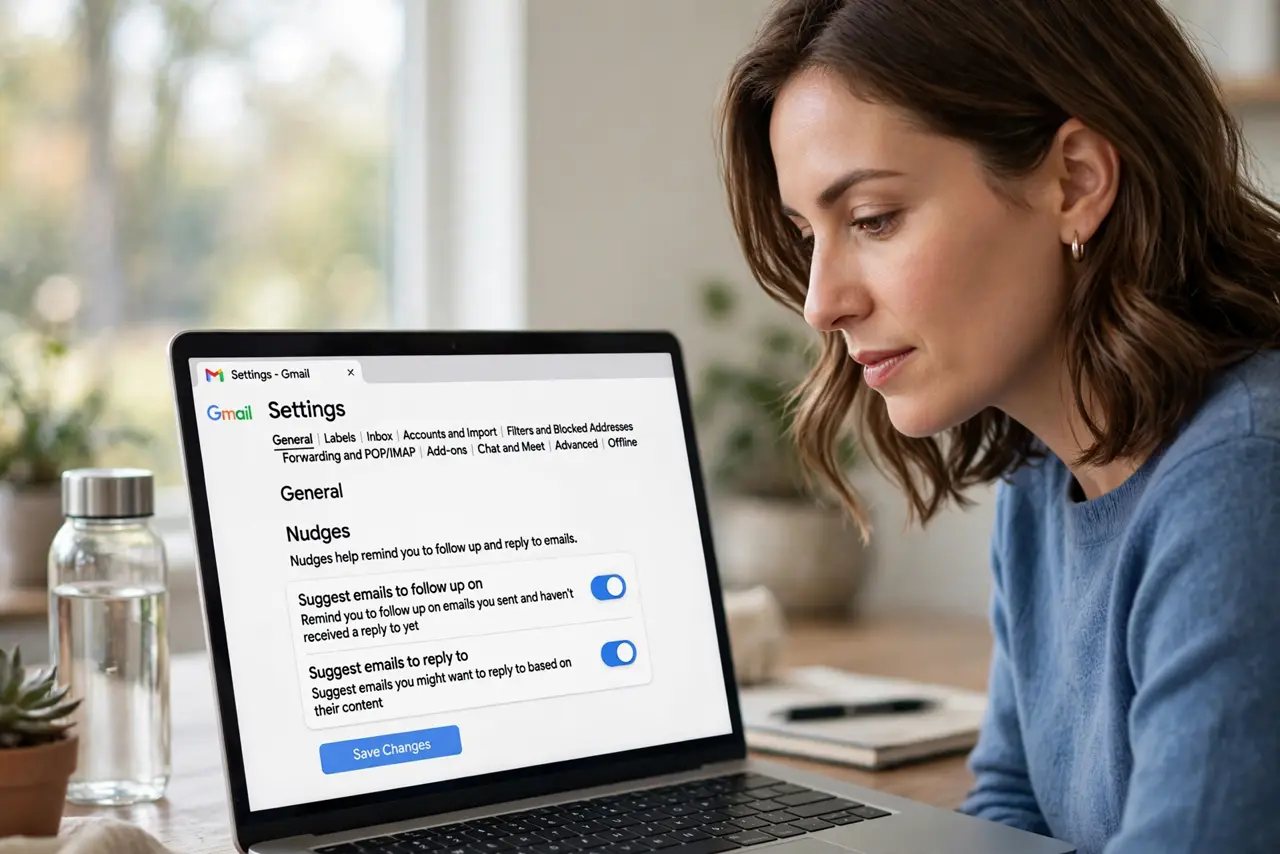
- Find the Nudges setting. In Gmail settings, General, scroll to Nudges. There are two: suggest emails to follow up on, and suggest emails to reply to — enable both.
- Recognize the nudge. Nudged emails reappear near the top with a subtle Follow up label. They are suggestions, not alarms — see the missing follow-up reminders if yours never appear.
- Act on the nudge. A nudge means days passed with no reply. Forward with a polite bump, or call — the nudge told you it matters, now do something.
- Build your own system too. Nudges catch what the algorithm notices. For critical threads, set a calendar reminder or use a follow-up system — see also the Outlook flags if you live in Outlook.
- Snooze instead of ignoring. If the nudge is premature, snooze the email to next week. Dismissing without action just guarantees a second nudge later.
- Prune the noise. If nudges nag about threads you do not care about, archive those threads. The algorithm learns from what you keep.
What NOT to do
- Do not rely on nudges for critical deadlines. They are helpful, not reliable — calendar reminders own your must-not-miss items.
- Do not nudge-bomb people. One polite follow-up is professional; five is harassment — space your bumps days apart.
- Do not ignore the reply-to nudges. The other nudge type surfaces mail others wait on from you — being the bottleneck is worse.
- Do not leave nudges off out of minimalism. They are quiet and useful — the rare feature worth the tiny inbox noise.
Frequently asked questions
Why don't I see nudges?
They may be disabled in settings, or the algorithm has nothing to surface yet. Give it a week of email activity.
Can I nudge someone else's email?
No — nudges are personal to your inbox. To remind someone, forward the thread with a note.
Do nudges work on the phone app?
Yes — the Gmail mobile app shows nudge suggestions just like the desktop.