Gmail Nudges You About Replies? Setup
You sent an important email three days ago — no reply — and it sank without a trace. Gmail's Nudges feature watches for exactly this: sent emails awaiting replies, and received emails you never answered. Turned on, it resurfaces them at the top of your inbox before they become embarrassing.
TL;DR / Quick Fix
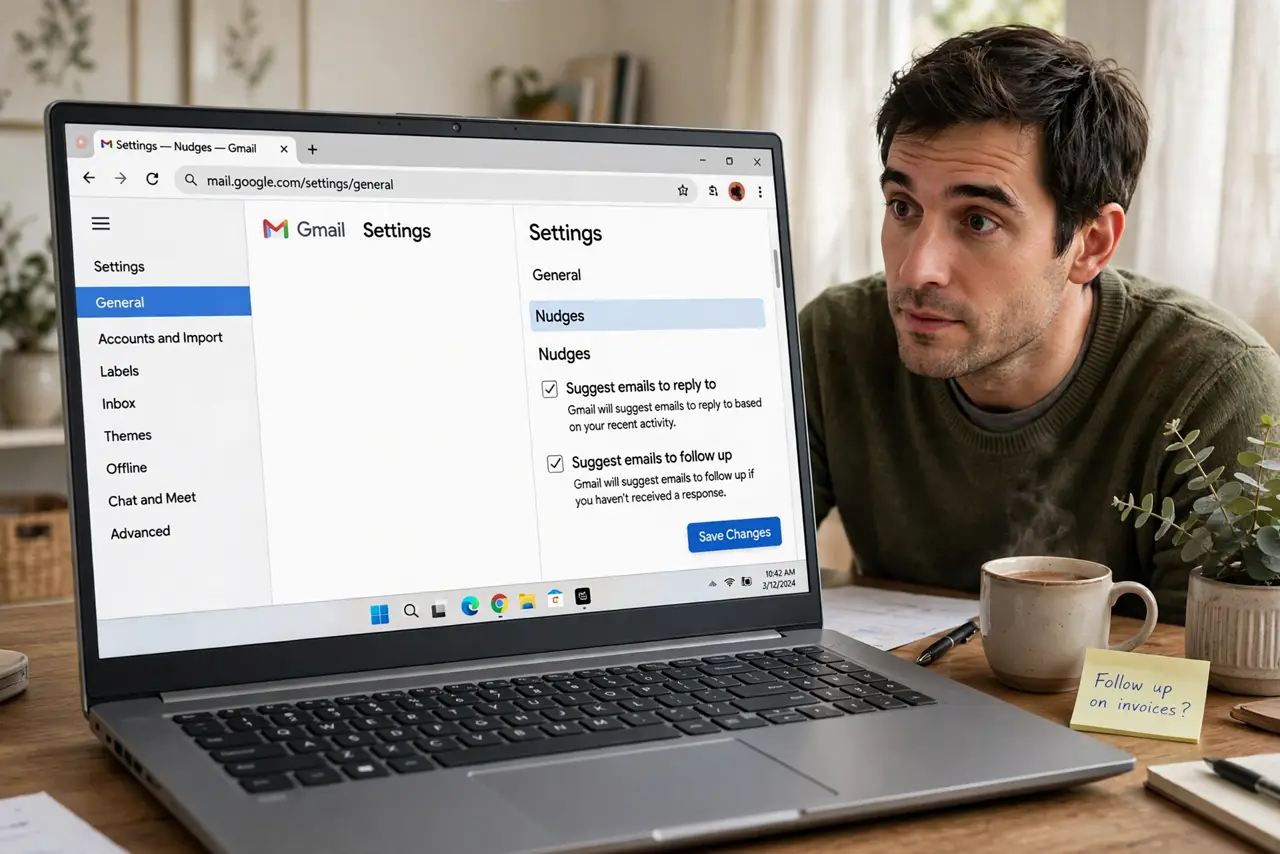
Quick fix: open Gmail settings and enable Nudges under General — Gmail then resurfaces emails you sent with no reply and threads you ignored, right at the inbox top. It learns from what you answer. Turn it off the same way if the reminders annoy you more than they help.
Follow these steps
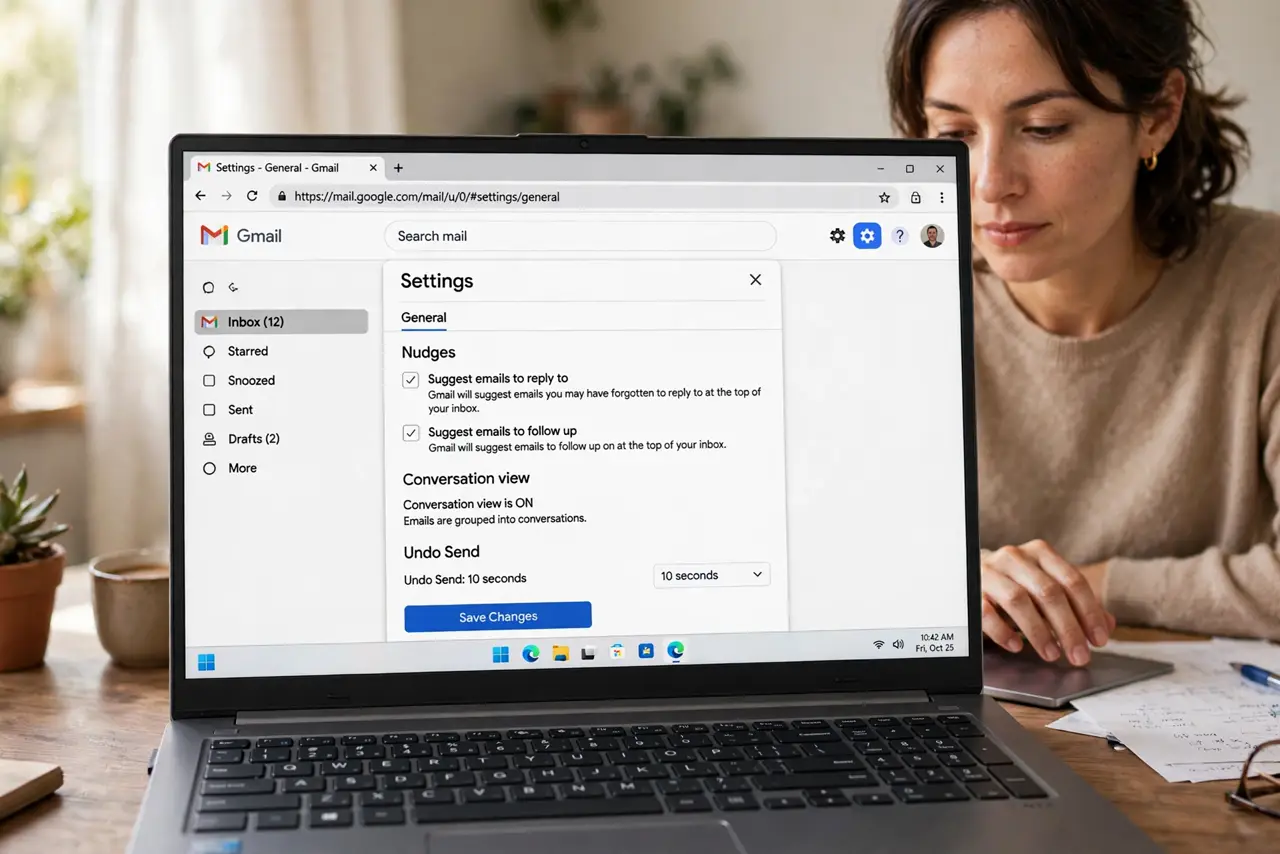
- Open Gmail settings. Click the gear icon, then 'See all settings.' Nudges live under the General tab — no advanced menus needed.
- Enable both nudge types. Check 'Suggest emails to reply to' (threads you received but ignored) and 'Suggest emails to follow up on' (your sent emails with no reply). Most people want both; enable them together and trim later.
- Recognize a nudge in the inbox. Nudged emails reappear at the top with a small note — 'Received 3 days ago. Reply?' or 'Sent 5 days ago. Follow up?' The wording tells you which kind it is.
- Act on nudges promptly. A nudge is a second chance, not a filing system. Reply, follow up, or archive the thread — clearing nudges the same day keeps them useful instead of noisy.
- Pair with snooze for full coverage. Nudges catch what you forgot; snooze schedules what you plan to handle later. Together they mean no email silently dies — one automatic, one deliberate.
- Turn nudges off if they annoy you. Same settings page, uncheck both boxes. If you process email rigorously already, nudges add noise — they're a safety net for the forgetful, not a mandate.
What NOT to do
- Do not treat nudges as a to-do list. They're a backstop for forgotten threads — your real task system lives elsewhere; see scheduled send for deliberate follow-ups.
- Do not ignore every nudge. Dismissing them all trains you to ignore the safety net — act or archive, don't just scroll past.
- Do not expect nudges instantly. Gmail needs a day or two of silence before it decides a thread is abandoned — same-day follow-ups won't trigger it.
- Do not enable nudges on a shared inbox. Multiple people triaging the same mailbox makes automated nudges confusing — use assignment instead.
Frequently asked questions
How does Gmail decide what to nudge?
It watches reply patterns: sent emails with no response after a few days, and received emails you opened but never answered. It learns from which nudges you act on.
Why am I not seeing any nudges?
Either the feature is off, or you genuinely answer everything promptly — no abandoned threads means nothing to resurface. Check the General settings toggle first.
Do nudges work in the Gmail mobile app?
Yes — nudged emails appear at the top of the mobile inbox with the same explanatory notes, and the setting syncs across devices.