Give Yourself More Undo Time in Gmail
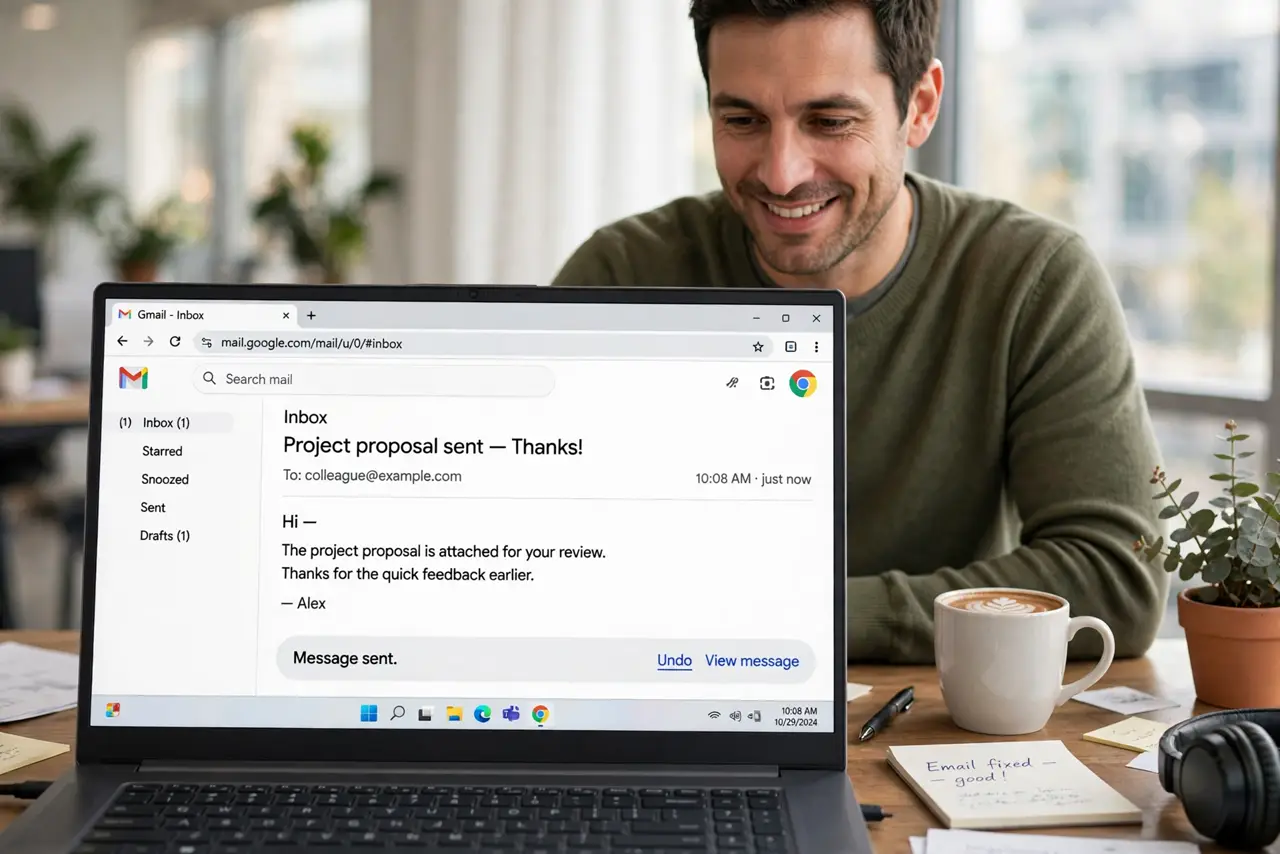
Gmail's undo-send window defaults to a blink-and-you-miss-it five seconds — just long enough to regret hitting Send on the wrong email. You can stretch that safety net to 30 seconds in one settings change, and future you will be grateful.
TL;DR / Quick Fix
Quick fix: open Gmail settings, find the Undo Send section, and change the cancellation period from 5 to 30 seconds — then scroll down and save. The extra time catches wrong recipients and typos, and pairing it with [[scheduling|gmail-schedule-send]] protects important mail further.
Follow these steps
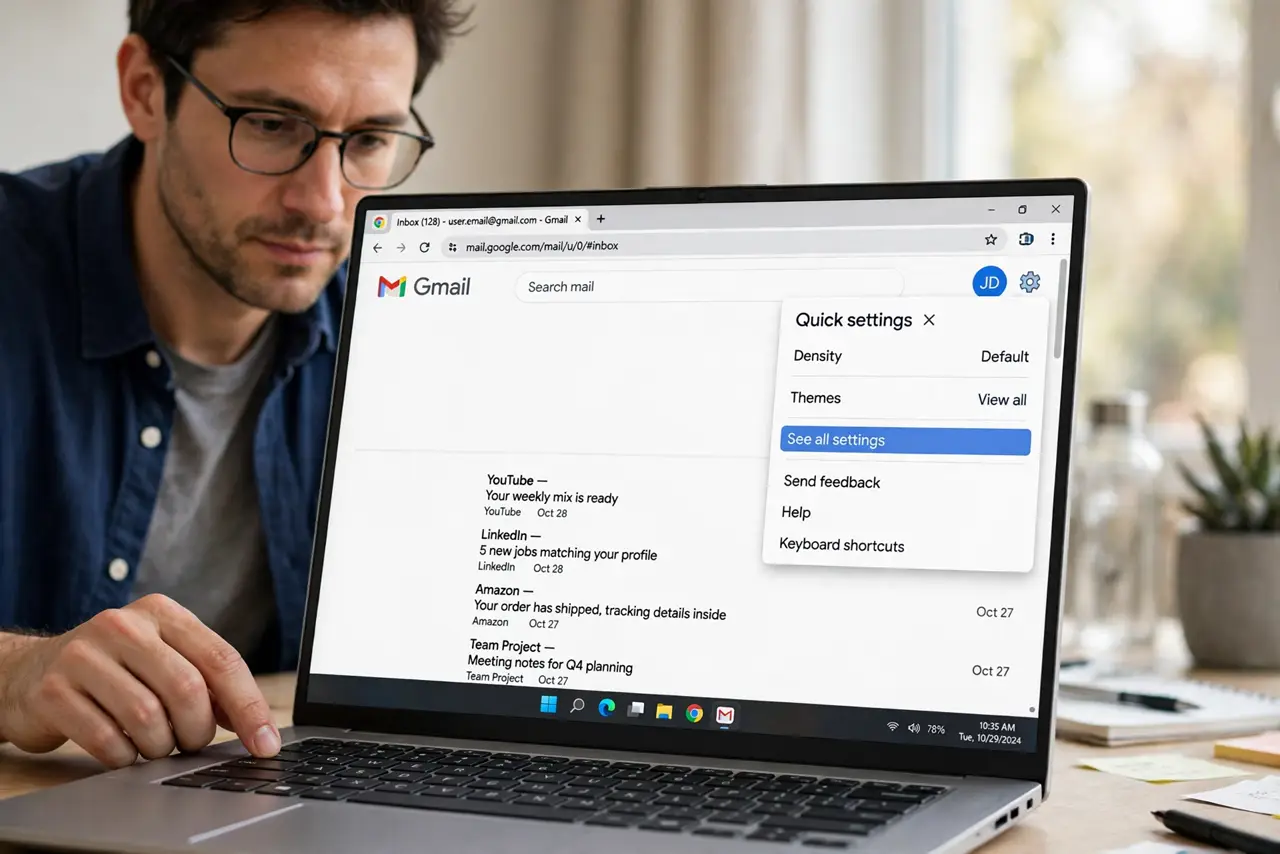
- Open Gmail settings. Click the gear icon in Gmail and choose 'See all settings'. The undo option lives on the General tab near the top.
- Find the Undo Send section. Look for 'Undo Send' with a dropdown showing the cancellation period. It defaults to 5 seconds on most accounts.
- Set it to 30 seconds. Choose the maximum 30-second window. There is no downside — it only delays actual sending, and you can still send mail normally.
- Scroll down and save. Click 'Save Changes' at the bottom. Gmail reloads, and the new window applies to every email from now on.
- Test it with a draft to yourself. Send a test email to yourself and watch the undo bar. Count the seconds so you trust the new window before you need it.
- Build a send-pause habit. Even 30 seconds only helps if you glance at the bar. Train yourself to pause and reread the recipient line after hitting Send.
What NOT to do
- Do not assume undo recalls a delivered email. Undo only works inside the window — after 30 seconds the email is gone for real.
- Do not skip saving the setting. Changing the dropdown without scrolling to Save Changes silently discards your choice.
- Do not rely on undo for confidential mistakes. For truly sensitive mail, use confidential mode or double-check recipients first.
- Do not expect undo in the mobile app to match. The Gmail app honors the setting, but the undo bar is easier to miss on a small screen.
Frequently asked questions
Can I get more than 30 seconds?
No — 30 seconds is Gmail's maximum. For longer delays, use Schedule Send instead and cancel from the Scheduled folder.
Does undo work after I close the tab?
No. The undo window lives in that browser session — closing Gmail immediately after sending forfeits the countdown.
Why is my undo bar missing?
Check that the setting saved and that you are using Gmail in a browser or the official app — some third-party clients hide it.