Why Is Gmail Flagging Spam?
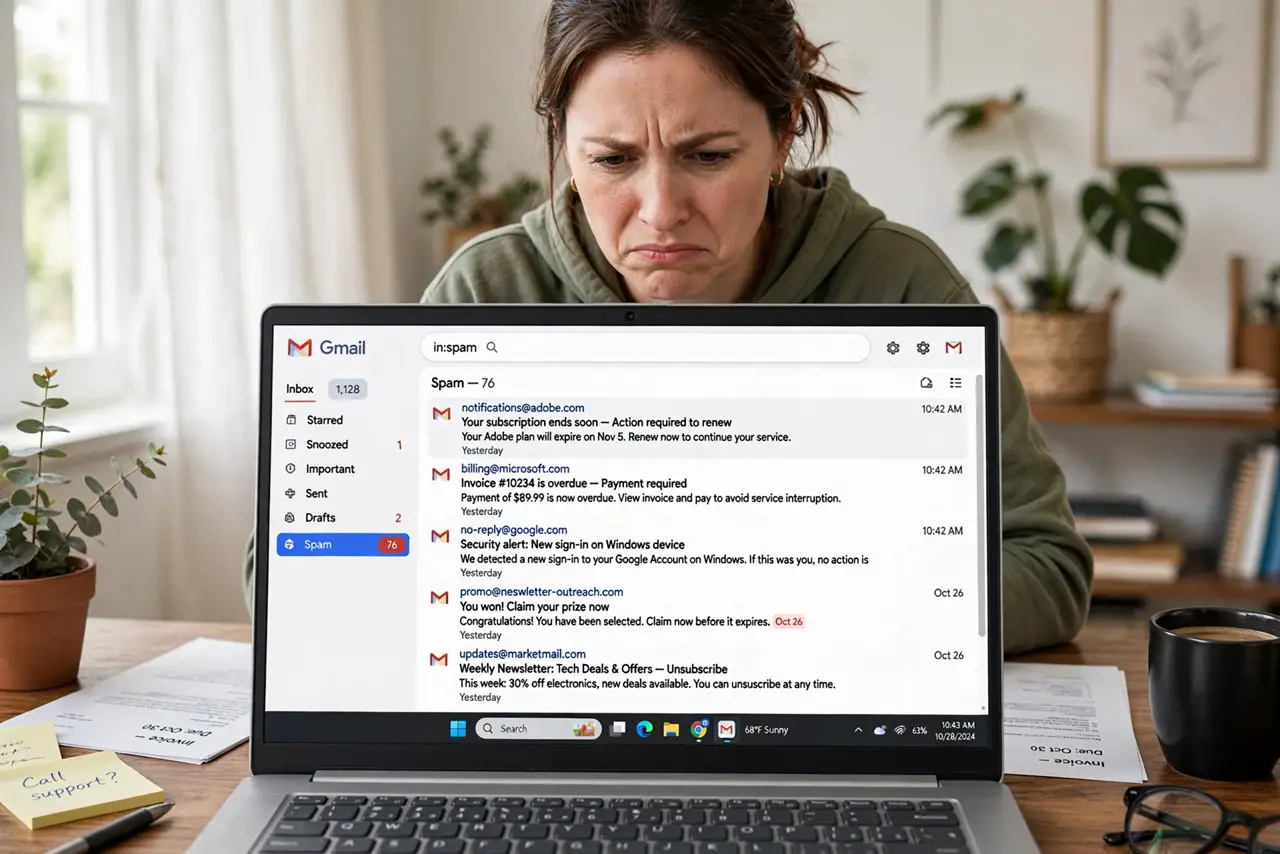
Real mail lands in spam while actual junk slips through, and it feels personal. It is not — Gmail's filter scores every message on sender reputation, authentication, and your own past behavior. Understanding the signals helps you rescue good mail and keep the filter sharp.
TL;DR / Quick Fix
Quick fix: Gmail flags mail as spam based on sender reputation, missing authentication, and your past reports. Check the spam folder regularly, mark wrongly flagged mail as Not spam, and create a filter for senders you trust. If you send newsletters, authentication matters more than content.
Follow these steps
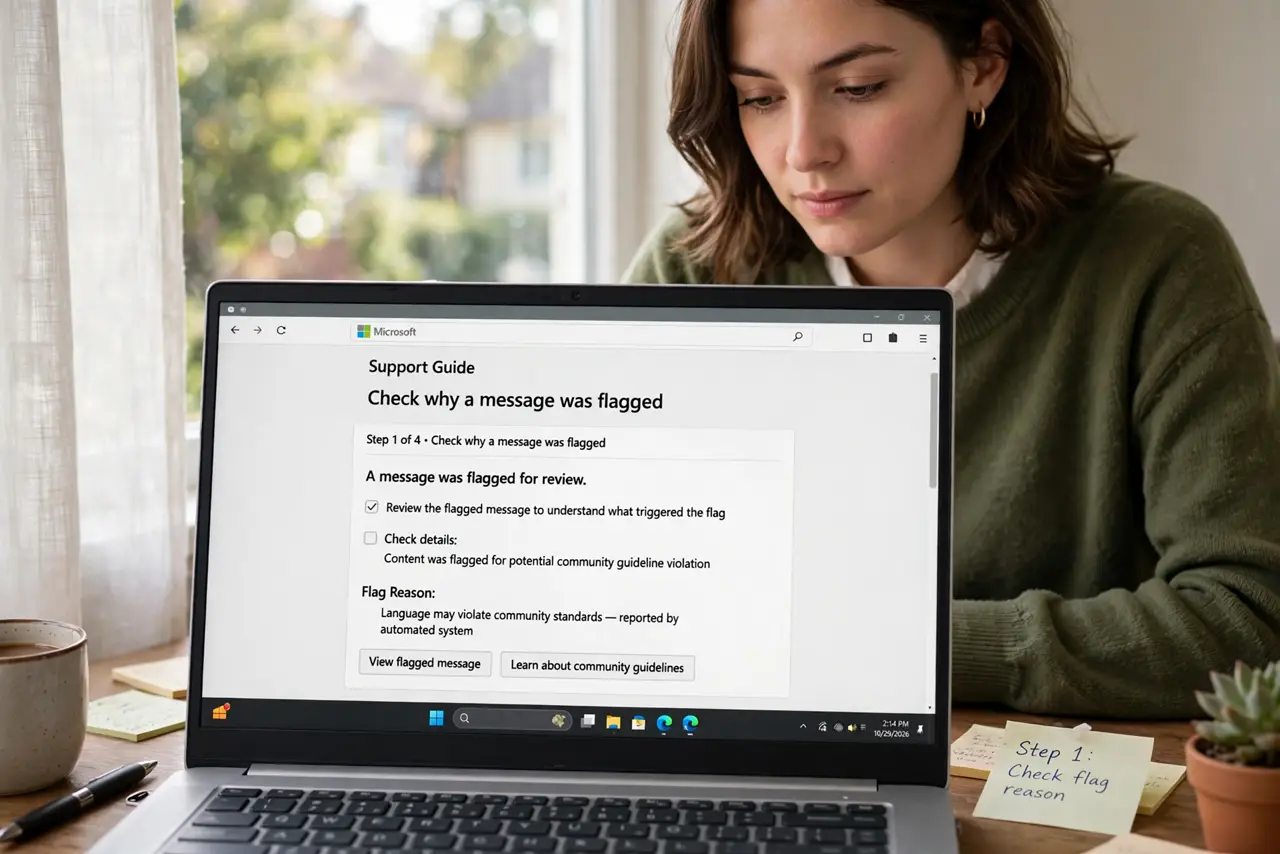
- Check why a message was flagged. Open the message in spam — Gmail sometimes shows a banner explaining the reason, such as a failed authentication check or a reported phishing pattern.
- Mark good mail as Not spam. Select wrongly flagged messages and click Not spam. This is the strongest training signal you can send the filter.
- Look at the sender's authentication. Legitimate senders pass SPF, DKIM, and DMARC checks. A newsletter that fails these looks exactly like spam to the filter — and rightly so.
- Create a filter for trusted senders. For mail that must never be missed, create a filter with Never send it to Spam. Use it sparingly — overuse trains nothing.
- Check your own reporting habits. Every time you mark something spam, Gmail trusts your judgment next time. If you report aggressively, expect aggressive filtering.
- Tell senders to authenticate. If your own mail lands in others' spam, the fix is technical: proper authentication and list hygiene. Content tweaks like avoiding caps help far less.
What NOT to do
- Do not just empty the spam folder blindly. Skim it weekly — real mail hides there.
- Do not mark every promo as spam. Use unsubscribe or delete; spam reports are for actual junk.
- Do not create Never-spam filters for whole domains. One compromised sender poisons the whole exception.
- Do not disable the filter. There is no off switch worth using — train it instead.
Frequently asked questions
Why does mail from my bank go to spam?
Often a forwarding setup or a strict filter rule you forgot. Check filters first, then add the sender to a Never-spam filter.
Can a sender know I marked them spam?
No. Reports are anonymous in aggregate — senders see only reputation effects, never your name.
Does Gmail's spam filter learn from everyone?
It uses both global signals and your personal history. Your Not spam clicks outweigh global patterns for your own mailbox.