Google's Inactive Account Manager? Set It Up
Google's Inactive Account Manager decides what happens to your Gmail, Photos, and Drive if you stop using your account — it can notify trusted contacts and hand them your data after a waiting period. Without it, your digital life sits locked forever. This guide sets it up in ten minutes, alongside Apple's Legacy Contact.
TL;DR / Quick Fix
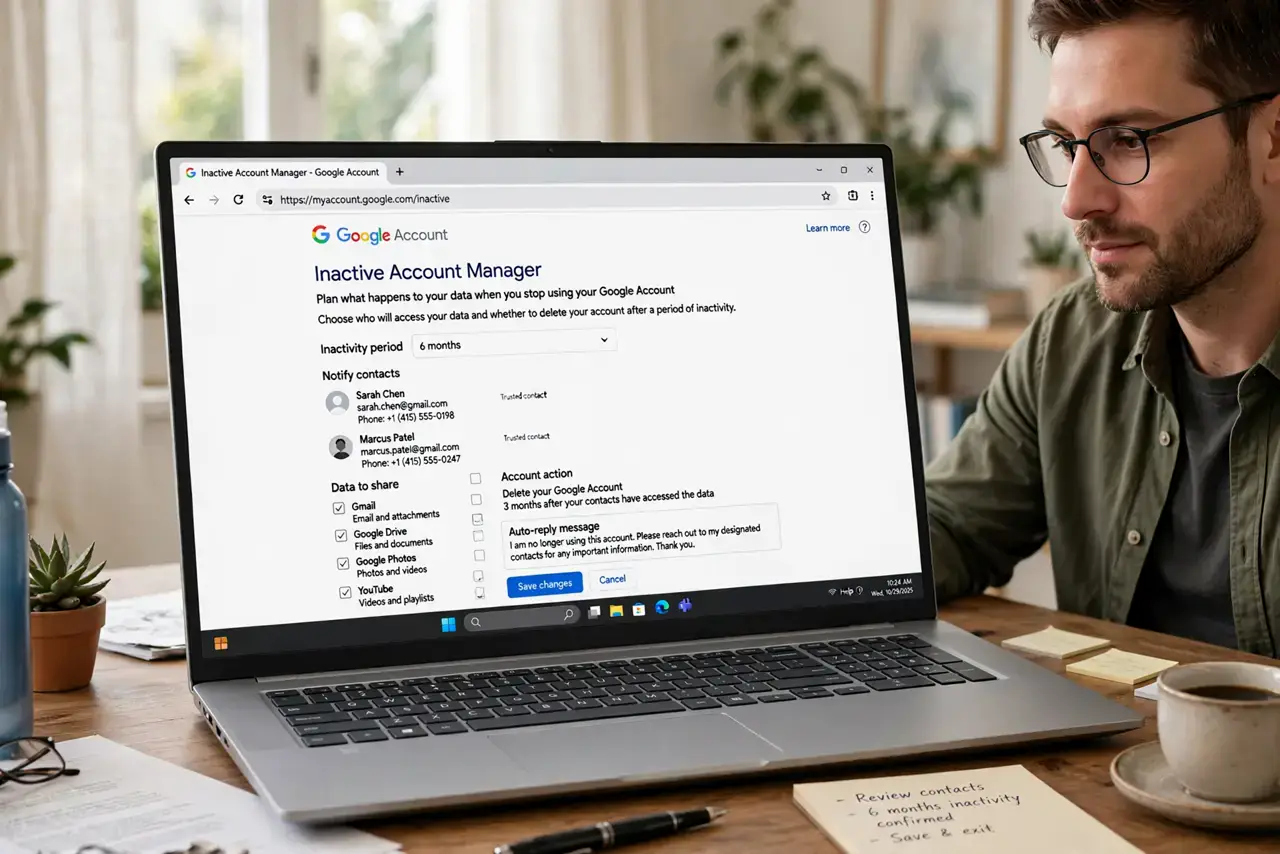
Quick fix: open your Google settings, find Inactive Account Manager under Data and Privacy, choose an inactivity timeout like 12 months, and add up to 10 trusted contacts. Decide whether they get your data or just a notification, verify their phone numbers, and confirm — Google handles the rest automatically.
Follow these steps
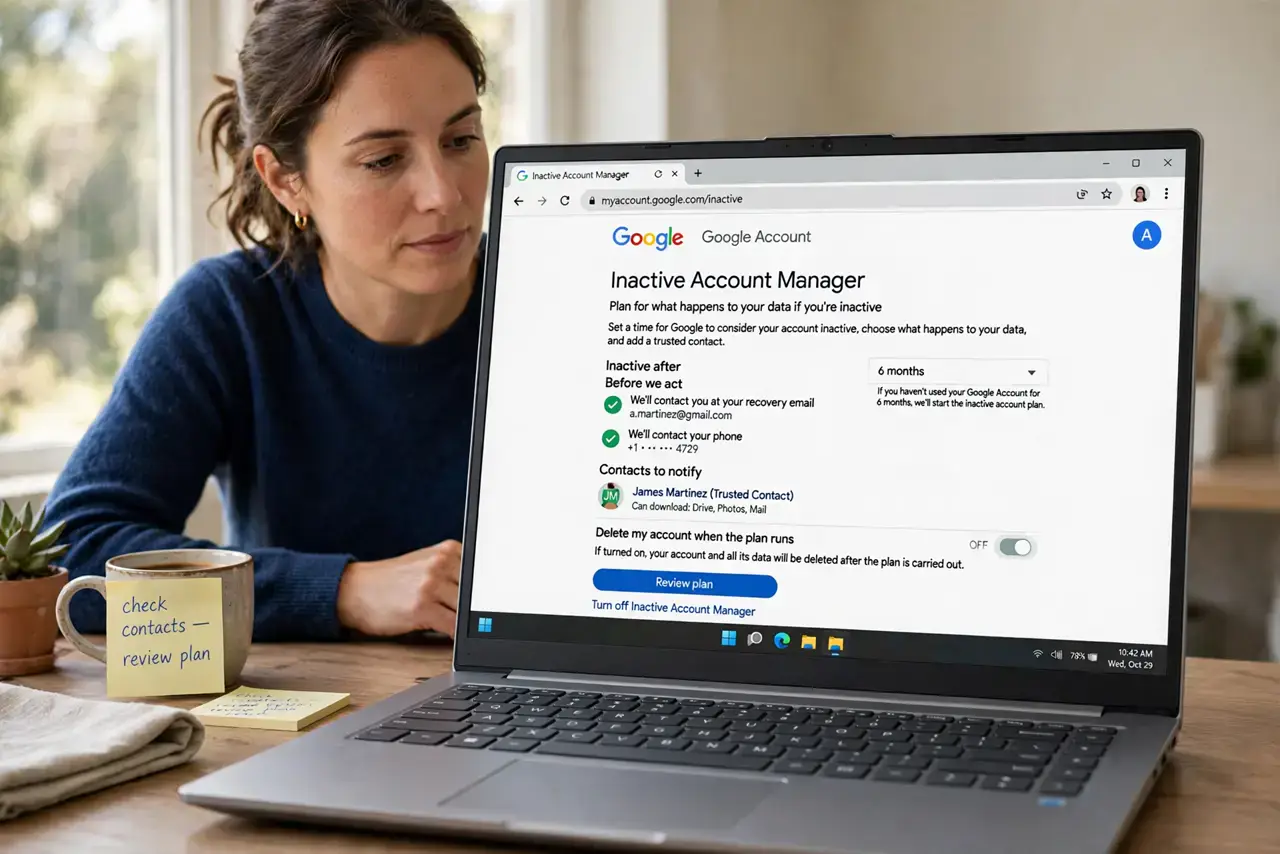
- Open Inactive Account Manager. Go to myaccount.google.com, then Data and Privacy, and scroll to 'More options' to find Inactive Account Manager. Start the setup wizard.
- Choose your inactivity timeout. Pick how long Google waits with no account activity before acting — 3, 6, 12, or 18 months. Twelve months suits most people.
- Add trusted contacts. Add up to 10 people with their phone numbers. Google texts them a verification code now, so you know the number works before it matters.
- Decide: data or just notification. For each contact, choose whether they receive your data (Gmail, Photos, Drive) or only a notification that the account went inactive.
- Set the auto-delete option deliberately. You can have Google delete the account after handover — or leave it. Think about what your contacts need versus what should disappear.
- Mirror it on Apple too. If you also use iPhone or Mac, set up Apple's Legacy Contact so both halves of your digital life are covered.
What NOT to do
- Do not set the timeout too short. Three months of a long hospital stay or a sabbatical should not trigger your digital afterlife plan.
- Do not add contacts without verifying their numbers. An old phone number means Google notifies a stranger — or nobody — when it counts.
- Do not forget shared family photos. If your Google Photos holds the family archive, make sure at least one contact gets data access, not just a notification.
- Do not assume this covers non-Google accounts. Banking, social media, and Apple each need their own plan — this is one piece of the puzzle.
Frequently asked questions
What counts as account activity?
Signing in, using Gmail, watching YouTube while signed in — any normal use resets the inactivity clock.
Will my contacts get everything?
Only what you choose. You can share all data or pick specific products like Photos and Drive, per contact.
Can I change my mind later?
Anytime. The plan only triggers after the full inactivity period, and you can edit or disable it whenever you are active.