Laptop Screen Sizes?
Laptops come in 13, 14, 15, and 16+ inches, and the number on the box is the screen diagonal — but what you feel is weight, desk space, and how much you can see at once. The 'best' size is really a portability-versus-comfort tradeoff, and most buyers pick wrong by chasing screen inches instead of thinking about their bag and their eyes. Here is how to choose.
TL;DR / Quick Fix
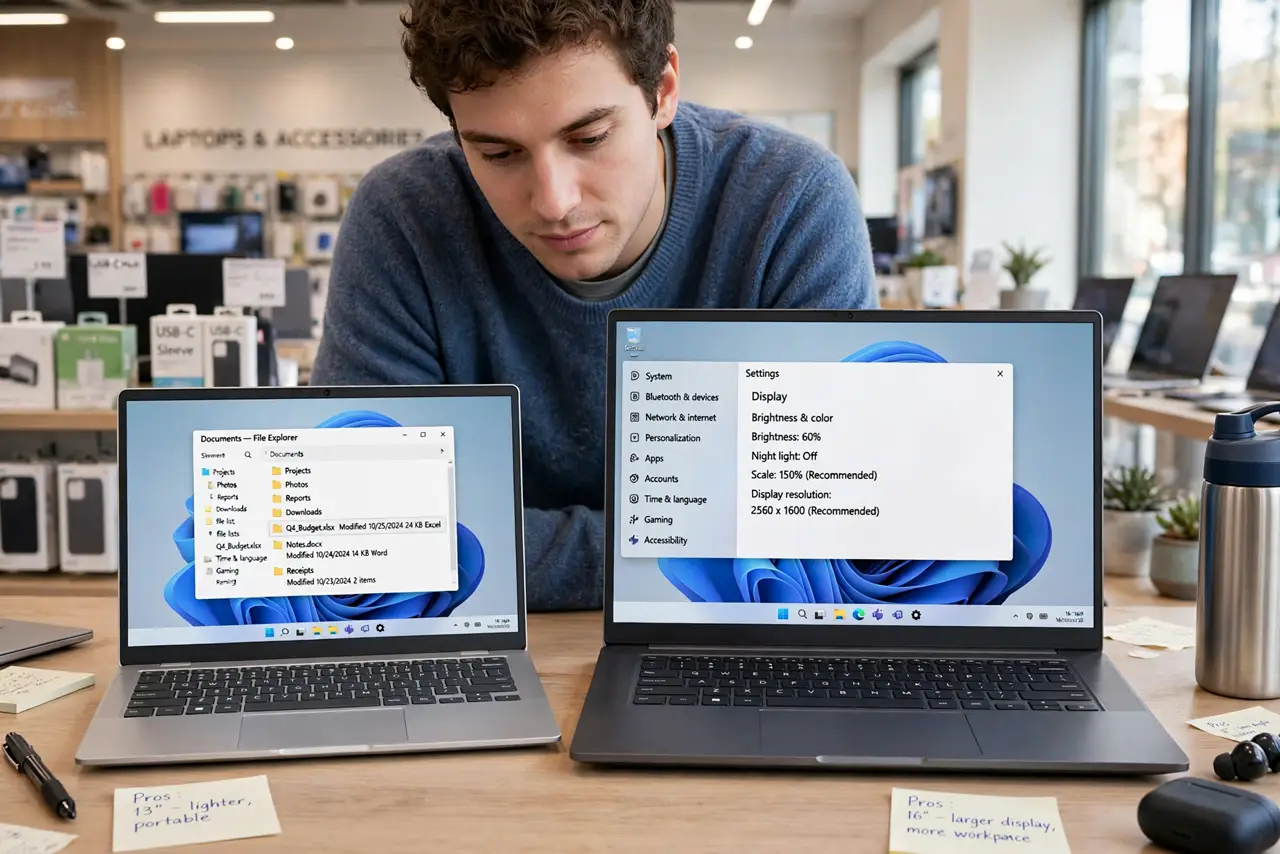
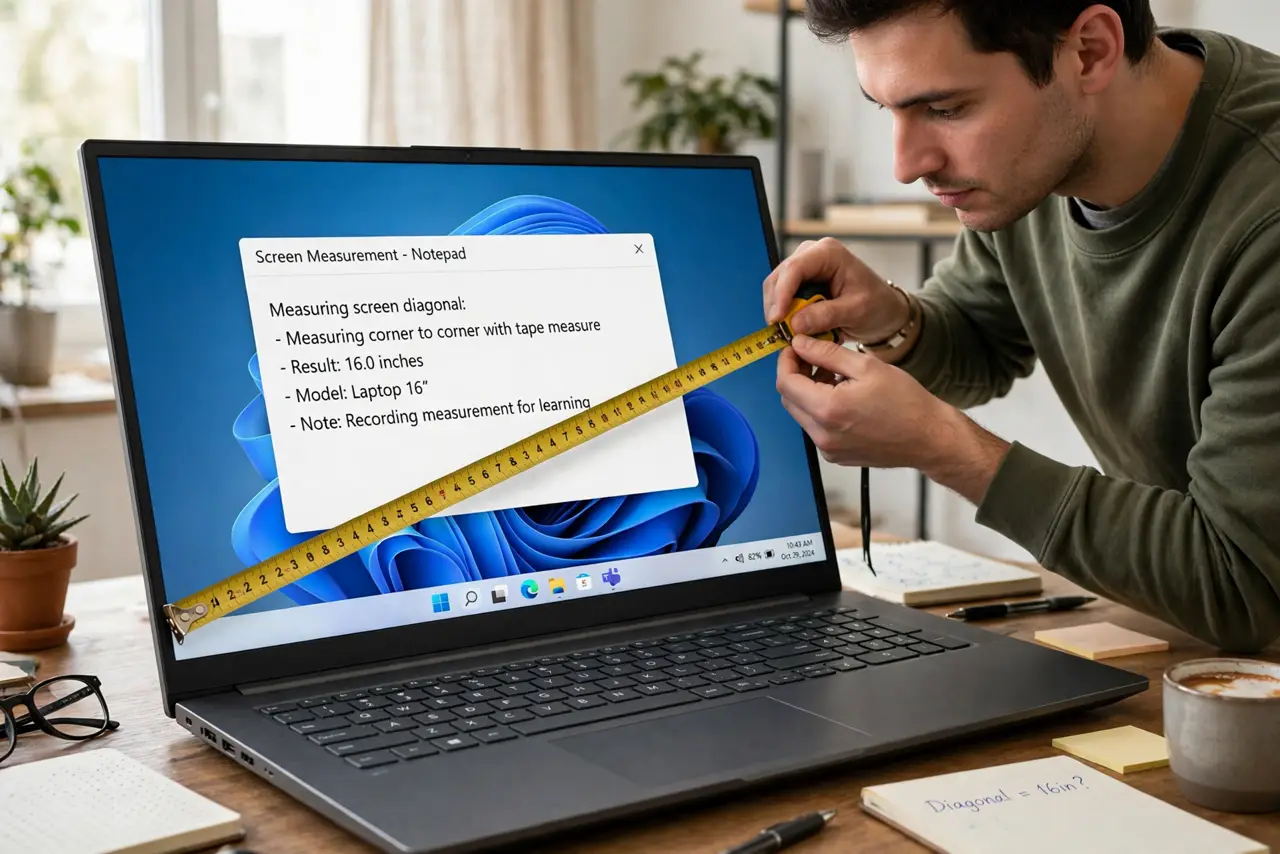
Quick fix: 13-14 inches is the portability sweet spot for students and travelers; 15-16 inches suits desk-based work with more screen room. The diagonal is measured corner to corner. Try your typical bag and your typical work before deciding — weight matters more than an inch of screen.
Follow these steps
- Know what the inches measure. The size is the screen diagonal, corner to corner — not the laptop's footprint. A modern 14-inch laptop can be smaller overall than an old 13-inch thanks to thinner bezels. Compare actual dimensions and weight, not just the diagonal.
- Match size to mobility. Daily commuters, students, and flyers: 13-14 inches, around 1.2-1.5 kg. Mostly desk-bound with occasional travel: 15-16 inches. If it never leaves the desk, consider whether a desktop makes more sense.
- Think about your eyes, not just your bag. More screen means less squinting and less window juggling. If you live in spreadsheets or code, 15-16 inches (or a 14-inch plus an external monitor) saves real eye strain over a workday.
- Check the resolution too. A 15-inch screen at low resolution shows less usable space than a 14-inch at higher resolution. Screen size sets comfort; resolution sets how much fits — you need both numbers.
- Consider the 14-inch compromise. Fourteen inches has become the crowd favorite: noticeably more room than 13, barely heavier, still easy to carry. If you are torn, 14 is the safe middle.
- Factor in the ports and keyboard. Smaller laptops often drop ports and shrink keyboards. Check the port selection and type on the keyboard before committing — a cramped keyboard ruins the portability win.
What NOT to do
- Do not buy 16 inches for daily commuting. The weight and bulk wear you down within weeks — portability regret is real.
- Do not judge size by the diagonal alone. Bezels change everything — check weight and footprint, the numbers you actually feel.
- Do not pick 13 inches for heavy spreadsheet work. Constant zooming and scrolling is a daily tax on your eyes and patience.
- Do not forget your bag. Measure your actual backpack or sleeve — an inch too big means a new bag too.
Frequently asked questions
Is 14-inch really the best all-rounder?
For most people, yes — the best balance of screen comfort and carry weight. Power users who never move may still prefer 16.
Does a bigger screen drain battery faster?
Slightly — more backlight area uses more power. The difference is modest compared to processor and brightness settings, though.
Should I just get a small laptop plus a monitor?
That is the power-user answer: ultraportable for travel, big screen at the desk. It costs more but gives you both worlds — see the 2-in-1 question if you want one device instead.