8 GB vs 16 GB? The Difference
This is the single most common laptop configuration choice, and the price gap makes it tempting to cheap out. The difference between 8 and 16 GB is not subtle — it is the difference between a machine that copes and a machine that breathes. Here is what each actually feels like in daily use, and who should pay the premium.

TL;DR / Quick Fix
Quick fix: choose 16 GB if the laptop's RAM is soldered and you will keep it more than two years — 8 GB copes today but struggles tomorrow. If RAM is upgradable, 8 GB now plus a later upgrade is the smart path. The difference shows in multitasking.
Follow these steps
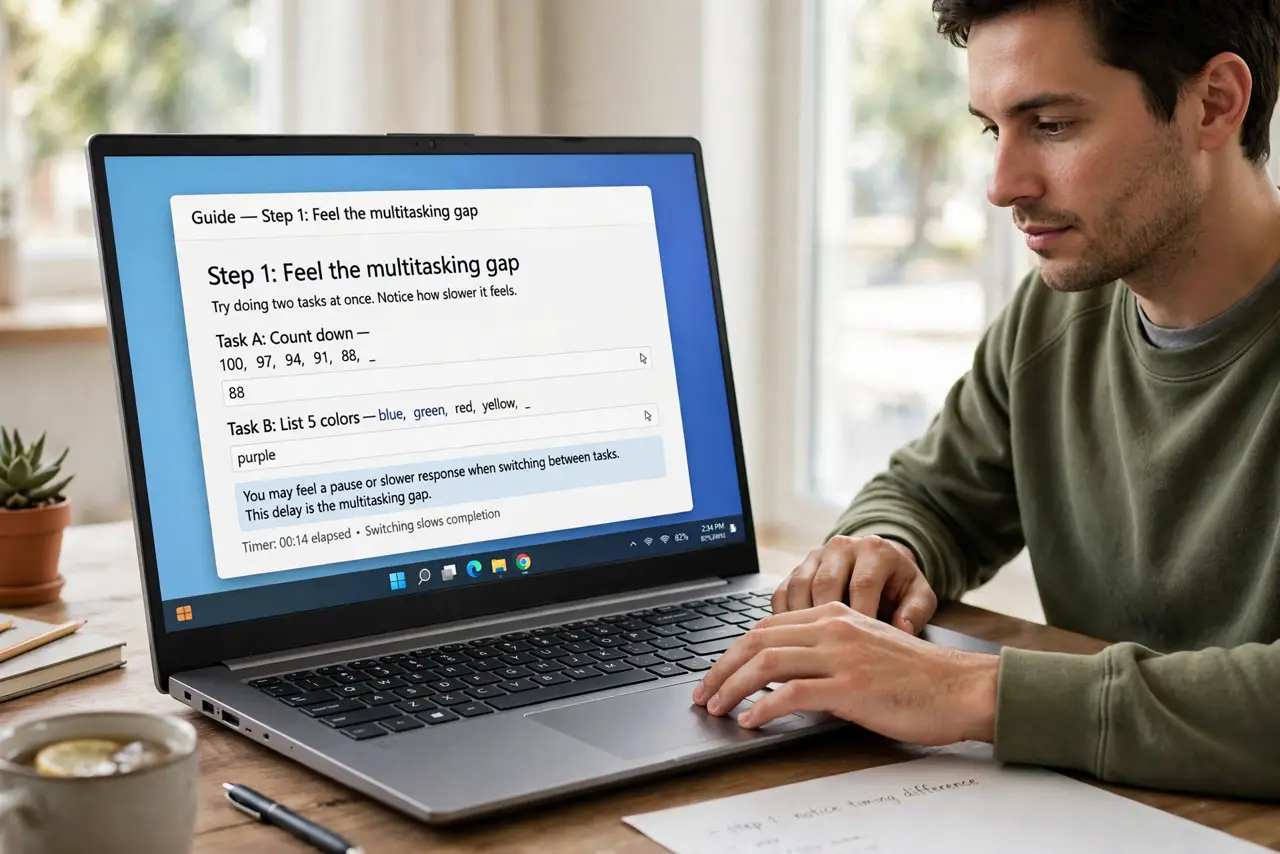
- Feel the multitasking gap. With 8 GB, fifteen tabs plus video calls plus a spreadsheet means swapping and stutters. With 16 GB, the same load is unremarkable. The gap is not in one app — it is in everything at once.
- Consider the laptop's lifespan. Software gets heavier every year. 8 GB bought today feels like 4 GB did five years ago — adequate at purchase, painful by year three. 16 GB buys you years of headroom.
- Check if it is soldered. Soldered RAM means the choice is permanent — lean 16 GB. Slotted RAM means you can start at 8 and upgrade for the price of one stick later.
- Weigh the price premium. Manufacturers often charge a steep premium for the 16 GB configuration. Compare against the cost of a DIY stick upgrade — when slots exist, DIY is usually far cheaper.
- Know who 8 GB still serves. Light users — email, browsing, streaming, documents — genuinely do fine on 8 GB. Do not let forums shame you into 16 GB for a machine that checks email.
- Test before you agonize. Already own the 8 GB machine? Watch memory pressure during your worst hour. Below 80 percent consistently, save your money — the upgrade would change nothing.
What NOT to do
- Do not buy 8 GB soldered for a five-year laptop. The savings evaporate the first time the machine chokes on year-three software.
- Do not assume 16 GB fixes everything. A slow hard drive or weak processor bottlenecks regardless — RAM is one ingredient, not the whole recipe.
- Do not upgrade a machine you will replace soon. RAM you buy for a dying laptop is money that could have gone toward its replacement.
- Do not mix old and new sticks carelessly. Adding a 16 GB stick to an 8 GB soldered base works, but verify dual-channel behavior first.
Frequently asked questions
Is the jump from 8 to 16 noticeable?
In multitasking, dramatically. In a single light app, not at all. Most people's frustration lives in multitasking, which is why the upgrade has such a devoted following.
What about 16 vs 32 GB?
A much smaller leap for most users — noticeable only in creative work, development, and heavy virtualization. The 8-to-16 jump is the big one.
Does RAM speed matter here?
Less than capacity at this tier. A 16 GB kit of modest speed beats an 8 GB kit of fast RAM for real-world smoothness — see speed vs capacity.