Beep Codes? What They Mean
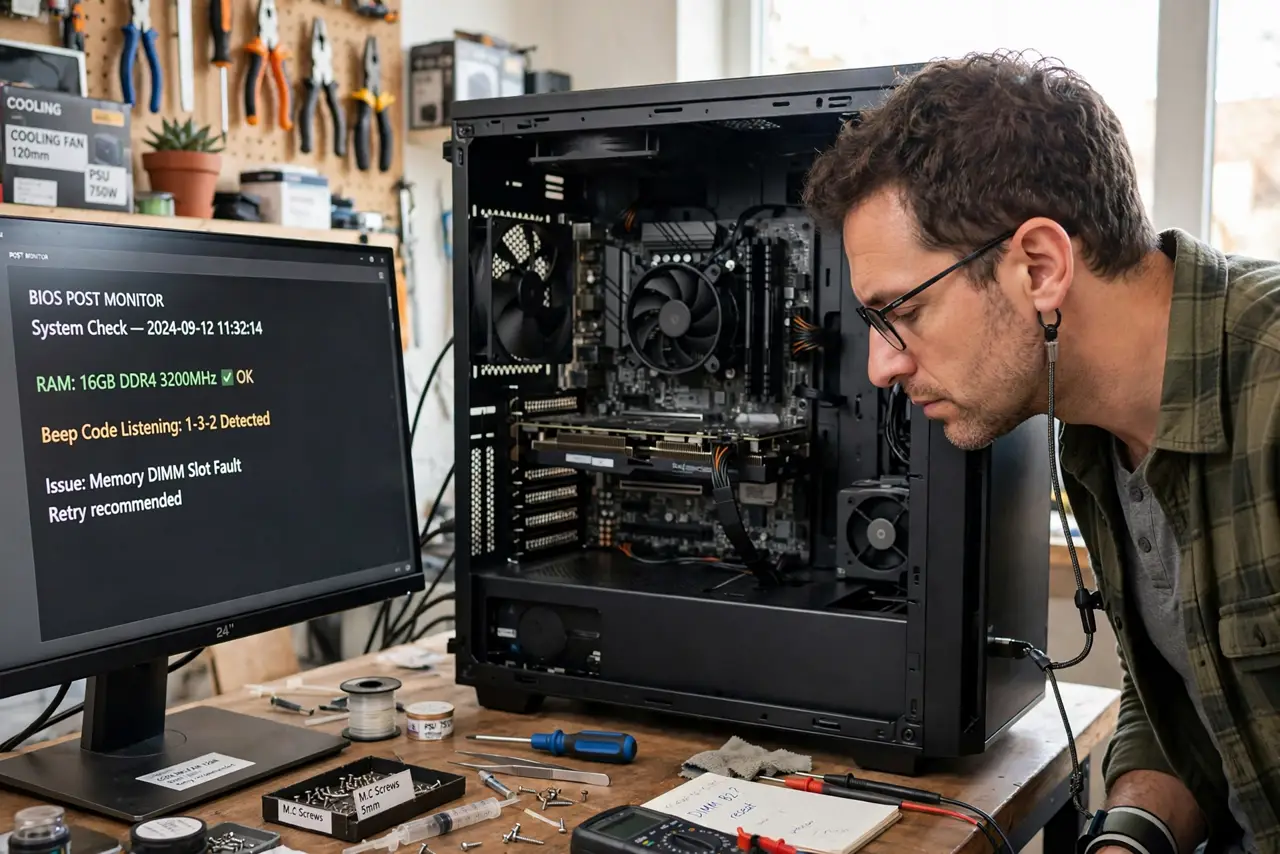
Your PC won't boot and instead plays a cryptic tune of beeps — one long, two short, silence, repeat. Those beeps aren't random: they're the motherboard telling you exactly what's wrong, in code-like patterns, when it can't use the screen. Learning to decode them turns panic into a parts list.
TL;DR / Quick Fix
Quick fix: count the beeps carefully — the pattern (like one long, two short) identifies the failing part. RAM issues are the most common cause, followed by the graphics card. Look up the pattern for your motherboard brand, since codes differ between makers.
Follow these steps
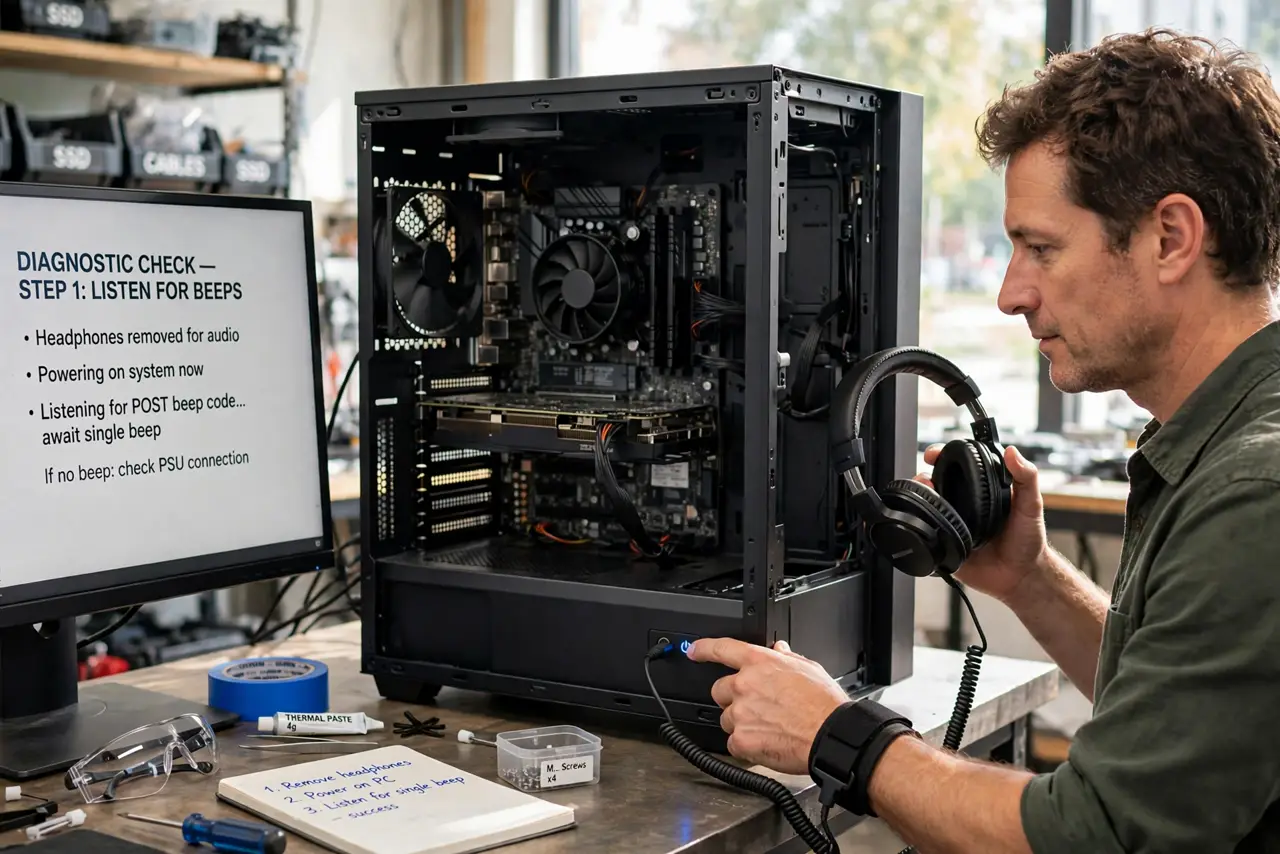
- Make sure you can hear them. Beep codes need the tiny motherboard speaker connected — many cases omit it. No speaker, no beeps; check it's plugged into the front-panel header before anything else.
- Count the exact pattern. Listen carefully: count long vs short beeps and the pauses. One long-two short and three short mean completely different things — write down exactly what you hear.
- Identify your BIOS maker. Codes differ between AMI, Award, and Phoenix BIOS — the same pattern means different failures. Your motherboard manual or maker's site has the definitive table; see the code reference for the common ones.
- Start with RAM. Memory errors are the most frequent beep-code cause. Reseat the sticks, try one at a time — the classic three-beep memory fault is almost always RAM.
- Check the graphics card next. Video failures have their own signature — often one long and two or three short. Reseat the card and its power cables before assuming it's dead.
- One beep is good news. A single short beep usually means POST passed — if the screen is still black, the problem is the monitor or cable, not the PC. See single-beep meaning for confirmation.
What NOT to do
- Do not look up codes for the wrong BIOS. AMI and Award tables differ — using the wrong table sends you chasing the wrong part.
- Do not ignore new beeps after a hardware change. Fresh beeps after installing RAM or a GPU almost always mean the new part isn't seated — reseat before anything else.
- Do not assume continuous beeps mean one thing. A stuck key causes continuous beeps too — unplug the keyboard as a quick test before opening the case.
- Do not replace parts until you've reseated them. Half of all beep-code failures are just loose connections — the free fix comes before the shopping.
Frequently asked questions
No beeps and no display — what now?
First confirm the speaker is connected. If it is and stays silent, suspect power delivery — the board may not be getting far enough to even complain.
Are beep codes the same on laptops?
Laptops use their own diagnostic languages — often LED blink patterns instead of beeps. Check your laptop maker's support page for its specific codes.
Can a dead CPU cause beeps?
Rarely — a truly dead CPU usually means silence, since the board can't run code to beep. Beeps generally mean the CPU works and something else failed.