PC Beep Codes? What They Mean
One long beep, three short ones, or total silence — your PC is talking in beeps, and each pattern names the failed part. Beep codes are the oldest diagnostic in computing and still the fastest. Here is the decoder.
TL;DR / Quick Fix
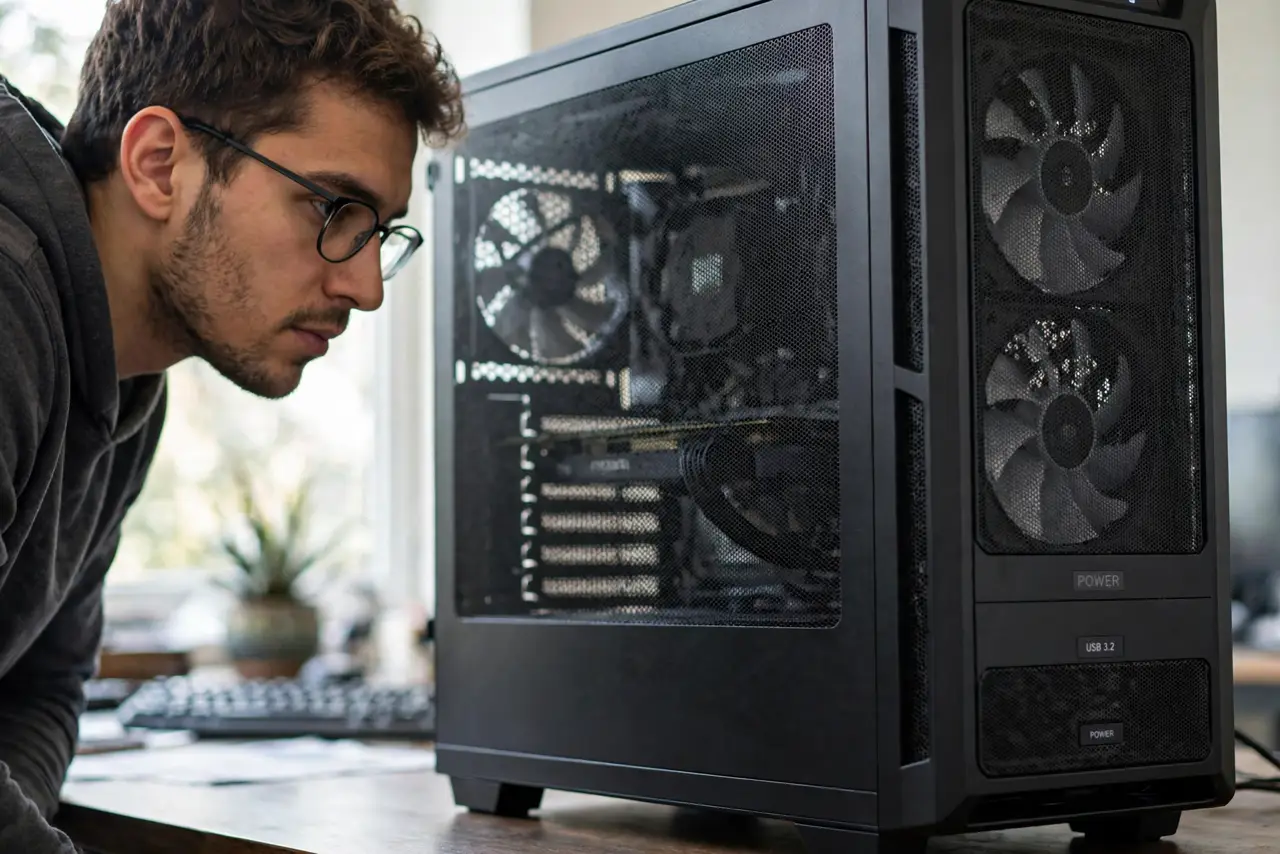
Beep codes are the motherboard's diagnostics: the pattern names the failing part — RAM, GPU, or CPU. Count the beeps, look up your BIOS maker's code list (AMI, Award, and Phoenix differ), and reseat the named component first. No beeps can mean no speaker installed; check debug LEDs instead.
Follow these steps
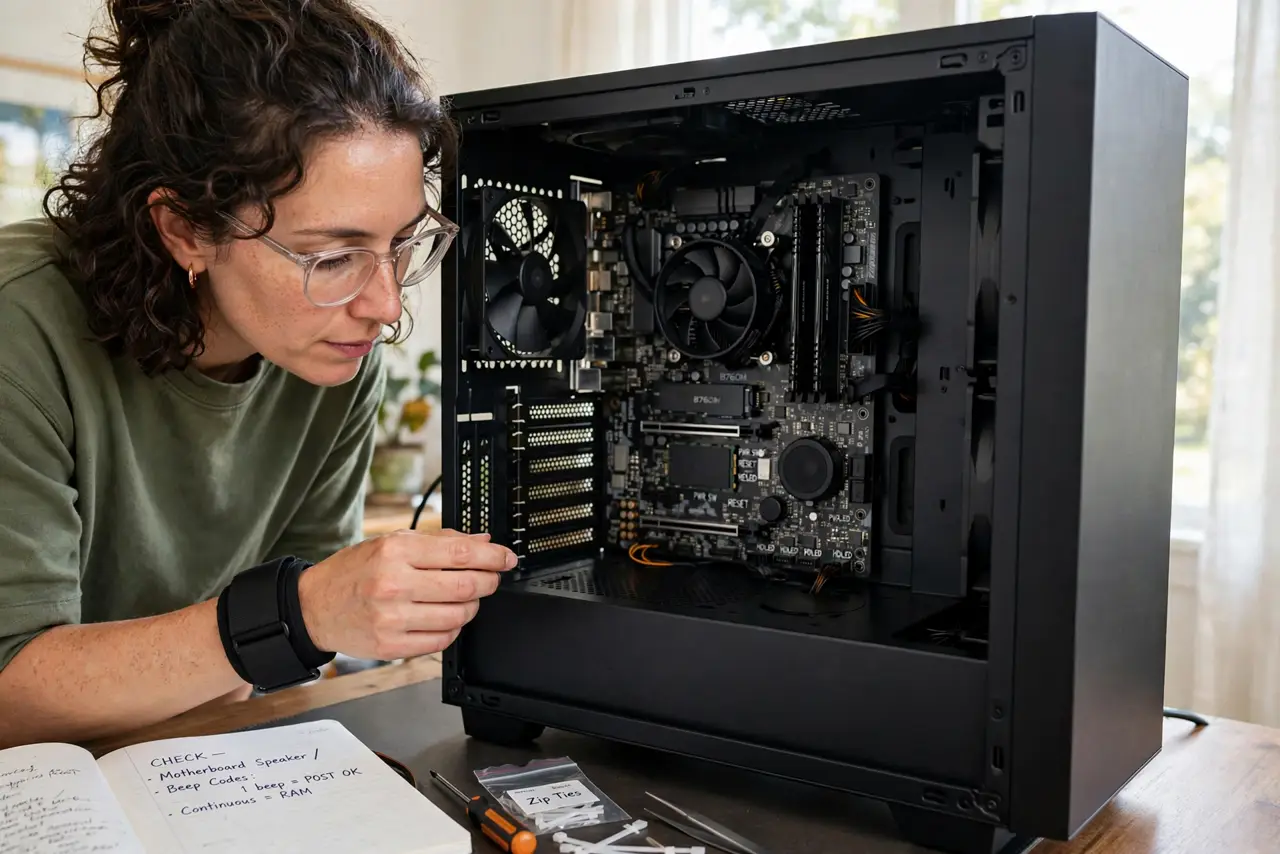
- Make sure you have a speaker. Many modern cases omit the little speaker. No speaker means no beeps, ever.
- Count carefully. Long versus short matters. Record the exact pattern before looking anything up.
- Identify your BIOS maker. It is shown on the boot screen or in the motherboard manual — AMI, Award, or Phoenix.
- Look up the code. The maker's list translates the pattern into a part. Do not use another maker's list.
- Reseat the named component. RAM and GPU top nearly every list — see the RAM reseat technique.
- Clear the CMOS if codes persist after reseating. See the CMOS reset method for the safe procedure.
What NOT to do
- Do not use another maker's code list. AMI and Award codes differ — the wrong list sends you chasing ghosts.
- Do not replace the part before reseating it. Connections fail more often than silicon.
- Do not ignore a single short beep. That one usually means 'all good' — it is the happy code.
- Do not flash the BIOS over a beep code. Reseat first; firmware is rarely the cause.
Frequently asked questions
What if there are no beeps and no display?
Check for a case speaker. Without one, use the debug LEDs instead.
One long beep and two short — what is it?
Typically a GPU issue on AMI BIOS — but verify against your own maker's list.
Can beep codes lie?
Rarely. They report what POST actually detected, and reseating usually resolves them.