Bluetooth Codecs? LDAC and aptX
Your Bluetooth headphones sound great on one phone and dull on another — and the difference is often the codec, the compression language your devices agree on. SBC, AAC, aptX, LDAC: the alphabet soup decides how much of your music survives the wireless trip. This guide decodes it in plain terms.
TL;DR / Quick Fix
Quick fix: a Bluetooth codec is how audio is compressed for wireless — better codecs mean better sound. iPhones use AAC; many Android phones support aptX or LDAC. Both devices must support the codec for it to work. For most listeners, fit and seal matter more than the codec name.
Follow these steps
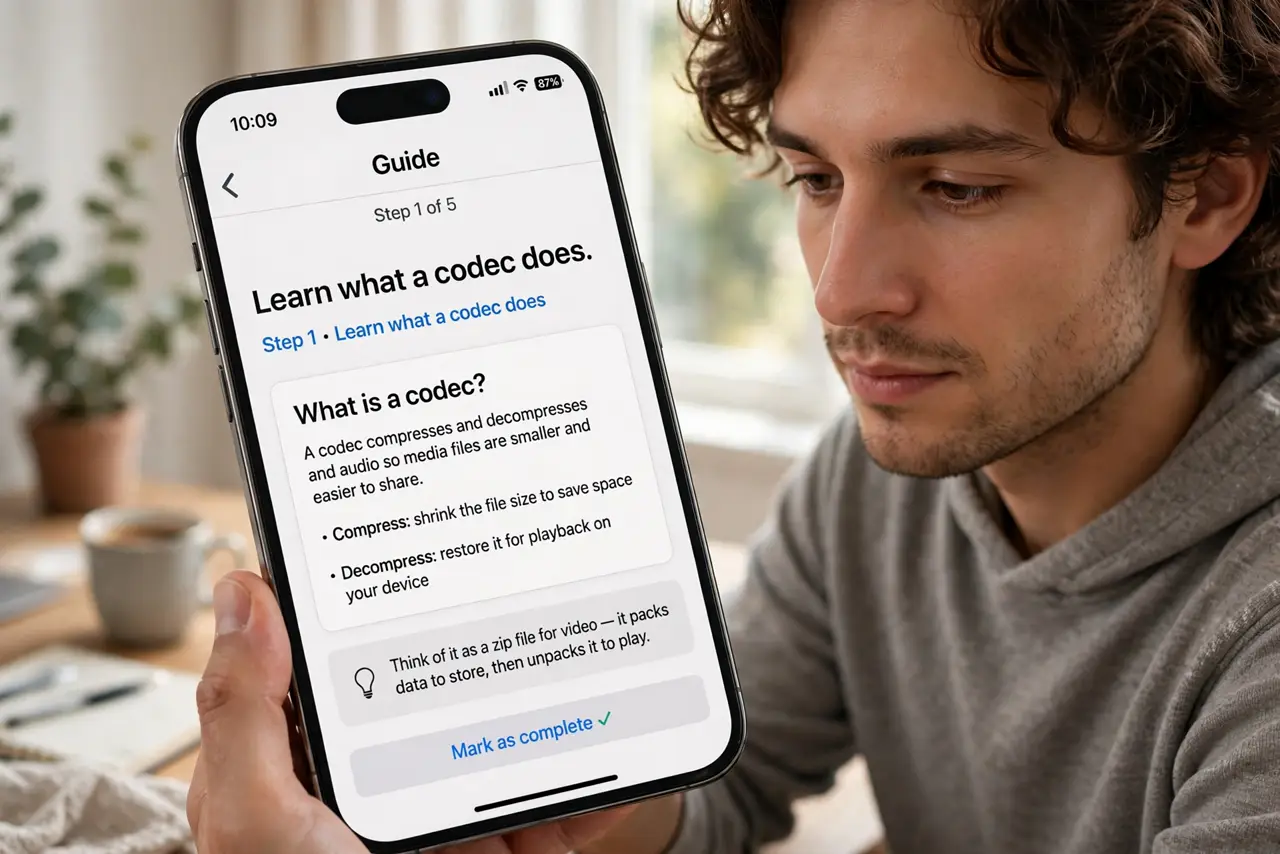
- Learn what a codec does. Bluetooth cannot carry raw audio, so it compresses it — the codec is the recipe. Better recipes keep more detail; worse ones throw more away.
- Know the common names. SBC is the universal fallback everyone supports. AAC is Apple's pick. aptX is common on Android; LDAC is Sony's high-detail option.
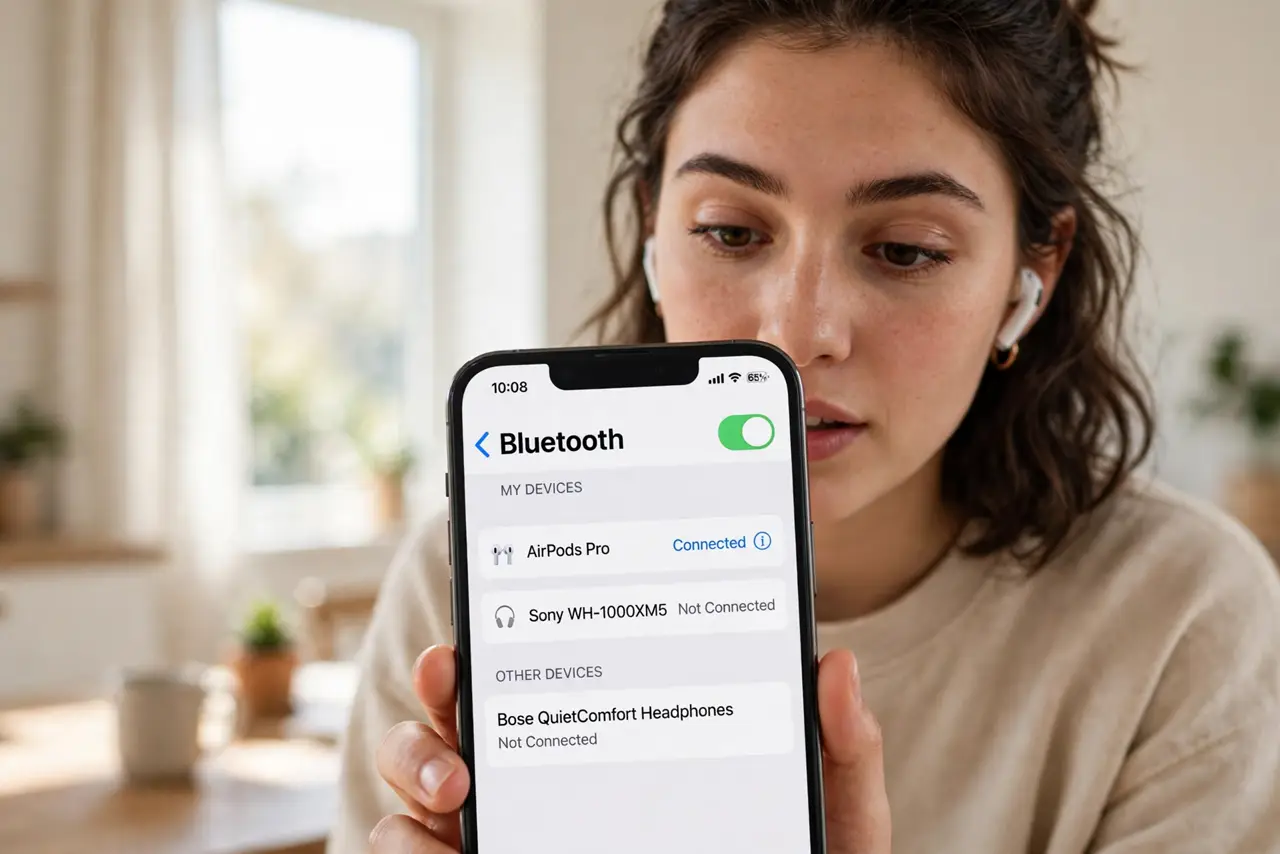
- Check both ends match. The phone and the headphones negotiate the best codec both support. A LDAC headphone with an iPhone still uses AAC — the chain is only as good as its weakest link.
- Do not chase codecs over fit. A great-sealing headphone on SBC beats a leaky one on LDAC. See noise cancelling for what actually transforms listening.
- Mind video delay separately. Codecs affect sound quality; latency is a different spec — see Bluetooth video delay if lips and audio drift apart.
- Update firmware for new codecs. Makers sometimes add codec support later via updates. Check the headphone app before assuming your pair is stuck with SBC.
What NOT to do
- Do not buy headphones for the codec alone. Driver quality, tuning, and fit decide far more of what you hear.
- Do not expect LDAC to fix a bad recording. Codecs preserve detail; they cannot create it.
- Do not assume 'Bluetooth 5.3' means better sound. The version number is about the radio, not the codec.
- Do not toggle developer codec settings blindly. Forcing an unsupported codec gives silence, not better audio.
Frequently asked questions
Which codec is best?
LDAC carries the most detail on paper, but in real listening the differences are subtle — fit, tuning, and the recording matter more.
Why does my audio sound worse on calls?
Calls switch Bluetooth to a low-quality voice profile. That is the profile, not the codec — music quality returns when the call ends.
Can I change the codec on iPhone?
No — iPhones use AAC automatically with no manual switch. Android phones let you pick in developer options.