Cable Management? Tips That Help
You open the case and it looks like a spaghetti explosion — cables everywhere, blocking airflow and your will to live. Good cable management is not about Instagram-worthy rainbow cables; it is about airflow, easier upgrades, and not dreading the next time you open the panel.
TL;DR / Quick Fix
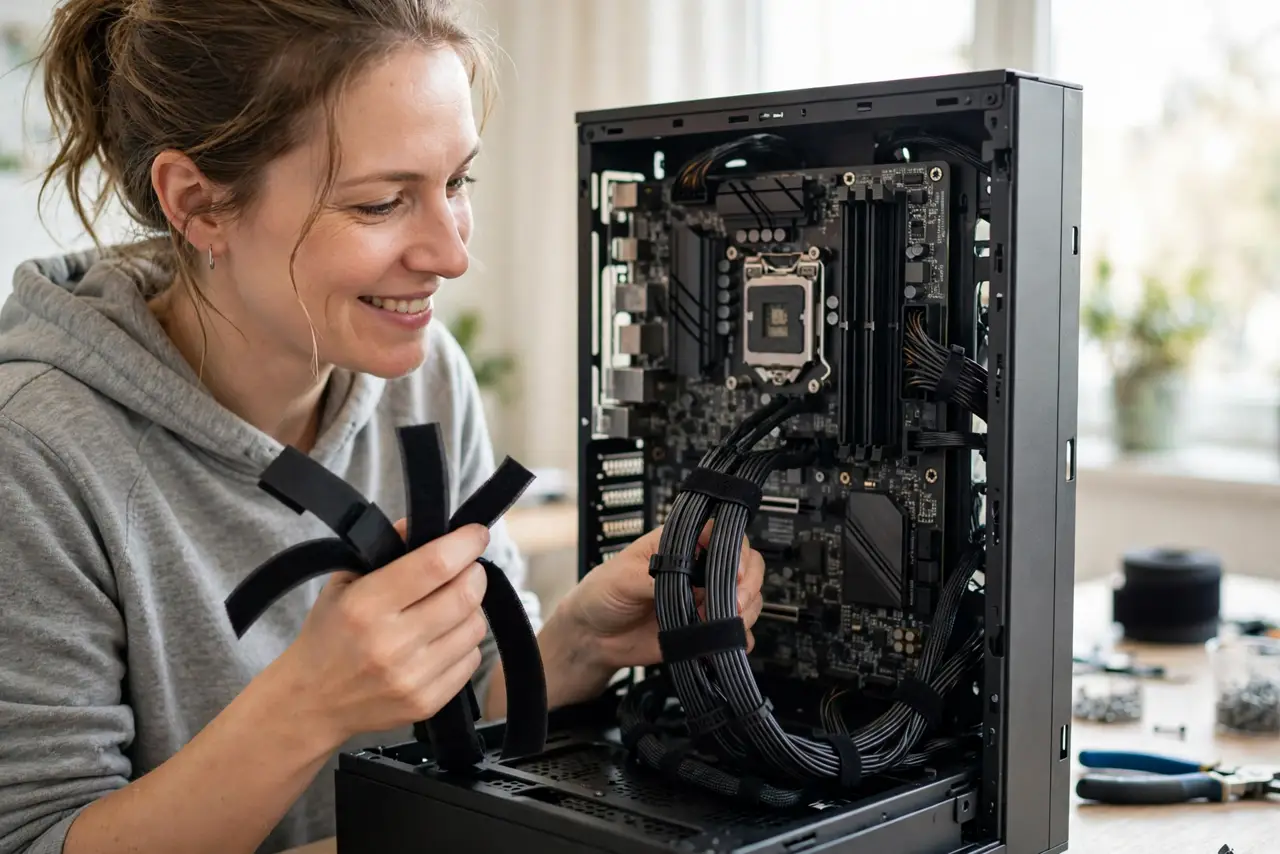
Quick fix: route cables behind the motherboard tray, group them with velcro ties (not zip ties for cables you may move), and keep them clear of fans. Plan routes before connecting, not after. Good enough beats perfect — airflow and access matter more than looks.
Follow these steps
- Plan before you plug. Look at where each cable must go, then route. Connecting first and tidying after is how spaghetti happens.
- Use the space behind the tray. Modern cases have a gap behind the motherboard tray precisely for hiding cables. Feed everything through the rubber grommets.
- Group with velcro, not zip ties. Velcro ties are reusable — you will reopen this case. Zip ties are for cables you will never touch again.
- Keep cables off the fans. A cable kissing a fan blade makes a horrible rattle and can stall the fan. Route with clearance — see fan rattle if yours already rattles.
- Do it after the first boot. Get the PC working first, then tidy. Debugging is miserable when every cable is zip-tied into art — the first-build checklist says the same.
- Label the important ones. A tiny tag on the front-panel and SATA cables saves squinting later. Future upgrades thank you.

What NOT to do
- Do not jam the side panel shut over a cable bulge. Crushed cables and strained connectors cause intermittent faults.
- Do not route power cables across the motherboard's hot spots. Heat plus tight bends ages insulation faster.
- Do not cut cables shorter to 'clean up.' You will need that length at the next upgrade.
- Do not spend three hours on invisible cables. Behind-the-tray tidy plus clear fans is the whole goal.
Frequently asked questions
Does cable management improve cooling?
Modestly — mainly by keeping cables out of the airflow path. The gains are real but small; do it for access and sanity too.
Velcro or zip ties?
Velcro for anything you might move; zip ties only for permanent runs. You will move things.
What about cable extensions for looks?
Fine once the build works and is stable. They add connection points, so verify stability after adding them.