Headset Mic Sounds Bad?
You sound like you are calling from inside a washing machine, and everyone on the call has told you so. Headset microphones are tiny, badly positioned, and at the mercy of software settings — but most 'bad mic' problems are fixable without buying anything. Before you blame the hardware, work through the actual causes.
TL;DR / Quick Fix
Quick fix: most bad headset mics are a positioning or settings problem, not broken hardware. Pull the boom close to the corner of your mouth, check the input volume in system settings, and make sure the right mic is selected. Bluetooth headsets often drop to low-quality mode on calls.
Follow these steps
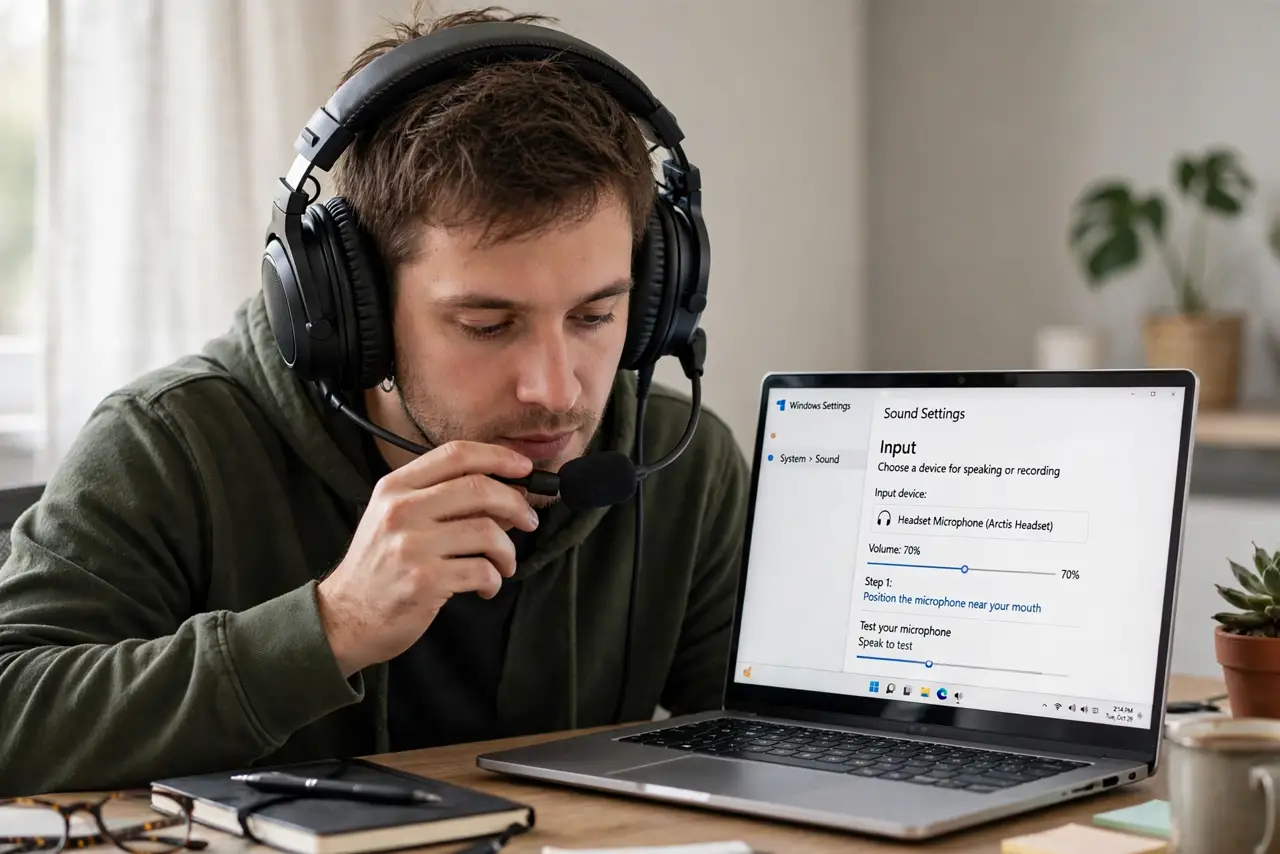
- Position the microphone correctly. The boom should sit at the corner of your mouth, about a finger's width away — not under your chin, not across the room. Distance is the single biggest quality factor, and it is free.
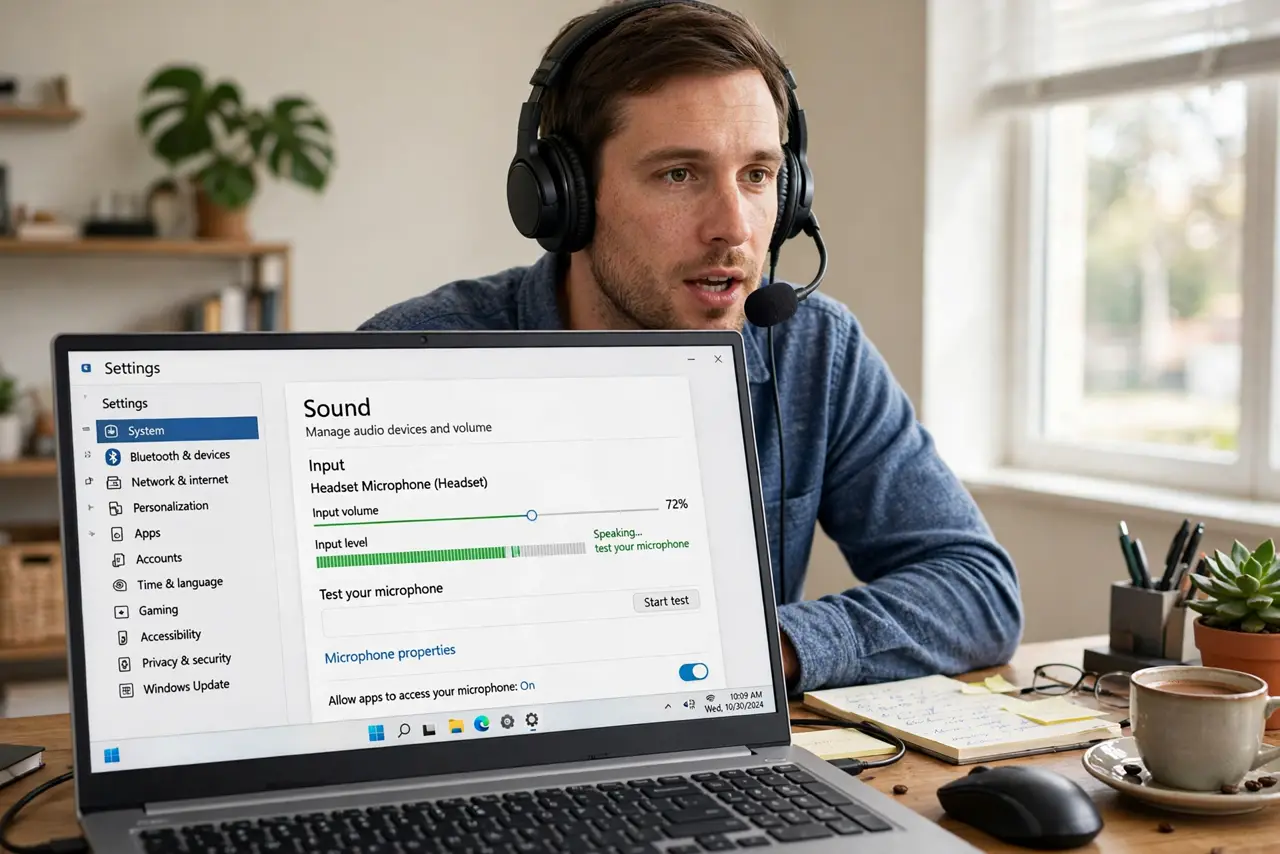
- Select the right input device. Your system may be using the laptop's built-in mic instead of the headset. Check sound settings during a call and confirm the headset mic is the active input — the undetected headset guide helps when it does not appear at all.
- Set input volume properly. Too low and you are inaudible; too high and you clip and distort. Speak normally and aim for the meter hitting about three-quarters — then leave it alone.
- Know the Bluetooth call-quality trap. Bluetooth headsets switch to a low-quality mic mode during calls (the HFP profile) — that underwater sound is the protocol, not your headset. A wired connection or a USB dongle usually sounds dramatically better.
- Kill the noise processing wars. Your headset app, the OS, and the call app may all run noise suppression at once, stacking into robotic audio. Pick one — usually the call app's — and disable the others.
- Test with a recording. Record ten seconds in your system's voice recorder and listen back. Testing with a recording separates 'the call app is bad' from 'my mic is bad' in one step.
What NOT to do
- Do not buy a new headset before checking settings. Positioning, input selection, and volume fix the large majority of complaints for free.
- Do not stack three noise-cancellation systems. More processing is not better — layered suppression eats your voice along with the noise.
- Do not judge mic quality over Bluetooth call mode. The HFP profile's narrow audio is a standard limitation; compare wired before condemning the hardware.
- Do not ignore sidetone. If you cannot hear yourself, you will shout or mumble — enable a little sidetone so your volume stays natural.
Frequently asked questions
Why do I sound fine in recordings but bad on calls?
The call app is compressing and processing your audio — or your Bluetooth dropped to call mode. Test wired to isolate which one.
Is a boom mic always better than an inline mic?
Almost always — proximity wins. An inline mic dangling on a cable picks up clothing rustle and room echo that a boom avoids.
Should I use the headset's app EQ for the mic?
Usually no — mic EQ in companion apps is subtle at best. Positioning and input level matter a hundred times more.