A Home NAS? Basics
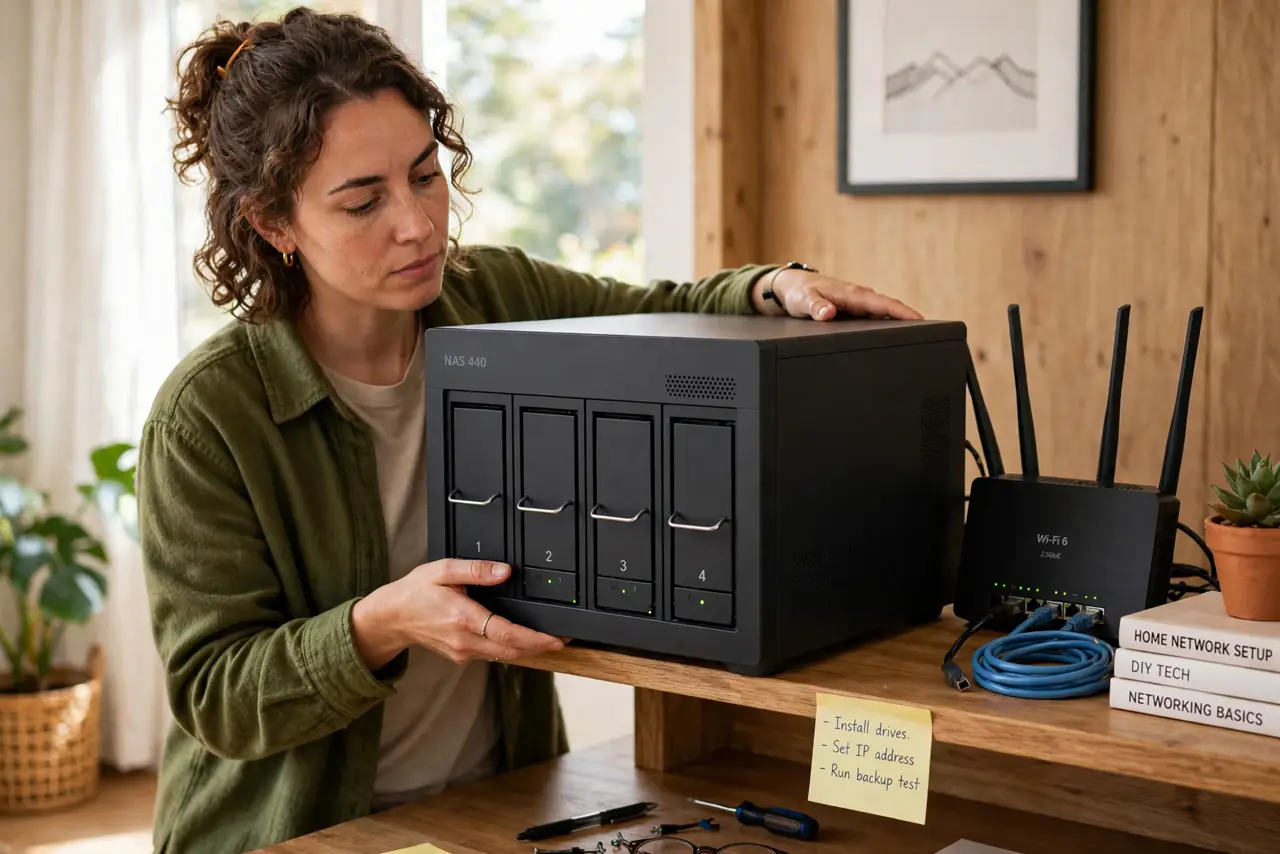
A NAS — network-attached storage — is a small box of hard drives that sits on your home network and acts as your private cloud: file storage, photo backups, and media streaming that you own outright, no subscription. It is the answer to 'I am paying monthly to rent back my own files.' But it is also a project, not an appliance. Here is the honest breakdown.
TL;DR / Quick Fix
Quick fix: a home NAS is your own private cloud — network storage for backups, photos, and media with no monthly fee. It suits people with terabytes to store and the patience for setup. Start with a two-bay unit and mirror the drives.
Follow these steps
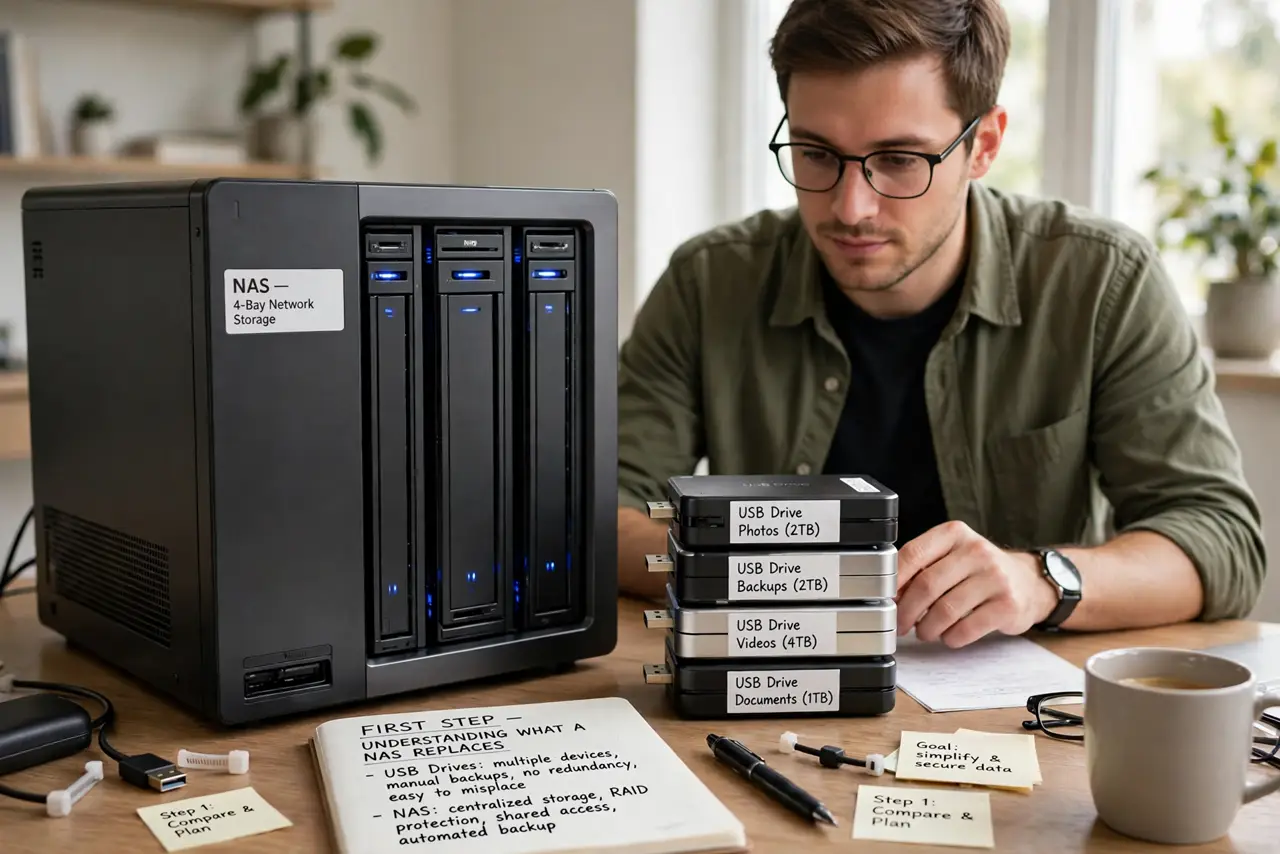
- Understand what it replaces. Cloud storage subscriptions, scattered external drives, and 'where did I save that' chaos. A NAS centralizes your files on your network, reachable from every device at home — your cloud, your rules.
- Be honest about the project factor. A NAS needs initial setup, occasional updates, and drive replacements years down the line. If 'set and forget' is non-negotiable, a subscription cloud service is the better fit — the external drive comparison lays out the simpler alternative.
- Start with two bays. A two-bay NAS with two mirrored drives (RAID 1) survives one drive dying without losing data. It is the sweet spot of safety, cost, and simplicity for a first NAS.
- Budget the drives separately. NAS boxes usually ship diskless. Buy NAS-rated drives (built for 24/7 operation) — desktop drives in a NAS die young and void the point.
- Plan the backup of the backup. A NAS protects against drive failure, not fire, theft, or your own deletions. Keep an offsite copy of what matters — a NAS without offsite backup is half a strategy.
- Put it somewhere sensible. Near the router, ventilated, and where its hum will not annoy you. A NAS runs all day — the closet with airflow beats the bedroom nightstand.
What NOT to do
- Do not buy a NAS for a few hundred gigabytes. That is external-drive or cloud territory — a NAS earns its keep at terabyte scale.
- Do not use desktop drives to save money. NAS-rated drives handle vibration and 24/7 heat; desktop drives fail early in multi-drive boxes.
- Do not skip the offsite backup. RAID is not backup — it protects against drive death, not disasters. One fire without offsite copies ends the story.
- Do not expose it to the internet casually. Opening NAS admin to the world invites attacks — keep it on the home network or use the maker's secure remote access.
Frequently asked questions
How much does a home NAS really cost?
A two-bay box plus two NAS drives typically runs a few hundred dollars total. Compare against years of cloud subscription for your data size — the NAS usually wins by year two or three.
Can I stream movies from a NAS?
Yes — most NAS software includes a media server. It is one of the best uses: your whole library, no streaming service required.
Is a NAS hard to set up?
Modern ones are guided and friendly — an afternoon's project, not a weekend's. The ongoing part is occasional updates and eventually replacing a drive, both well-documented.