75% Keyboards? The Basics
Full-size keyboards eat desk space, but going tiny means losing keys you actually use. A 75% keyboard is the compromise: it keeps the function row and arrows while dropping the numpad and squeezing navigation keys into one compact block. For most desk setups it's the sweet spot. Here is what 75% means and whether it fits you.
TL;DR / Quick Fix
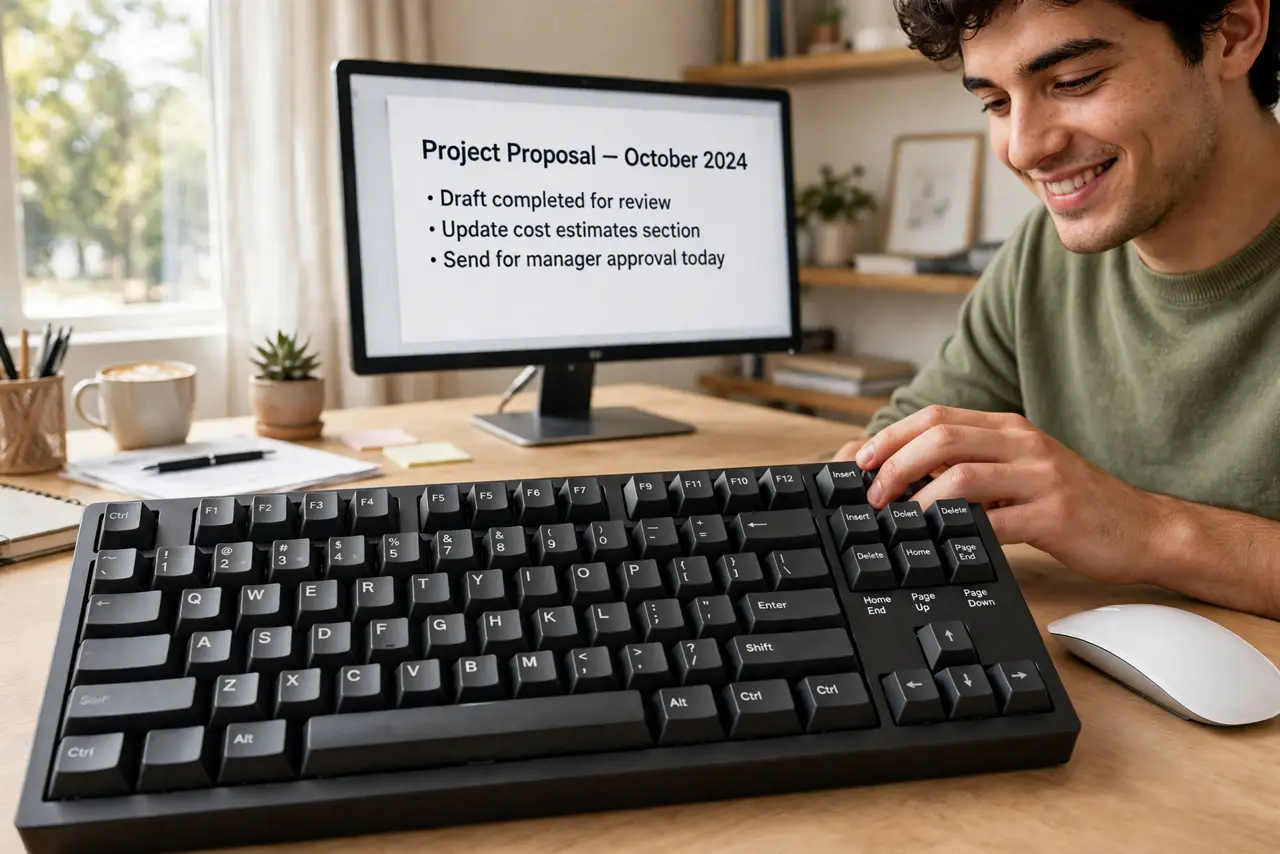
Quick fix: a 75% keyboard keeps letters, numbers, function row, and arrows — dropping only the numpad and compressing navigation keys. Nearly full functionality in a much smaller footprint, freeing mouse space. Ideal if you rarely use the numpad. Test the layout first if you live on Home/End keys.
Follow these steps
- Learn what's kept and cut. 75% keeps: alphanumeric block, number row, function row, arrows. Cut: numpad. Compressed: Insert/Delete/Home/End/PageUp/PageDown into a single column. That's the entire tradeoff — one compact rectangle.
- Know who it's for. Writers, programmers, and gamers who mouse a lot — the freed space lets the mouse sit closer, improving ergonomics. If you type numbers all day on a numpad, stop here: you want full-size or a separate numpad.
- Check the navigation cluster. The squeezed nav column is the adjustment — Home/End/PgUp/PgDn move to new spots or function layers. If you navigate documents by keyboard constantly, test whether the new positions work for you. This is the make-or-break detail.
- Consider the function layer. Missing keys live on a Fn layer (Fn+1 = F1 on some layouts, media keys, etc.). Good 75% boards print the legends clearly. You'll memorize your five frequent ones in a week; the rest you look up.
- Look at switch and build options. 75% is the enthusiast sweet spot — hot-swap boards, quality keycaps, and good stabilizers are common. The hot-swap guide and switch guide help if you're going mechanical.
- Try before you commit. Print a paper layout or borrow one for a day. The numpad loss is obvious; the nav-cluster squeeze is the subtle one. A day of real work reveals whether 75% fits your hands.

What NOT to do
- Do not buy 75% if you live on the numpad. Data entry folks should get full-size or add a standalone numpad — fighting your main tool daily is false economy.
- Do not ignore the Fn layer legends. A board with cryptic or missing legends makes the function layer miserable to learn.
- Do not assume all 75% layouts are identical. Key placement in the nav column varies by maker — check the exact layout diagram.
- Do not pay enthusiast prices for your first compact board. A mid-range 75% tells you whether the layout fits before you invest in endgame gear.
Frequently asked questions
What's the difference between 75% and TKL?
TKL (tenkeyless, 80%) drops only the numpad, keeping the full nav cluster. 75% goes further, compressing the nav cluster too — smaller, with a bigger adjustment.
Can I game on 75%?
Absolutely — many gamers prefer it for the mouse space. Nothing gaming needs lives on the numpad; function keys and arrows are all present.
Do 75% keyboards work with Mac?
Yes, with Mac/Windows mode switches on most boards. Check for the toggle — key legends and shortcuts differ slightly.