Mouse DPI? Plain Explanation
Mouse boxes shout about 16,000 DPI like it decides everything, and gamers argue about it endlessly. DPI (dots per inch) just measures how far the cursor moves per inch of mouse movement — higher means faster, twitchier cursor travel. But beyond a point, more DPI is marketing, not performance. Here is what the number actually means for you.
TL;DR / Quick Fix
Quick fix: DPI measures cursor speed per inch of mouse movement — higher DPI means a faster cursor. Most people are comfortable between 800 and 1600 DPI. Higher numbers are mostly marketing; sensor accuracy and comfort matter far more than the maximum DPI on the box.
Follow these steps
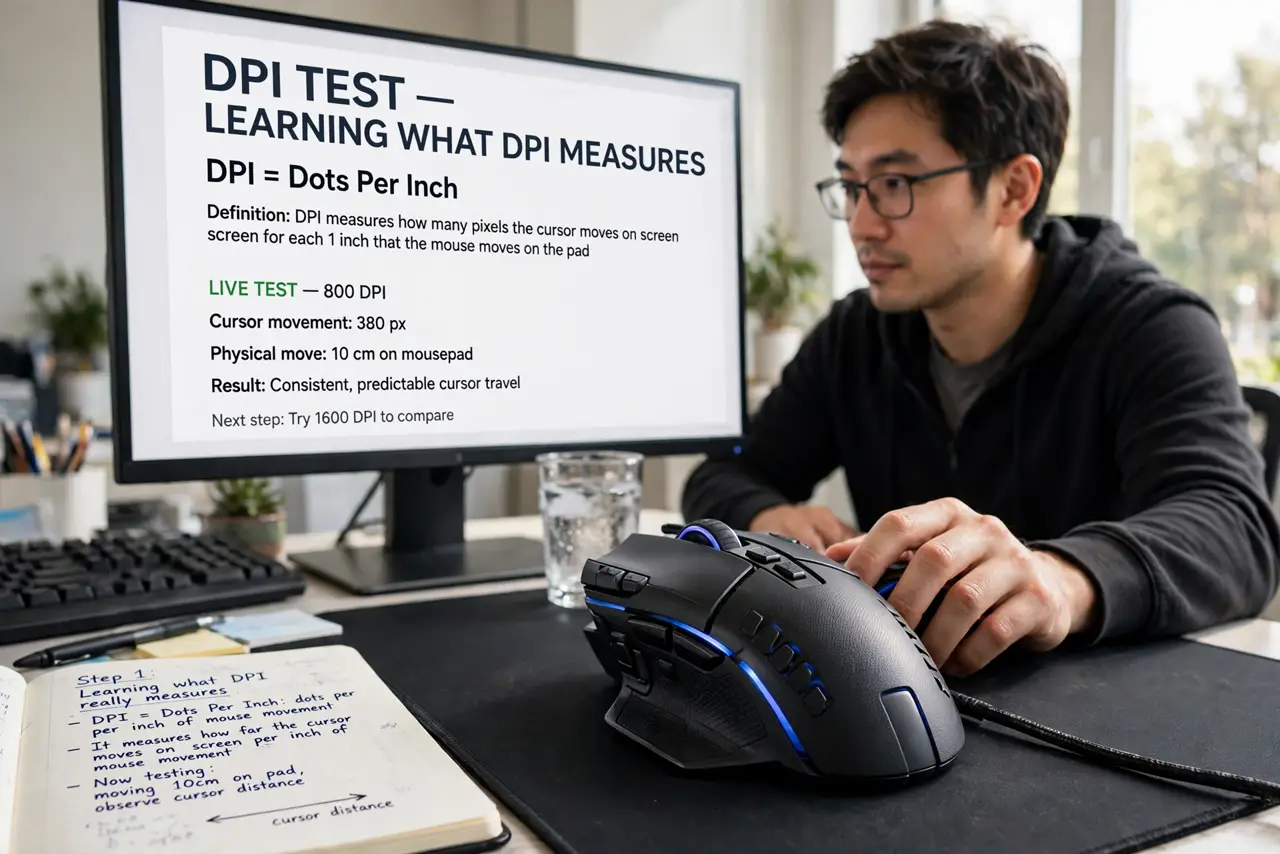
- Learn what DPI really measures. DPI counts how many 'dots' the sensor reports per inch of physical movement. At 800 DPI, one inch of mouse travel moves the cursor 800 pixels. That is it — speed, not precision.
- Find your comfort zone. Start at 800-1600 DPI and adjust in your system settings. Office work favors the lower end for control; gaming varies by style. There is no correct number, only what your hand likes.
- Understand why huge numbers mislead. A 16,000 DPI sensor is not sixteen times better than 1,000 DPI — nobody can control that speed, and it amplifies every hand tremor. The polling rate comparison matters more for responsiveness than max DPI.
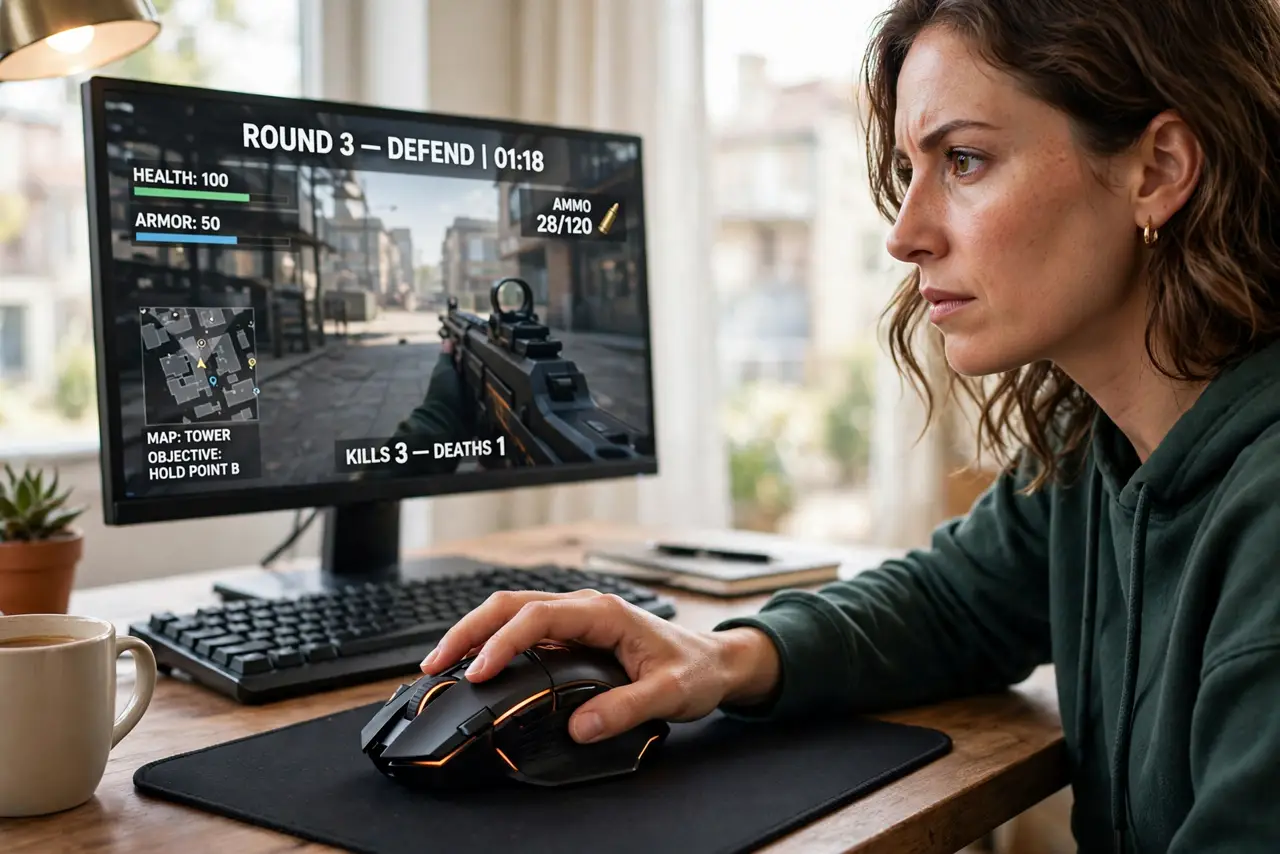
- Pair DPI with in-game sensitivity. Gamers: set the mouse to a moderate DPI, then fine-tune sensitivity inside each game. Changing both at once makes aiming feel random — fix one variable, tune the other.
- Consider your screen resolution. Higher-resolution monitors need somewhat higher DPI to cross the screen comfortably. Moving from 1080p to 4K is a legitimate reason to bump DPI up a notch.
- Test before trusting the box. Two mice at the same DPI can feel different because of sensor quality, weight, and shape. Comfort in your hand beats any spec — try before you buy when possible.
What NOT to do
- Do not buy a mouse for its maximum DPI. It is the least meaningful number on the box — sensor quality, shape, and weight decide how a mouse actually feels.
- Do not crank DPI to maximum and call it better. Uncontrollable speed just means overshooting every target and blaming your aim.
- Do not change DPI and sensitivity at the same time. Adjust one, adapt, then adjust the other — otherwise you will never know what helped.
- Do not ignore the mousepad. A worn or dirty pad degrades tracking more than any DPI setting can fix — clean or replace it first.
Frequently asked questions
What DPI do pro gamers actually use?
Most play between 400 and 1600 DPI with low in-game sensitivity. Precision comes from large, controlled arm movements, not from sky-high DPI.
Is higher DPI better for a 4K monitor?
Somewhat — you need more cursor travel to cross more pixels. But 1600-2400 DPI is plenty; you do not need five figures.
Why does my mouse feel different on another computer?
DPI lives partly in the mouse and partly in OS pointer settings. The same mouse feels different when the system's pointer speed differs — match both.