New Build, No Display? Checklist
You press the power button, fans spin, lights glow — and the monitor stays black. Every first-time builder meets this moment, and it feels catastrophic. It almost never is. Work this checklist in order; nine times out of ten the culprit is one forgotten cable or one unseated part.
TL;DR / Quick Fix
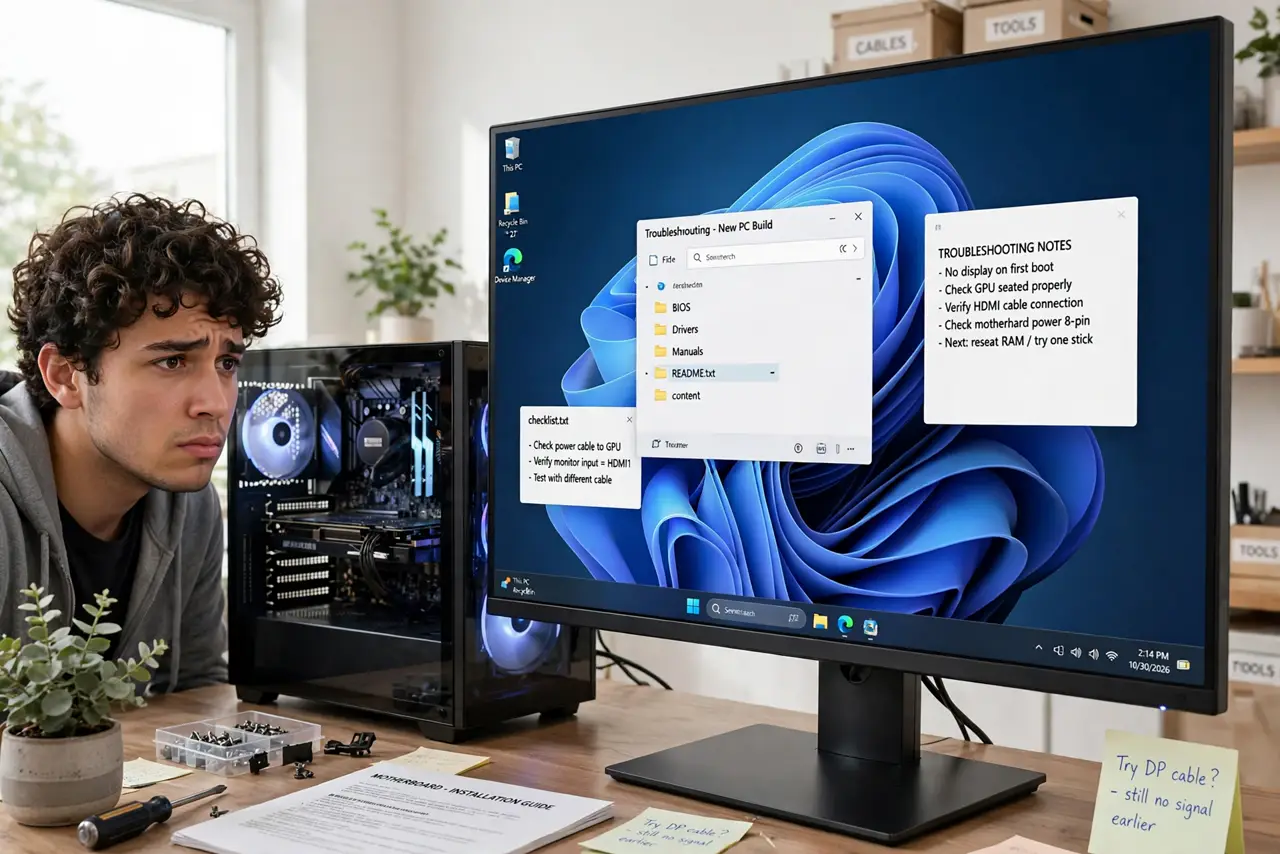
Quick fix: plug the monitor cable into the GPU (not the motherboard), connect both motherboard power cables, and seat RAM until the clips snap. Reseat the GPU. Most no-display new builds are one forgotten cable or one half-seated part — work the checklist before assuming anything is dead.
Follow these steps
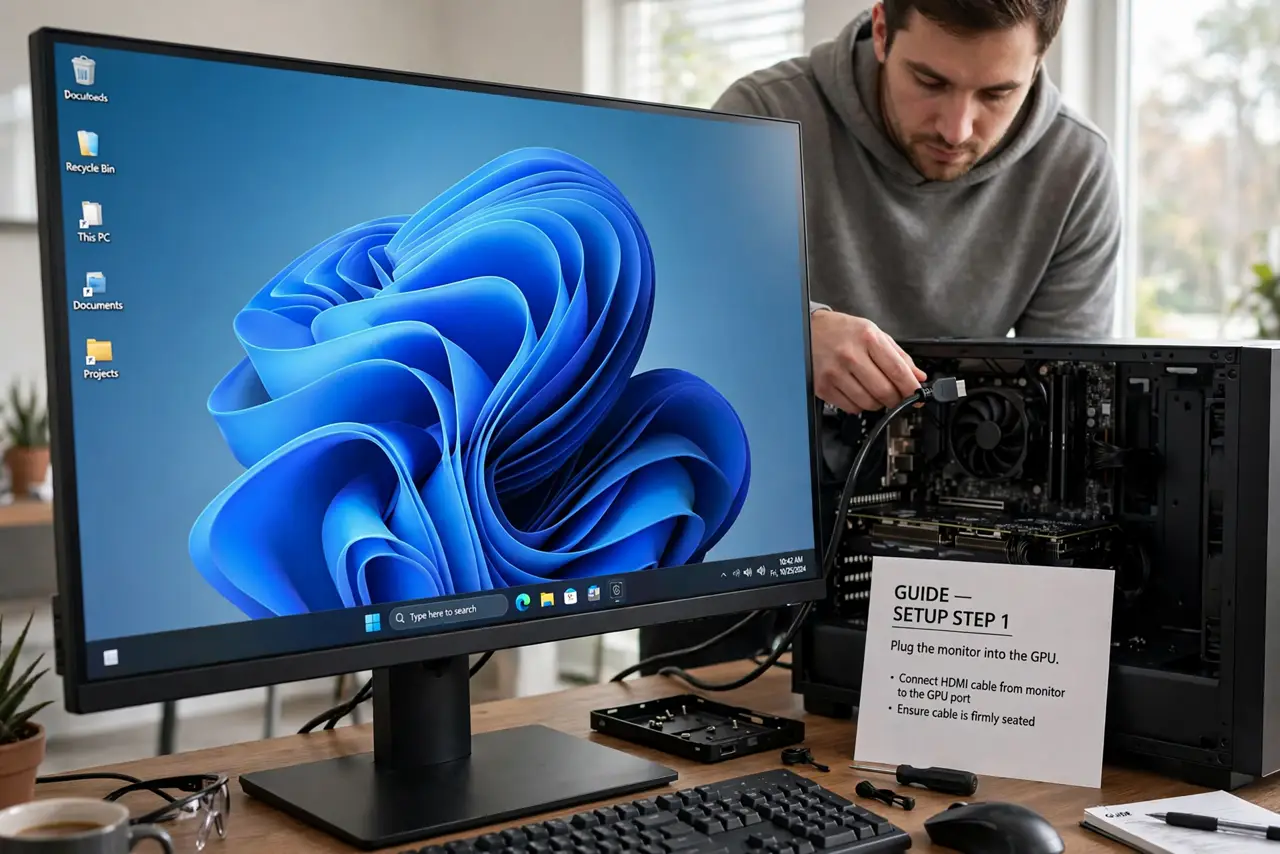
- Plug the monitor into the GPU. The most common mistake in history: the cable goes to the motherboard's video port instead of the graphics card. See which port — move the cable and try again.
- Connect both power cables. The 24-pin main plus the CPU power plug at the top of the board. Fans spinning with no display screams 'forgot the CPU power.'
- Reseat the RAM. Pull each stick and push it back until both clips snap shut by themselves. Check you used the right slots too.
- Reseat the GPU. Pull the card out and push it firmly back until the slot latch clicks. A card that looks seated but is not is a classic.
- Check the monitor input. Cycle the monitor's input button to the right source. A monitor parked on HDMI 2 while the PC is on HDMI 1 shows exactly this black screen.
- Strip to minimum parts. One RAM stick, no extra drives, no USB extras. If it boots minimal, add parts back one at a time until the culprit appears.
What NOT to do
- Do not assume the worst part is dead. New parts are rarely DOA; configuration mistakes outnumber dead parts enormously.
- Do not rebuild the whole PC at once. Change one thing, test, repeat — shotgun rebuilding hides which fix worked.
- Do not flash the BIOS as step one. Updates are for confirmed incompatibilities, not first-boot mysteries.
- Do not forget the monitor's power and input. An embarrassingly large share of 'dead builds' are monitor-side.
Frequently asked questions
Fans spin but no display — what is most likely?
Forgotten CPU power cable, monitor plugged into the motherboard instead of the GPU, or half-seated RAM — in that order.
Should I hear beeps?
Only if the case has a speaker connected. No beeps with no speaker is normal, not a clue.
How long should I wait on first boot?
Give it a full minute — first boots train memory and can sit black for a while. Impatience causes unnecessary rebuilds.