Which RAM Slots? The Rule
Your motherboard has four RAM slots, two sticks in hand, and the manual shows a diagram that might as well be hieroglyphics. Put the sticks in the wrong slots and the PC still boots — just slower, in single-channel mode, leaving free performance on the table.
TL;DR / Quick Fix
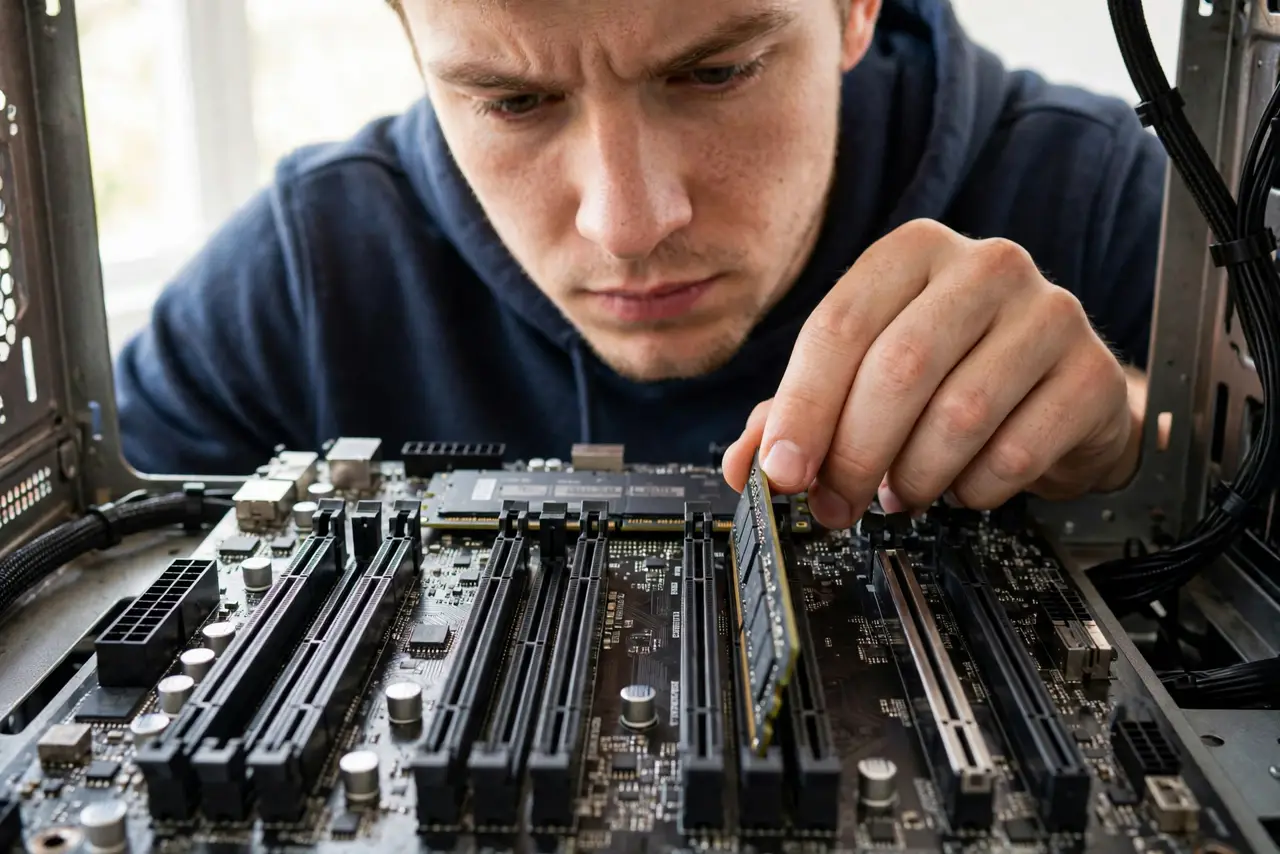
Quick fix: with two sticks and four slots, use the second and fourth slots from the CPU (usually labeled A2 and B2) — that enables dual-channel mode. With one stick, use the slot the manual marks first. Check the motherboard manual's diagram; it is the final authority.
Follow these steps
- Find the manual's slot diagram. Every motherboard manual shows exactly which slots to fill first. That diagram outranks every forum post — including this guide.
- Use A2 and B2 for two sticks. Second and fourth slots from the CPU is the standard for dual-channel on four-slot boards. This one rule covers most builds.
- Understand why it matters. Dual-channel doubles memory bandwidth versus single-channel. Wrong slots do not break anything — they just quietly cost performance.
- Seat sticks until both clips snap. Push firmly until the slot's clips close on their own. Half-seated RAM causes the classic new build no display failure.
- Match the sticks as a pair. Same capacity, speed, and ideally the same kit. Mixed sticks work but can force the faster one down to the slower one's speed.
- Enable XMP after installing. The BIOS runs RAM at safe defaults until you enable the rated speed profile — see XMP. New RAM at stock speeds is leaving performance unclaimed.

What NOT to do
- Do not put both sticks in adjacent slots. Slots 1+2 is the classic mistake — it runs single-channel.
- Do not mix very different RAM speeds and expect full speed. The system slows to the weakest stick.
- Do not force a stick in backwards. The notch is off-center; if it does not align, flip it — never force it.
- Do not skip the manual because 'all boards are the same.' Slot numbering quirks exist; the diagram is thirty seconds.
Frequently asked questions
What is dual-channel, simply?
Two matched sticks working in parallel, roughly doubling memory bandwidth. Real-world gains vary, but it is free performance.
Can I add two more sticks later?
Yes — fill the remaining slots with a matched kit. Four sticks can be fussier about speed, so check the manual's guidance.
Does slot choice matter with four sticks?
No — with all slots filled, there is only one arrangement. The rule matters for one or two sticks.