Recycle Electronics? Basics
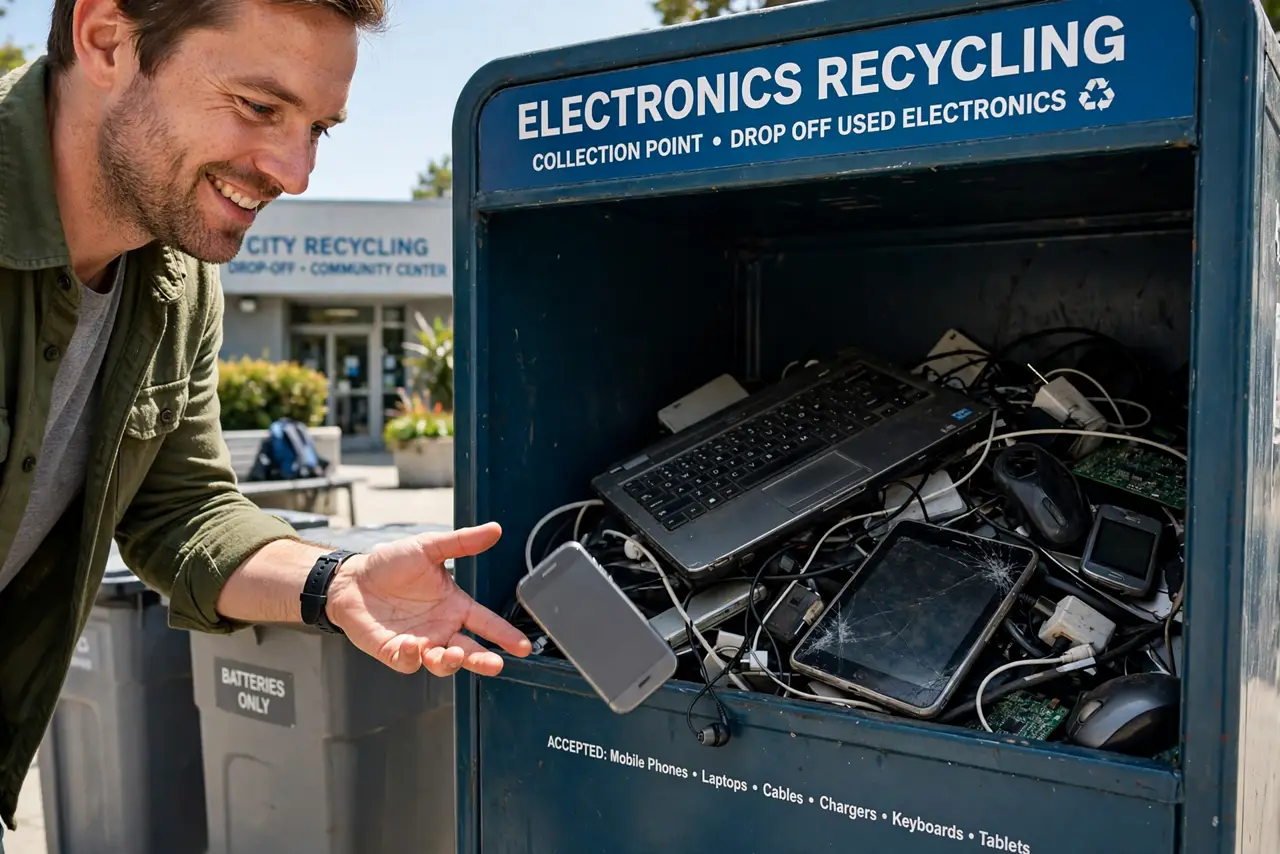
Your drawer of dead phones, ancient chargers, and a laptop from 2012 is not trash — it is e-waste, full of materials worth recovering and chemicals worth keeping out of landfills. Tossing electronics in the regular bin is illegal in many places and wasteful everywhere. This guide covers wiping your data, finding a real recycler, and what happens to the gear after.
TL;DR / Quick Fix
Quick fix: wipe your personal data from every device before recycling — factory reset phones and tablets, remove drives from computers. Find a certified e-waste recycler or a retailer take-back program near you. Never put electronics or batteries in regular trash. Keep chargers and cables with the devices.
Follow these steps
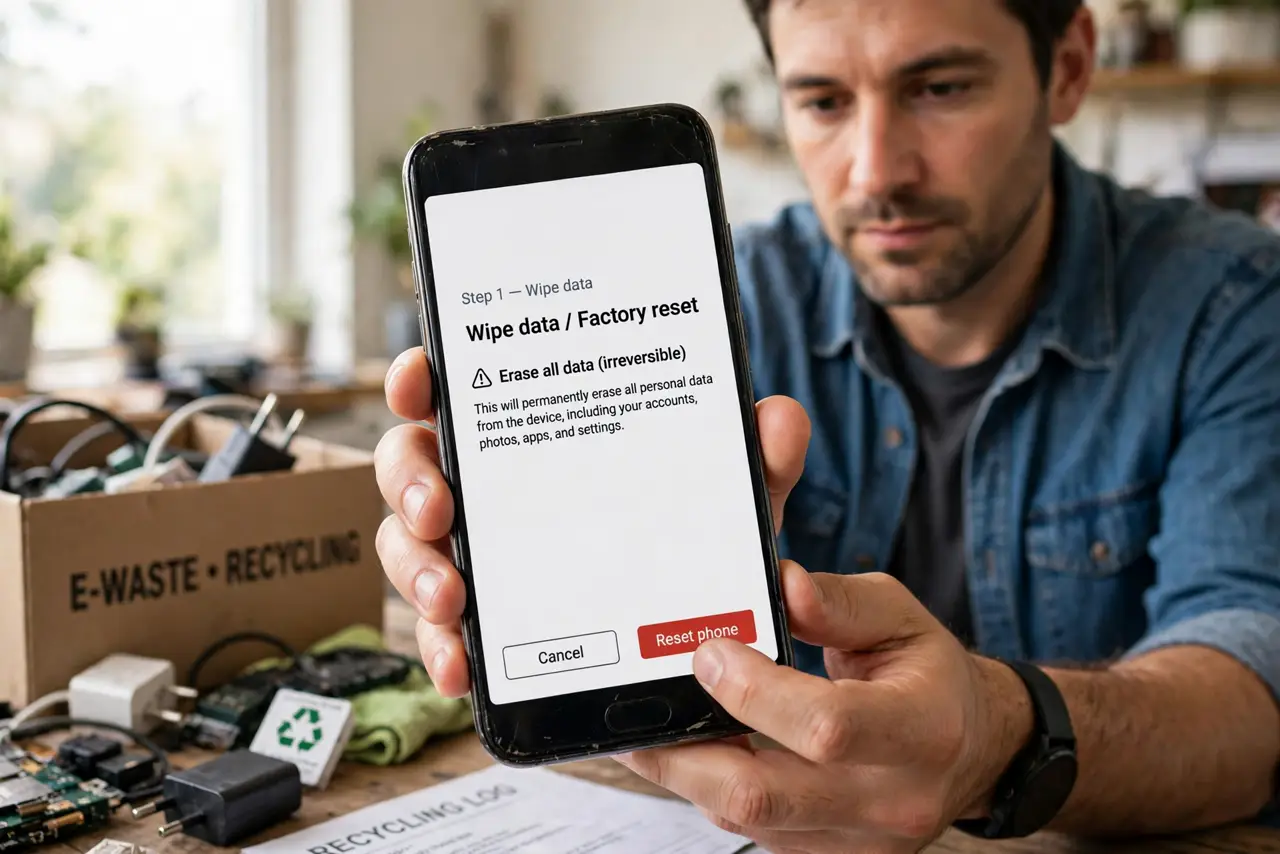
- Wipe your data first. Factory reset phones and tablets, sign out of all accounts, and pull hard drives from old computers. Recycling does not guarantee data destruction — the wipe step is your responsibility before the device leaves your hands.
- Separate batteries. Lithium batteries need special handling — a punctured one can start a fire in a truck or facility. Tape the terminals and hand batteries to a battery recycler separately, never in the regular bin.
- Find a certified recycler. Look for e-Stewards or R2 certified recyclers in your area — they guarantee responsible processing. Big-box retailers also run free take-back programs for phones, laptops, and peripherals.
- Use retailer take-back programs. Phone makers and electronics stores accept old devices for free, often by mail. It is the easiest path: box it, label it, drop it off — no appointment needed.
- Donate what still works. A working device helps someone more as a donation than as scrap. If it powers on and runs, consider donating it before recycling.
- Know what happens after. Certified recyclers shred devices, separate metals, plastics, and glass, and recover valuable materials. Your old phone contains gold, copper, and rare earths — recycling recovers them instead of mining more.
What NOT to do
- Do not throw electronics in regular trash. It is illegal in many places and leaches lead, mercury, and cadmium into soil and water.
- Do not recycle a device still signed into your accounts. Wipe first — recyclers process thousands of devices and will not do it for you.
- Do not toss batteries in any bin. Lithium batteries cause fires in garbage trucks and facilities — they need separate drop-off.
- Do not hoard dead tech 'just in case.' It loses all value sitting in a drawer and the battery degrades — recycle it this month.
Frequently asked questions
Is it really illegal to trash electronics?
In many states and countries, yes — e-waste landfill bans are common. Check your local rules; fines exist in some places.
Do recyclers wipe my data?
Certified ones destroy drives as part of processing, but never rely on it. Wipe everything yourself first.
What about really old CRT monitors?
They contain lead and need special handling — most certified recyclers take them, sometimes for a small fee. Never smash one open yourself.