Buying Refurbished? Checklist
A two-year-old business laptop often outperforms a brand-new budget machine — for half the price. Refurbished is the best value in computing, but only from sellers who actually refurbish: tested, cleaned, graded, and warranted. The sketchy corner of the market is real, so bring this checklist.
TL;DR / Quick Fix
Quick fix: buy refurbished business-class laptops from reputable sellers with at least a one-year warranty and a clear return policy. Check the battery health, confirm an SSD, and verify the specs match the listing. Avoid no-name sellers with no warranty.
Follow these steps
- Buy business-class models. Corporate ThinkPad, Latitude, and EliteBook lines are built tougher and flood the refurbished market off-lease. They age far better than consumer budget lines.
- Demand a real warranty. One year minimum from the seller, with a clear return window. 'Sold as-is' or 30-day-only warranties are how bad units get dumped on buyers.
- Check the battery health report. Ask for a battery report or test it on arrival — refurbished batteries vary wildly. A battery at 60 percent health means a replacement cost you should factor in.
- Confirm SSD, not spinning rust. Some refurbishers leave the original hard drive in. An SSD is non-negotiable in 2026 — verify in system info, not just the listing title.
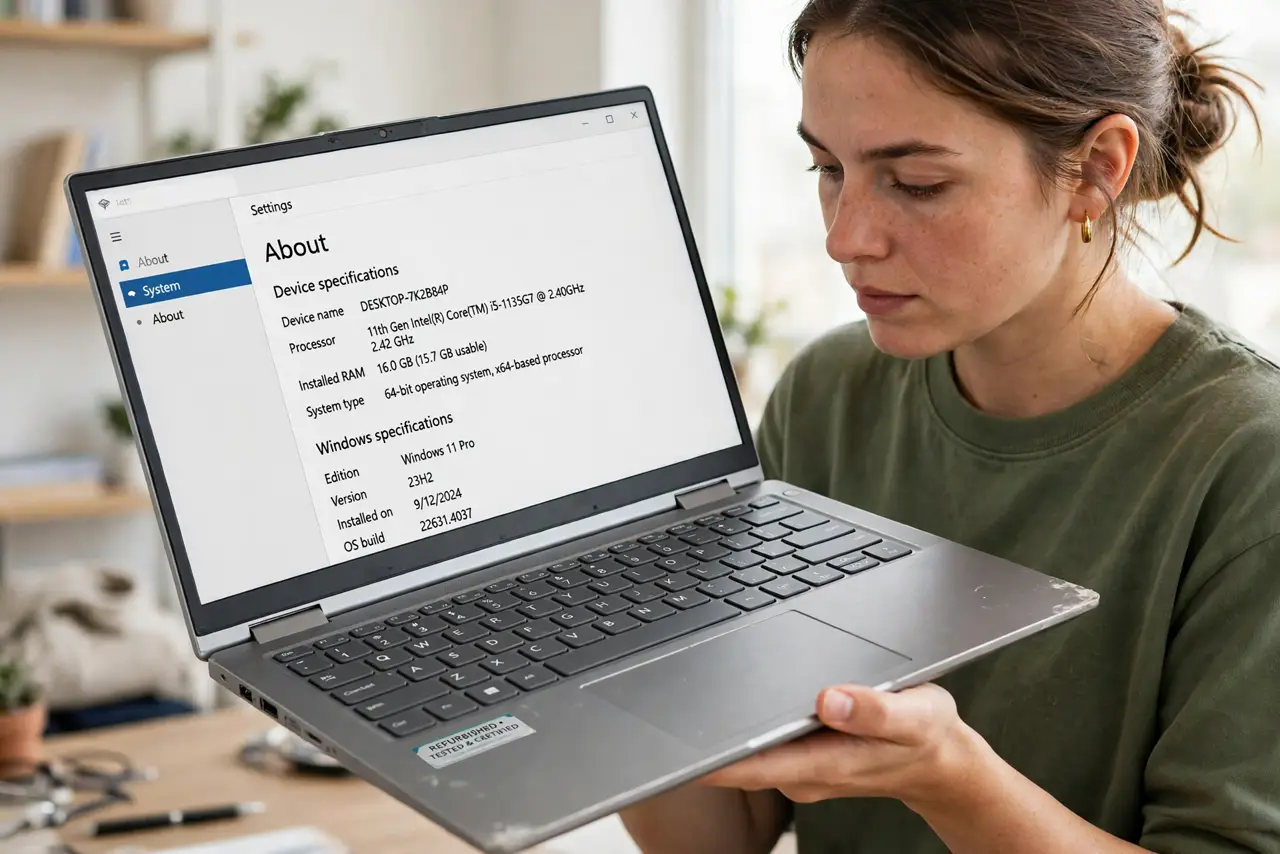
- Verify specs match the listing. Check processor, RAM, and storage in the OS against what was advertised. Bait-and-switch specs are the classic refurbished complaint.
- Inspect physically on arrival. Test every key, port, hinge, and the webcam. Cosmetic scuffs are fine and expected; functional defects are return-worthy — exercise that return policy fast.

What NOT to do
- Do not buy refurbished with no warranty to save a little more. The warranty is the entire difference between refurbished and used.
- Do not skip the battery check. A dead battery turns a portable laptop into a desktop with extra steps — and replacements are not always cheap.
- Do not trust stock photos. Ask for actual photos of the unit or buy from sellers who provide them — grading honesty varies enormously.
- Do not forget the charger. Confirm the correct wattage charger is included — an underpowered charger causes the too-low-wattage symptoms.
Frequently asked questions
Is refurbished reliable?
From reputable sellers, yes — failure rates rival new for business-class machines. The key word is reputable: warranty, grading, and returns separate refurbishers from resellers.
How old is too old?
For daily use, aim under four years old with at least an 8th-gen Intel or Ryzen 3000-series chip. Older can work for light use but loses software support sooner.
Should I replace the SSD or battery myself?
Often yes — both are cheap upgrades that make a refurbished machine feel new. Just confirm the model allows it before buying parts.