Split Keyboards? Basics
Your shoulders hunch inward to reach a standard keyboard, and by evening your wrists ache. A split keyboard separates into two halves — position each under its natural shoulder, tent them for a neutral wrist angle, and the strain drops dramatically. It's the most impactful ergonomic upgrade after a good chair. Here is the plain-English introduction.

TL;DR / Quick Fix
Quick fix: a split keyboard separates into halves so shoulders stay open and wrists stay straight — the core fix for hunching-related strain. Start with a gentle split; aggressive tenting can wait. Expect a week of slower typing while hands relearn. Shoulders open, wrists straight — that's the whole point.
Follow these steps
- Understand what splitting fixes. Standard keyboards force shoulders inward and wrists to bend outward — the hunch. Split halves sit under each shoulder with hands straight ahead. It's geometry, not magic: neutral posture instead of contortion. The ergonomic keyboard primer covers the broader picture.
- Choose fixed vs. fully split. Fixed-split boards (one piece, angled) are the gentle on-ramp — familiar, cheaper. Fully split halves (two pieces, cable or wireless) allow wide separation and tenting. Start fixed unless you're already committed to ergonomics.
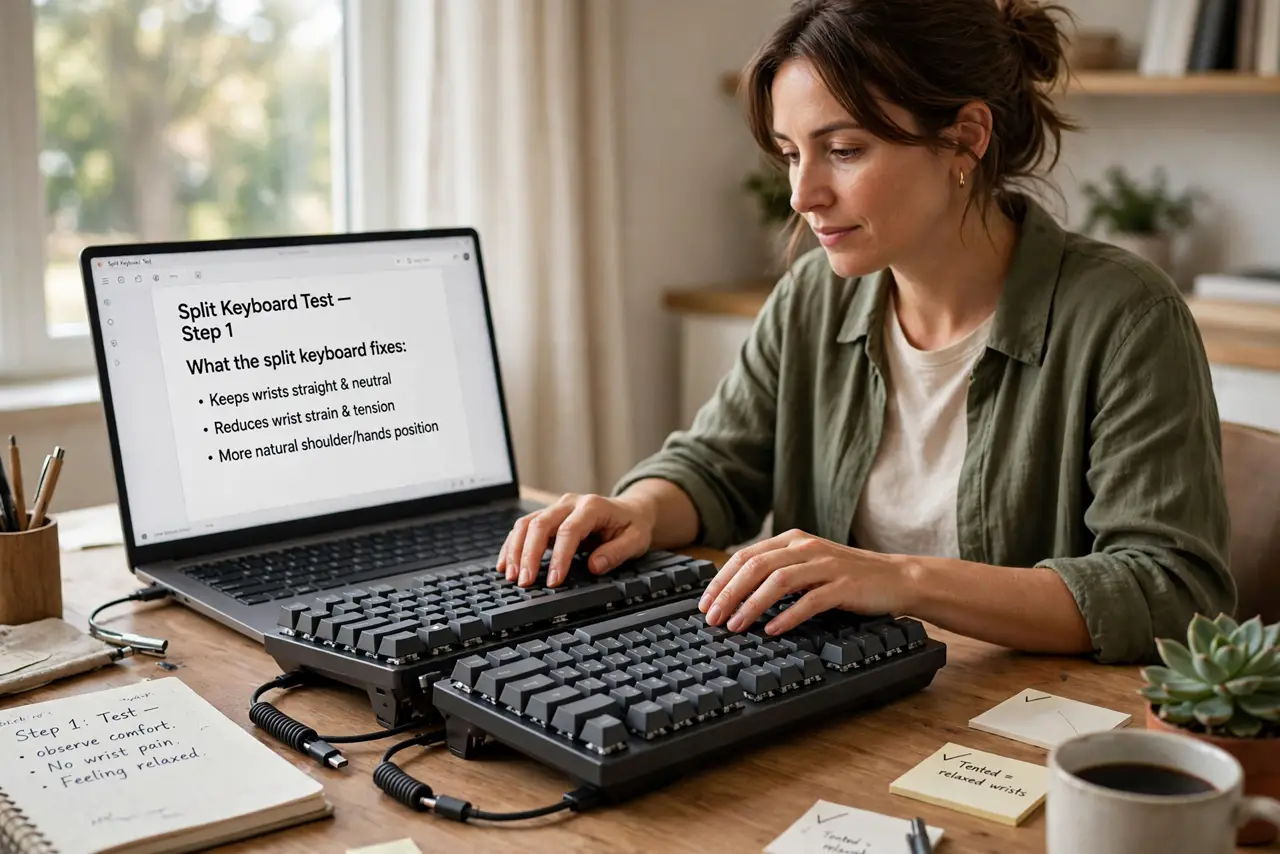
- Learn about tenting. Tenting tilts each half upward in the middle, putting wrists in a neutral 'handshake' angle. Mild tenting helps most people; aggressive tenting suits existing wrist issues. Adjustable tenting lets you find your angle gradually.
- Expect the learning curve. Your thumbs take over keys your other hand used to cross for. A week of slower speed is normal; two weeks to full speed. Don't judge it on day two — every split typist went through this.
- Position the halves right. Each half straight ahead of its shoulder, not angled inward — the classic mistake is rotating halves like a regular keyboard. Mouse goes between or outside; many split users center the mouse. Posture first, then speed.
- Consider the programmability. Most split boards run QMK/ZMK firmware — remap anything, add layers, put Backspace under your thumb. Programmability is half the value: the board adapts to you, not vice versa.
What NOT to do
- Do not start with maximum tenting and wide separation. Ease in — aggressive ergonomics on day one causes new aches while adapting.
- Do not judge typing speed in the first week. The dip is universal and temporary — quitting early wastes the investment.
- Do not angle the halves inward like a normal keyboard. Straight ahead of each shoulder is the position — inward rotation recreates the problem.
- Do not buy the most exotic board first. A mainstream split teaches you what you like before you spend enthusiast money.
Frequently asked questions
Will it fix my wrist pain?
It often helps significantly by removing the contortion — but it's not medical treatment. Persistent pain deserves a professional evaluation, not just new hardware.
Can I game on a split keyboard?
Yes — WASD sits naturally on the left half. Some gamers use just the left half as a gamepad. Full split is arguably better for long sessions.
Are they hard to learn?
A week or two of slower typing, then normal. Thumb-cluster adaptation is the main hurdle — after that, most users won't go back.