How Much Thermal Paste?
A pea, a grain of rice, an X, a thin spread — the internet cannot agree on how much thermal paste a CPU needs, and too much feels as scary as too little. The good news: the correct amount is forgiving, and the cooler's pressure does most of the work for you.
TL;DR / Quick Fix
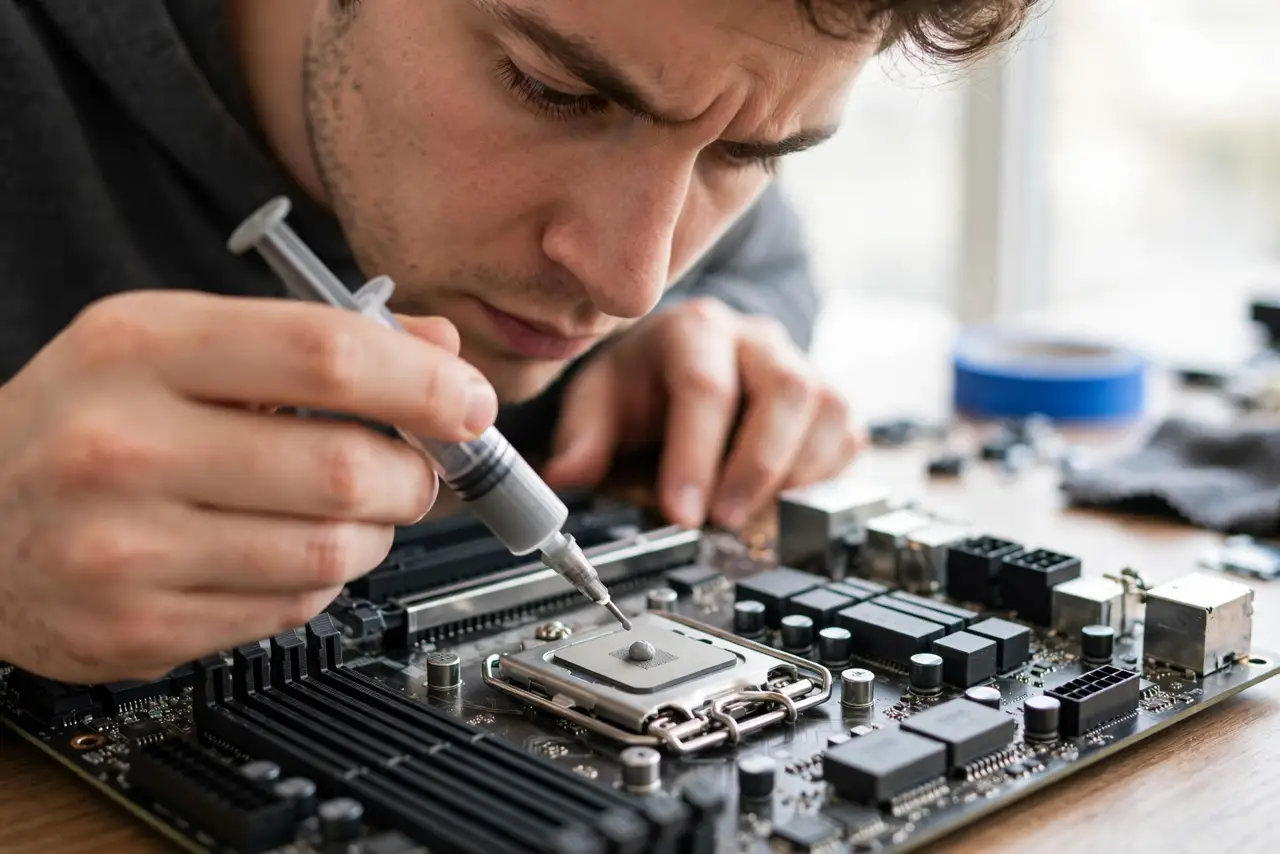
Quick fix: a pea-sized dot in the center of the CPU is right for most processors — the cooler spreads it when mounted. Too little leaves hot spots; too much squeezes out harmlessly (except conductive liquid metal). Do not spread it with a card; let the pressure do the work.
Follow these steps
- Use the pea method. A dot roughly pea-sized in the center. For very large CPUs, a thin line or five-dot pattern covers the bigger heat spreader.
- Do not spread it manually. The cooler's mounting pressure spreads paste more evenly than any card or finger. Manual spreading traps air bubbles.
- Clean old paste fully first. Wipe with isopropyl alcohol and a lint-free cloth until the metal shines. Old crusty paste insulates instead of conducting.
- Mount the cooler straight down. Lower it evenly and tighten screws in a cross pattern, a little at a time. Sliding it around smears the dot off-center.
- Know too-much is mostly harmless. Excess non-conductive paste squeezes out the sides — ugly, not dangerous. Wipe the squeeze-out and move on.
- Respect liquid metal's exception. Conductive liquid-metal paste shorts anything it touches. That is an enthusiast product — standard paste for everyone else.

What NOT to do
- Do not use toothpaste, mayonnaise, or other internet 'hacks.' They dry out, corrode, or grow things. Real paste costs a few dollars.
- Do not apply paste to the cooler's pre-applied pad area twice. If the cooler ships with paste already on, use it as-is.
- Do not repaste a working PC 'just because.' If temperatures are fine, leave it alone — repasting is for high temps or cooler swaps.
- Do not glob it on thick to 'be safe.' A thick layer insulates; the goal is the thinnest complete film.
Frequently asked questions
How often should I replace thermal paste?
Every few years, or when temperatures climb for no other reason. Many PCs run a decade on the original application.
Does expensive paste matter?
Barely — a couple of degrees at most. Correct application of cheap paste beats sloppy application of premium paste.
Can too much paste damage the CPU?
Standard paste: no, it just squeezes out. Liquid metal: yes, it conducts electricity — keep it away from everything but the die.