UHS-I vs UHS-II? Difference
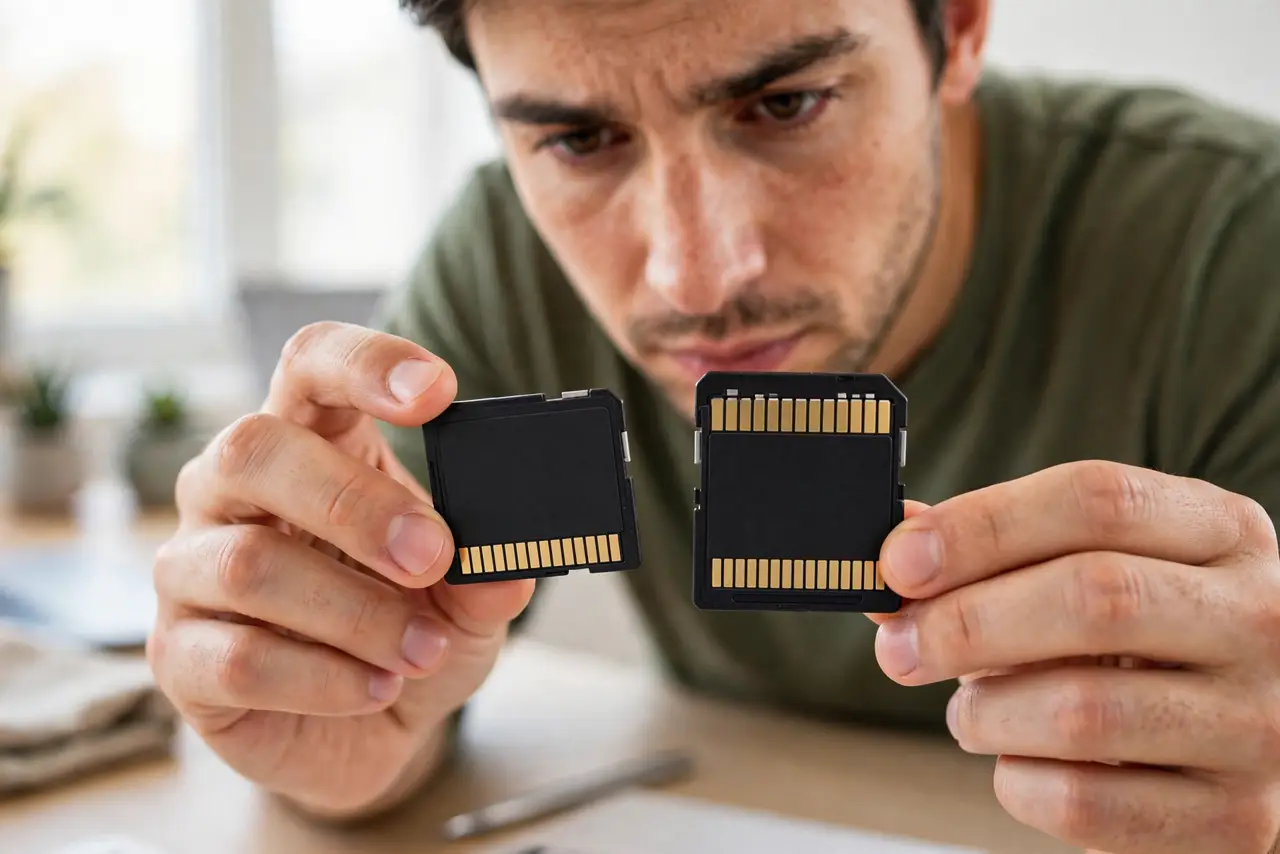
The two cards look identical until you flip them over: UHS-II has a second row of gold pins. That extra row triples the interface speed — but only if the device has the matching second row too. Paying the UHS-II premium for a UHS-I device buys literally nothing. Here is how to tell and when it matters.
TL;DR / Quick Fix
Quick fix: UHS-II cards have two rows of pins and are much faster — but only in UHS-II devices. Check your camera or reader for the second pin row. In a UHS-I device, a UHS-II card runs at UHS-I speed, so save your money unless the device supports it.
Follow these steps
- Flip the card over. One row of gold pins: UHS-I. Two rows: UHS-II. This physical check takes two seconds and is foolproof — the label can lie, the pins cannot.
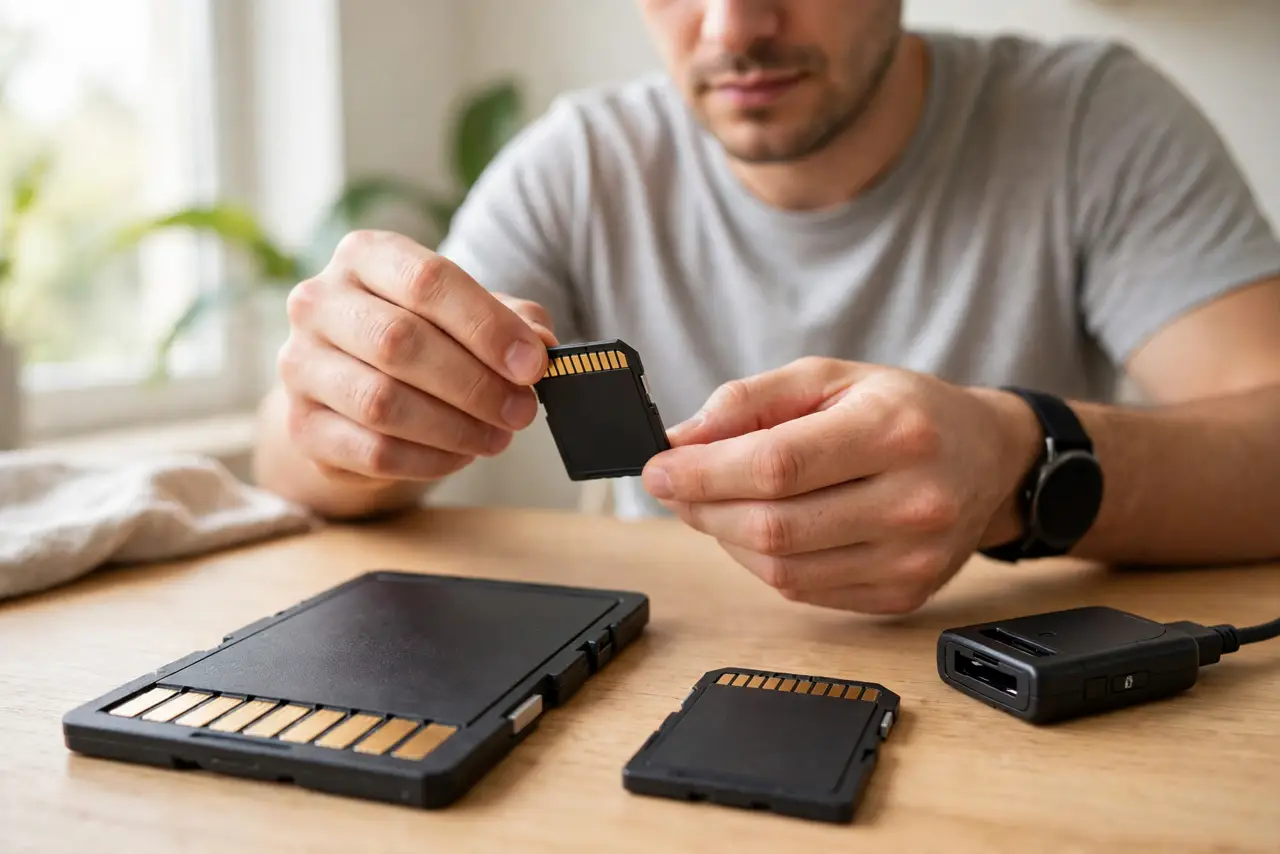
- Check the device's slot. The camera, drone, or reader must also have the second pin row. No second row on the device means UHS-II speed is physically impossible, whatever the card promises.
- Know when the speed matters. High-bitrate 4K/8K video, burst RAW photography, and fast offloads to a computer benefit hugely. Casual photos and 1080p video do not — UHS-I is plenty.
- Do the total-cost math. UHS-II cards cost multiples of UHS-I, and fast UHS-II readers cost extra too. The premium makes sense for pros; for everyone else it is the most skippable upgrade in the bag.
- Remember backward compatibility. UHS-II cards work fine in UHS-I devices — at UHS-I speeds. Safe to buy ahead for a future camera, but do not expect speed today.
- Watch the reader bottleneck. Offloading through a UHS-I reader caps even the fastest UHS-II card. The chain is card, device, and reader — upgrade all three or none.
What NOT to do
- Do not buy UHS-II for a UHS-I camera. The pins physically cannot connect the extra row — you bought an expensive UHS-I card.
- Do not judge by the front label alone. Marketing emphasizes speed numbers; the pin rows on the back tell the truth about the interface.
- Do not mix up UHS with the speed class. UHS-I/II is the interface (the road); V30/V60 is the guaranteed speed (the car). You need the right road and a fast-enough car.
- Do not assume newer devices all support UHS-II. Many mid-range cameras still ship UHS-I slots — check the spec sheet, not the price tag.
Frequently asked questions
Is UHS-II worth it for photography?
For burst RAW shooting and fast buffer clearing — yes, noticeably. For casual JPEGs — no, save the money for a bigger card instead.
Can I use UHS-II cards in my old reader?
Yes, they fall back to UHS-I speeds. It works, just slowly — upgrade the reader when the card deserves it.
What about UHS-III?
It exists on paper and almost nowhere in products. UHS-II is the practical ceiling for real devices today.