SD Card Speeds? Decoded
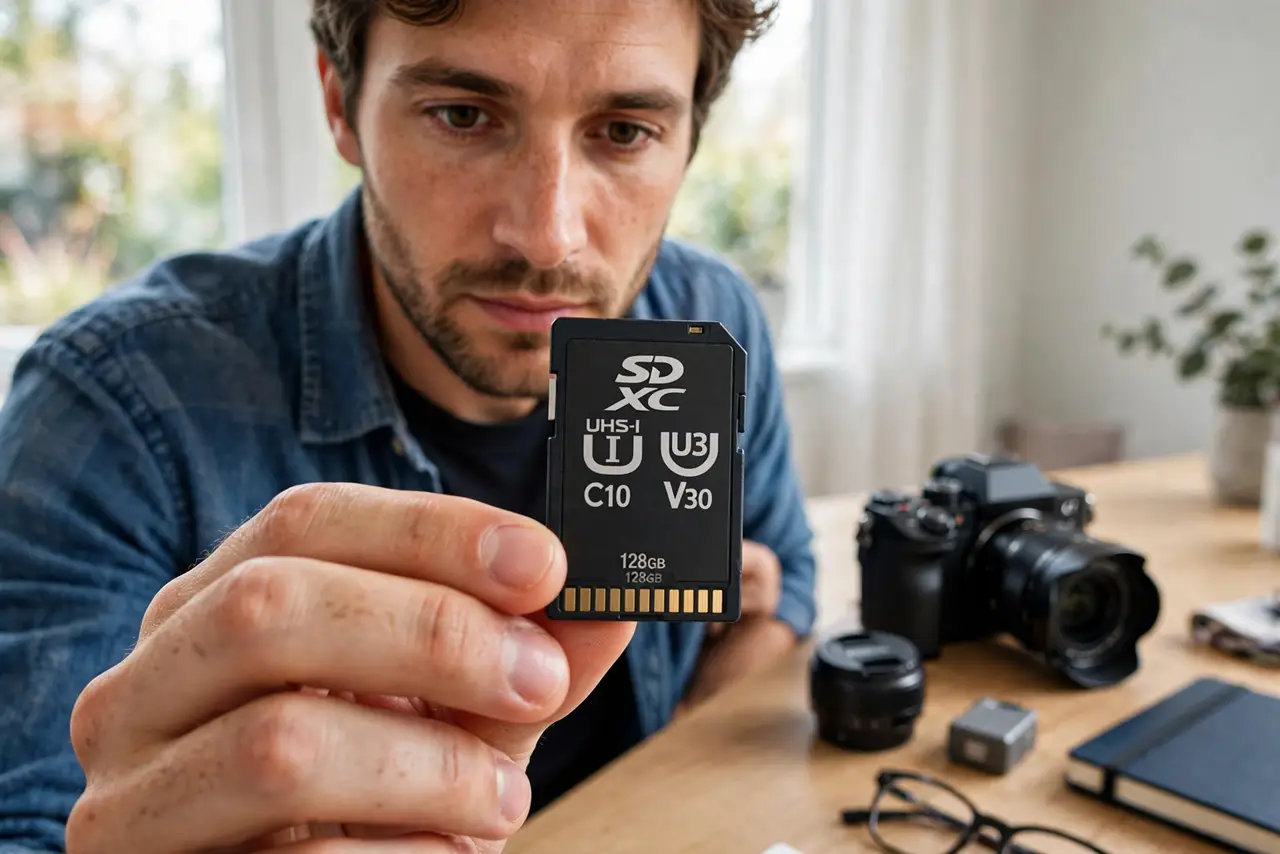
SD cards are covered in cryptic symbols — U3, V30, A2, Roman numerals — and picking wrong means stuttering 4K video or a camera that refuses to record. The symbols are actually a coherent system once decoded: each marks a guaranteed minimum speed for a specific job. Here is the decoder ring.
TL;DR / Quick Fix
Quick fix: match the card's video speed class to your camera's needs — V30 for 4K, V60 or V90 for high-bitrate 4K and 8K. For phones and general use, U3/A2 is plenty. Ignore the big advertised maximum speed; the small guaranteed-minimum symbols are what prevent recording failures.
Follow these steps
- Decode the video speed class first. The V-number (V10, V30, V60, V90) guarantees minimum sustained write speed in MB/s. Video recording needs sustained writes — this is the number that prevents dropped frames.
- Read the UHS class second. U1 means 10 MB/s minimum, U3 means 30 MB/s. It is the older system, still printed on most cards — U3 roughly equals V30.
- Check the Application class for phones. A1/A2 rate random read/write for running apps off the card. For adoptable storage or app-heavy use, A2 matters more than the video classes.
- Ignore the headline maximum speed. The giant '170 MB/s' on the package is a best-case read burst. Recording cares about minimum sustained writes — the small V-symbol, not the big number.
- Match the card to the device's slot. A UHS-II card in a UHS-I slot runs at UHS-I speeds — see the UHS-I vs UHS-II difference before paying the premium.
- Buy from reputable sellers only. Counterfeit cards lie about every symbol on the label. If the price is far below market, test it — see how to spot fake capacity.

What NOT to do
- Do not buy the fastest card for a slow device. A V90 card in a 1080p camera is money spent on speed the camera cannot use.
- Do not trust the advertised speed alone. Maximum read speeds say nothing about the sustained writes video needs — always check the V-class.
- Do not use a slow card for 4K and blame the camera. Stuttering, recording errors, and corrupted clips are classic symptoms of an underrated card.
- Do not forget to format in the device. Format new cards in the camera or phone that will use them — computer formatting can cause subtle compatibility issues.
Frequently asked questions
What speed do I need for 4K video?
V30 minimum for most 4K; high-bitrate 4K and 8K need V60 or V90. Check your camera's manual — it usually names the exact class.
Why does my card say 100 MB/s but still fail?
Because that is maximum read speed. Video needs sustained write speed — the V-rating. A card can read fast and write slowly.
Do speed classes matter for photos?
Less — still photos write in bursts, and most cards handle that. They matter enormously for video and for running apps from the card.