Upgrade GPU or CPU First?
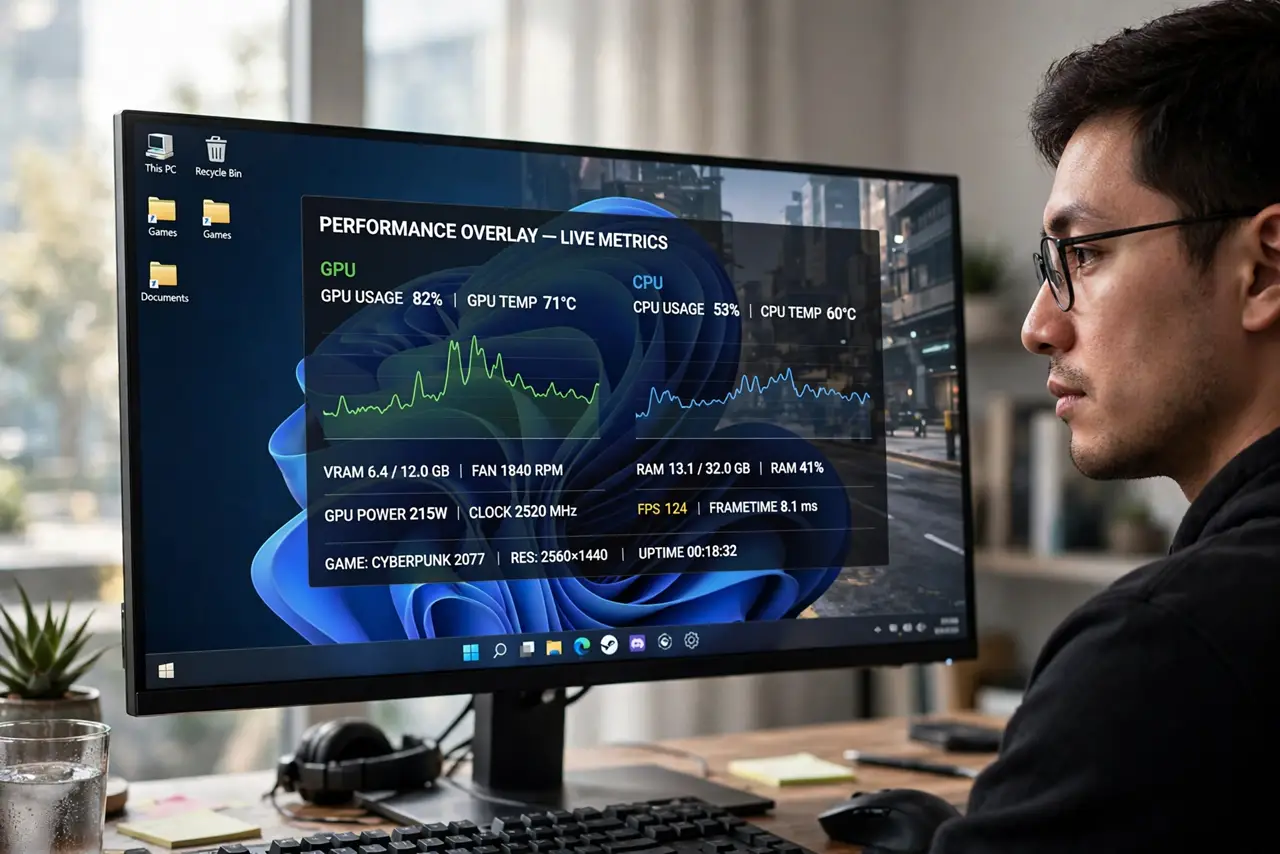
Your PC struggles in games and you can afford one upgrade — but which part is actually holding you back? Upgrading the wrong one wastes the money and changes nothing. The answer comes from one measurement: which component hits 100% while the other idles.
TL;DR / Quick Fix
Quick fix: monitor usage during your slowest moments — if the GPU sits at 100% while the CPU idles, upgrade the GPU; if the CPU maxes out while the GPU waits, upgrade the CPU. For gaming at higher resolutions, the GPU usually bottlenecks first. Never upgrade on guesswork; measure first.
Follow these steps
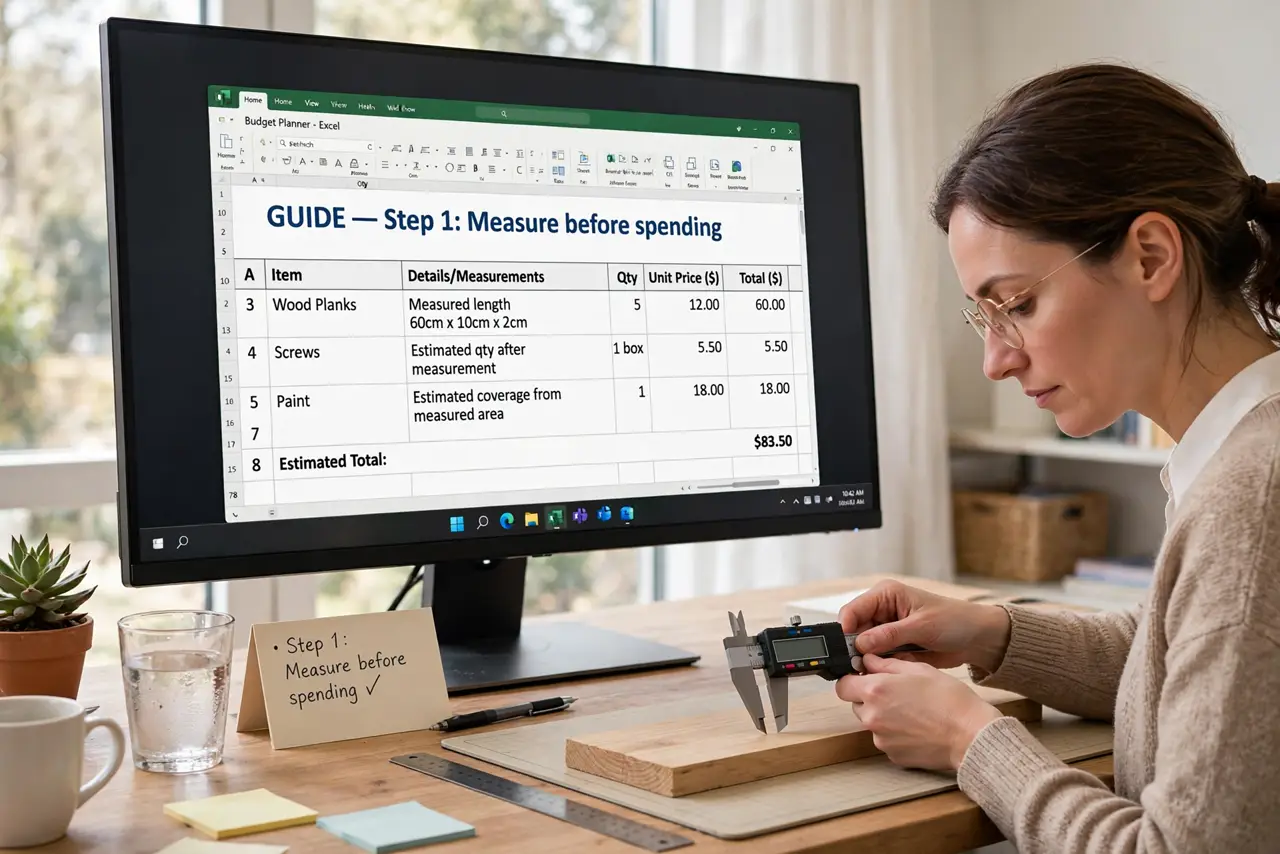
- Measure before spending. Run your heaviest game or task with a usage overlay. The component pinned near 100% while the other loafs is your bottleneck — see bottleneck explained.
- Learn the resolution rule. Higher resolutions load the GPU more; the CPU load barely changes. At 4K the GPU almost always bottlenecks first; at 1080p high-refresh, the CPU matters more.
- Check the CPU's age honestly. A CPU several generations old can starve even a mid-range new GPU. See cores vs clock speed to judge what your CPU still offers.
- Mind the platform costs. A CPU upgrade can mean a new motherboard and RAM too; a GPU usually drops into the existing slot. Compare total cost, not just the part price.
- Rule out free fixes first. Update the GPU driver, close background apps, and check temperatures — a thermal-throttling part mimics a weak part.
- Upgrade the bottleneck, then re-measure. After upgrading, measure again. Bottlenecks move — fixing the GPU often reveals the CPU was next in line.
What NOT to do
- Do not upgrade the GPU because it is shinier. Feelings are not benchmarks.
- Do not pair a flagship GPU with an ancient CPU and expect miracles. Balance beats extremes.
- Do not forget the power supply. A hungrier GPU on a weak PSU causes crashes, not speed — check wattage headroom.
- Do not upgrade right before a launch you care about. New generations reset the value math overnight.
Frequently asked questions
What is a bottleneck, simply?
One part waiting on another — the slowest link caps the whole chain. See the full explanation.
Should I upgrade RAM instead?
Only if you are short — 8 GB in heavy games, for example. RAM rarely bottlenecks a system that already has enough.
Is my CPU too old for a new GPU?
If it is more than a few generations behind, it will limit a strong new GPU. Mid-range GPUs pair fine with older CPUs.