When to Upgrade Your PC?
Your PC is slowing down and the upgrade itch is strong — but is it actually time, or would a free cleanup buy you another year? Upgrading too early wastes money; waiting too long wastes hours of your life. Here is how to tell which side you are on.
TL;DR / Quick Fix
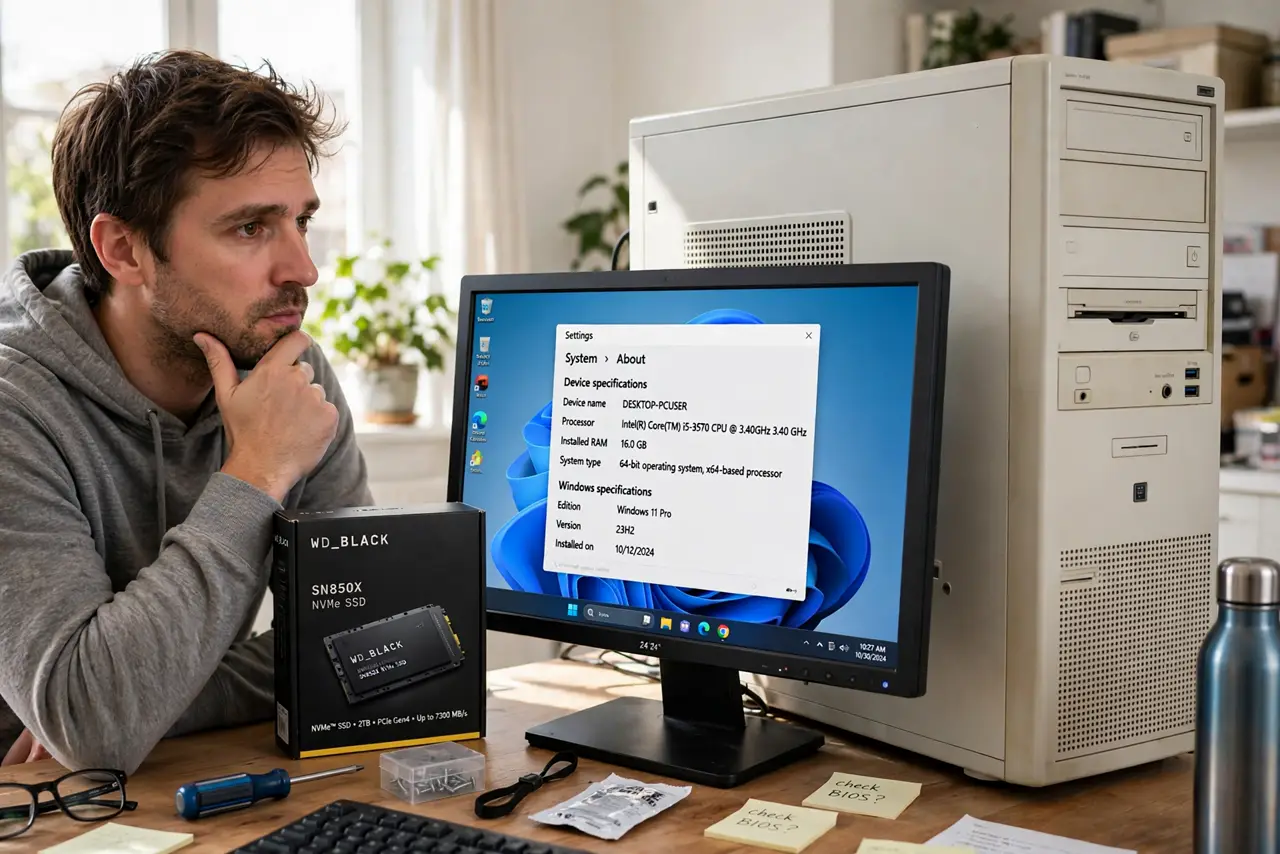
Quick fix: upgrade when a specific task you do regularly is painfully slow and free fixes — cleanup, SSD, more RAM — have not helped. Do not upgrade for vague slowness or a new launch. A targeted SSD or RAM upgrade often beats a full rebuild for everyday speed.
Follow these steps
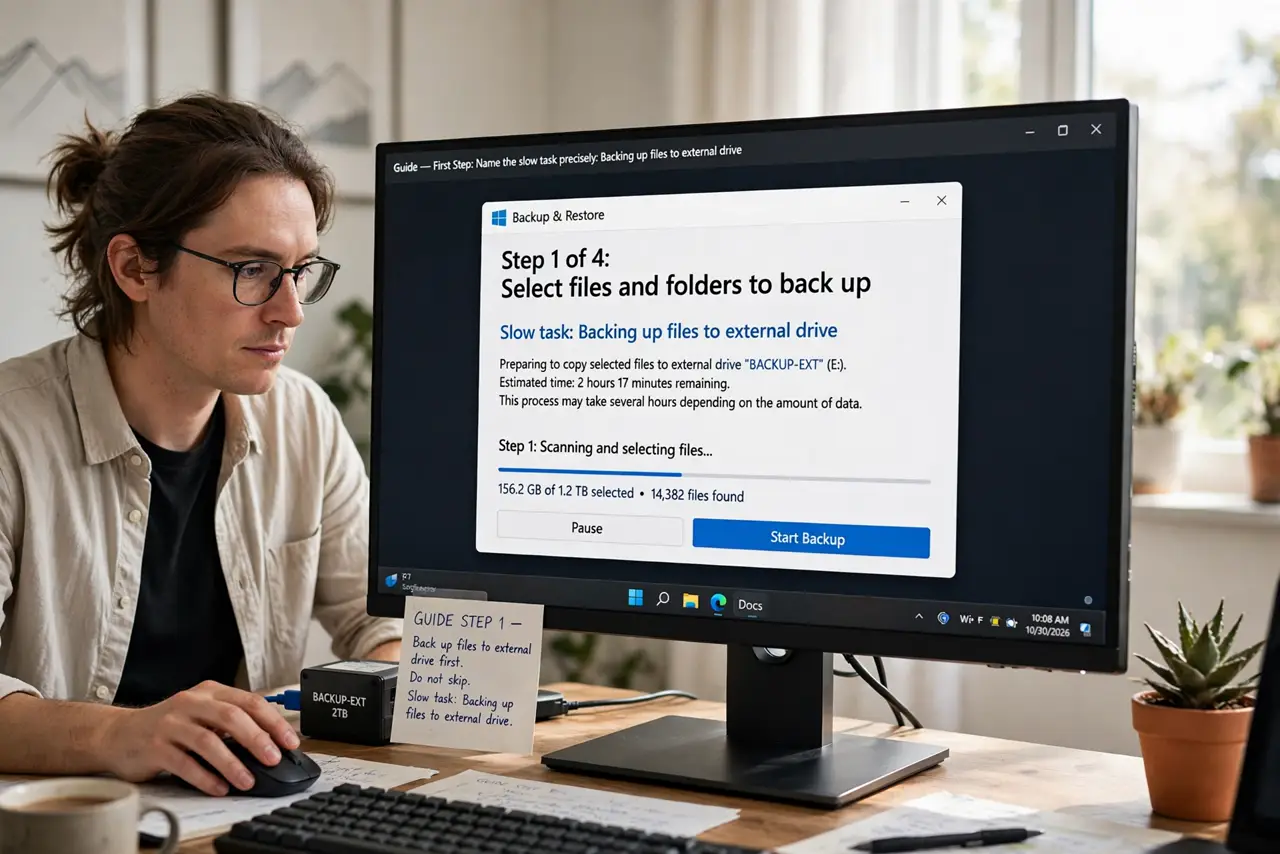
- Name the slow task precisely. 'Everything is slow' is not diagnosable; 'exports take an hour' is. The specific pain points to the specific part — see GPU or CPU first.
- Try the free fixes first. Clean startup programs, free disk space, and update drivers. If the PC was fast two years ago, software cruft — not hardware age — is often the cause.
- Consider the SSD upgrade. No SSD yet? That single upgrade transforms everyday feel more than any other. See NVMe vs SATA for choosing one.
- Check RAM headroom. Constant 90%+ memory usage means more RAM helps. If usage sits comfortably below that, RAM is not your problem.
- Weigh repair against replace. For laptops especially, see repair vs replace — sometimes a battery or SSD swap beats a new machine.
- Set a budget trigger. Decide in advance: 'I upgrade when renders exceed X minutes.' A rule beats impulse when the shiny new generation launches.
What NOT to do
- Do not upgrade because a new generation exists. New does not mean you need it.
- Do not replace the whole PC for one weak part. Targeted upgrades cost a fraction of rebuilds.
- Do not ignore free speed first. An SSD and a cleanup have resurrected millions of 'dying' PCs.
- Do not buy more PC than your actual tasks. Future-proofing past two generations is paying for fantasy.
Frequently asked questions
How long should a PC last?
Five to eight years for general use with an SSD and enough RAM. Gaming PCs age faster at the high end — three to five for top settings.
Is my old PC worth upgrading?
If it has an SSD slot and takes enough RAM, often yes. If it needs a new platform for every part, replacement wins.
Should I wait for the next generation?
There is always a next generation. Buy when you have a real need and a good price, not on launch rumors.