HDMI ARC? Plain Explanation
One HDMI port on your TV is labeled ARC or eARC, and the manual insists your soundbar must use it. ARC lets the TV send audio backward down the same HDMI cable that brings video in — so one cable handles both directions. Here is what changes when you use it, and the one setting people miss.
TL;DR / Quick Fix
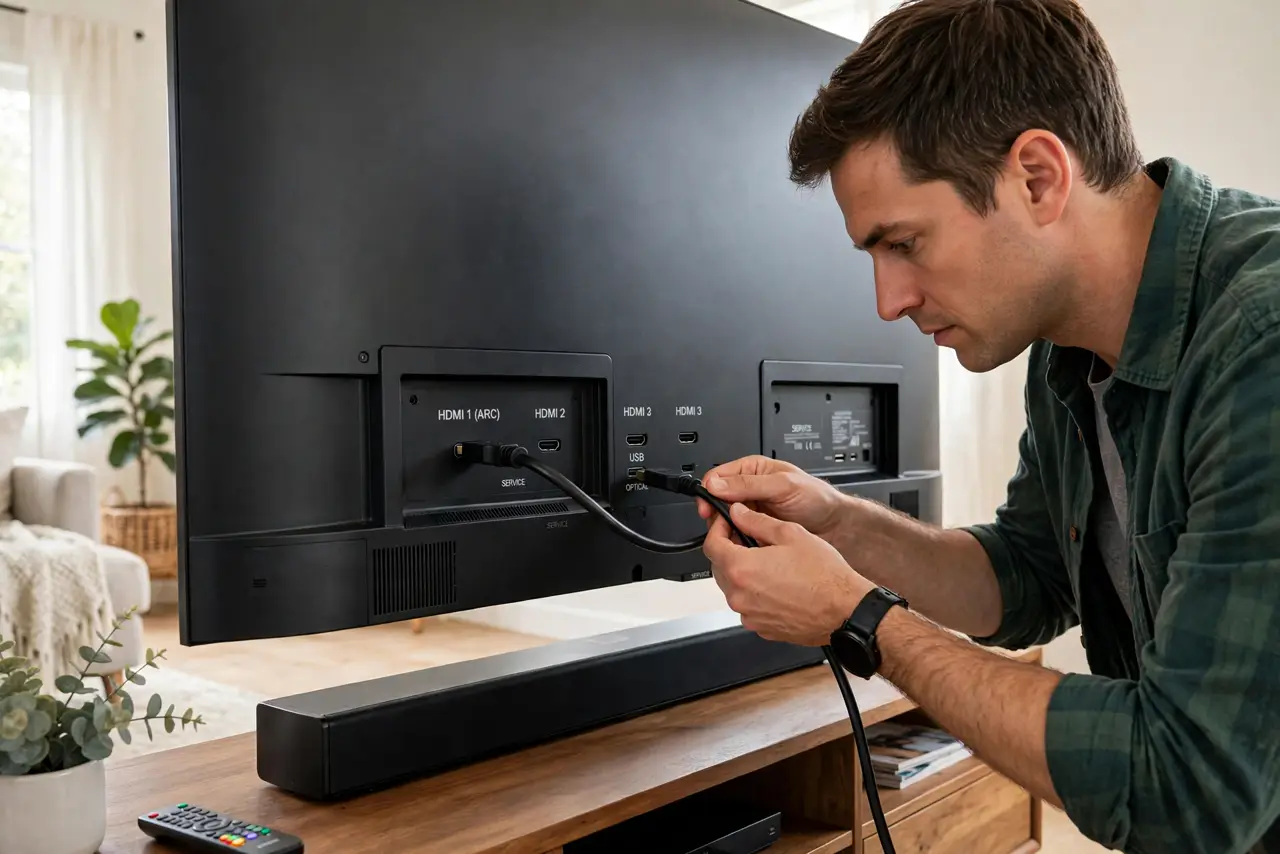
Quick fix: HDMI ARC sends TV audio to a soundbar or receiver over the same HDMI cable — no separate optical cable needed. Plug into the TV port labeled ARC/eARC, enable ARC in the TV settings, and set audio output to the receiver. Without an ARC port, use optical instead.
Follow these steps
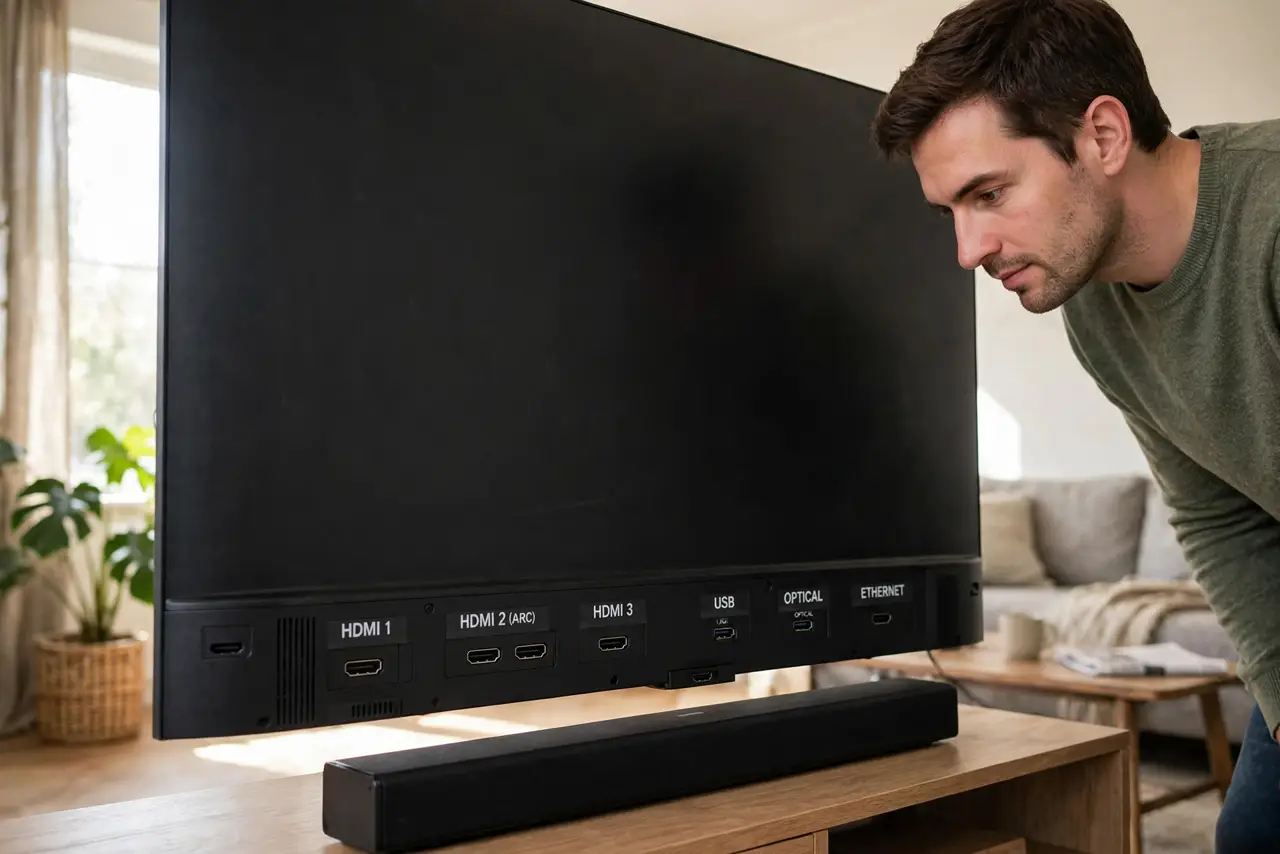
- Find the ARC-labeled port. Only one HDMI port per TV usually carries ARC — it is printed next to the port. A soundbar in any other port gets video only, no return audio.
- Use a decent HDMI cable. ARC works over standard high-speed cables; eARC's extra bandwidth wants a newer ultra-high-speed cable. When audio drops out, the cable is suspect one.
- Enable ARC/CEC in the TV menu. TVs often ship with ARC off. Look under sound or HDMI settings for ARC, eARC, or CEC and switch it on — this is the step everyone misses.
- Set the TV's audio output correctly. Change audio output from TV speakers to HDMI-ARC/receiver. Until you do, the TV keeps playing sound itself and the soundbar stays silent.
- Know eARC is the better version. eARC carries full-quality surround formats ARC cannot. If both TV and soundbar support eARC, enable it for the best sound.
- Fall back to optical if ARC fights you. Some TV/soundbar pairs simply refuse to handshake. An optical cable carries the audio reliably — slightly less capable, far less temperamental.
What NOT to do
- Do not plug the soundbar into a random HDMI port. Only the ARC-labeled port sends audio backward.
- Do not enable every CEC feature blindly. CEC lets devices control each other — handy, but it can also power things on unexpectedly.
- Do not buy a new soundbar over an ARC handshake failure. Try optical first; the sound difference is smaller than the frustration.
- Do not assume ARC carries every format. Standard ARC compresses surround; only eARC passes the full-quality versions.
Frequently asked questions
What is the difference between ARC and eARC?
eARC is the newer, higher-bandwidth version — it handles full-quality surround sound that standard ARC cannot. Same idea, bigger pipe.
Do I still need an optical cable with ARC?
No — that is the point. One HDMI cable carries video to the TV and audio back to the soundbar. Keep an optical cable only as a troubleshooting fallback.
Why is there no sound after connecting ARC?
Almost always the TV settings: ARC/CEC disabled, or audio output still set to TV speakers. Check those before touching cables.