Control Health App Sharing
Your Health app holds some of your most personal data — steps, heart rate, sleep, cycles — and every app you have ever granted access to may still be reading it. Approving once often means sharing forever, silently, in the background. A five-minute audit puts you back in charge. Understand the health data sharing basics first, and pair this with the fitness app privacy checkup.
TL;DR / Quick Fix
Quick fix: your phone's Health app shares data — steps, heart rate, sleep — with any app you approve. Review the access list in the Health app's sharing settings and remove apps you don't use. Sharing should be a choice you revisit, not a permission you forget and keep.
Follow these steps
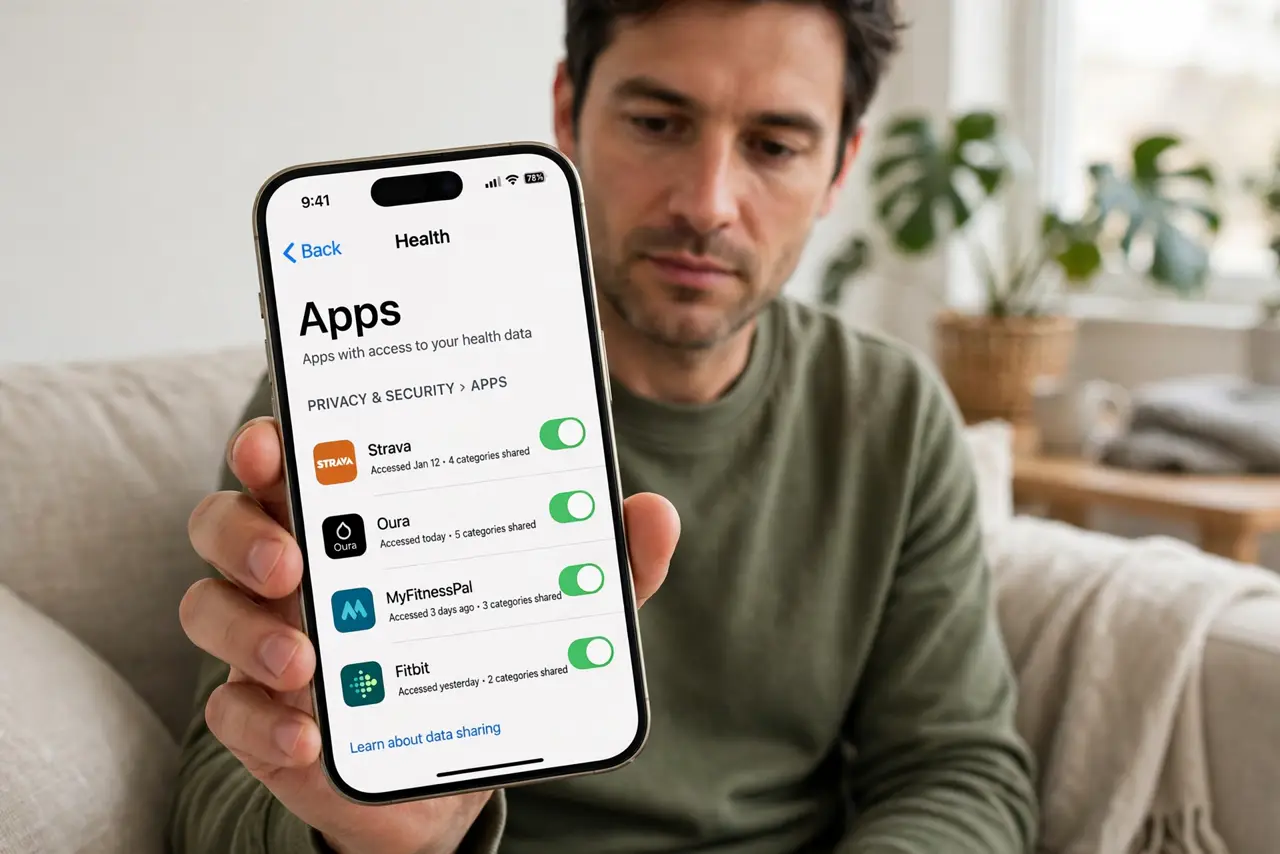
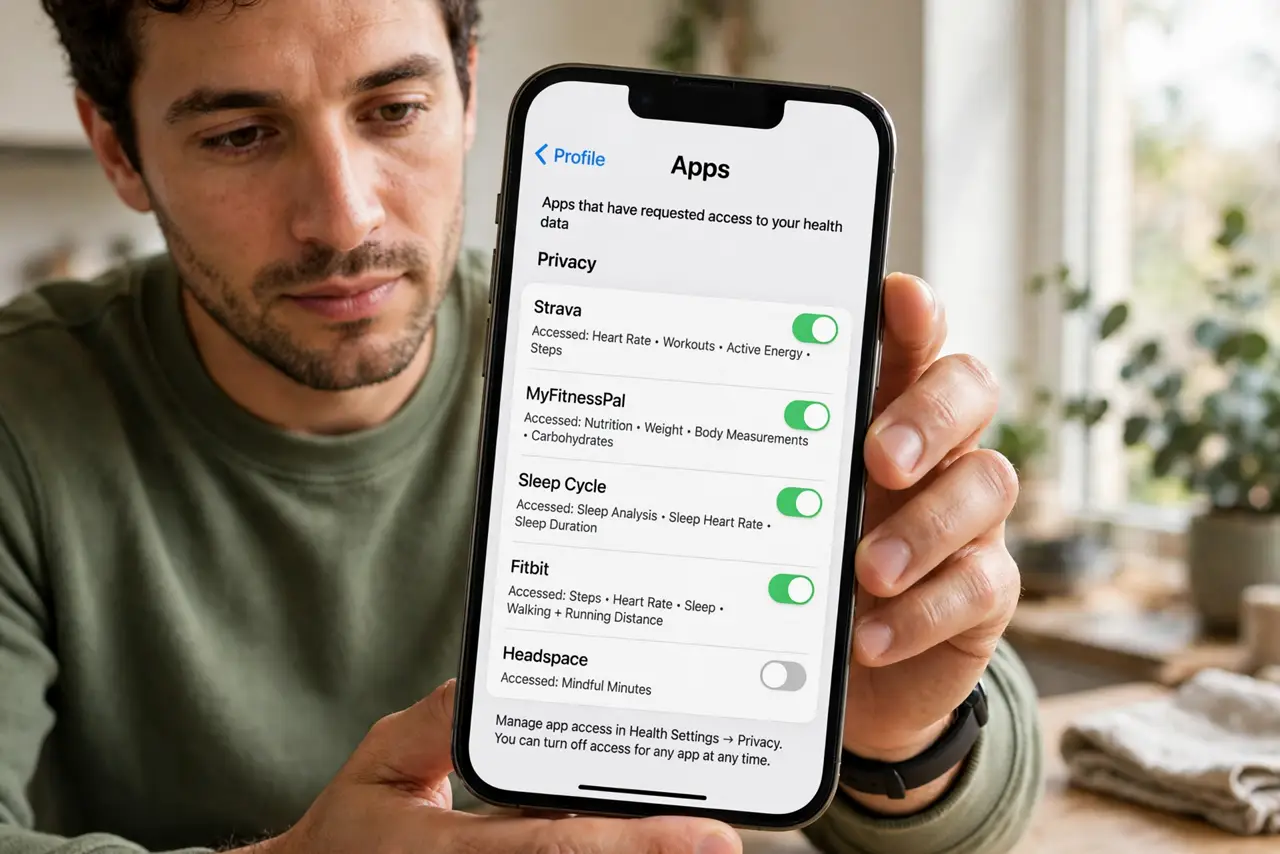
- Open the Health app's sharing list. On iPhone: Health app, your profile picture, then Apps under Privacy. You will see every app that has ever requested health data — the list is often longer than expected.
- Review each app's access. Tap an app to see exactly which data types it reads and writes: steps, heart rate, sleep, and more. Many apps request far more than they need.
- Remove apps you no longer use. Turn off all categories or remove the app's access entirely. Old fitness fads and abandoned apps should not keep reading your body data.
- Grant narrowly when re-adding. When a useful app needs access, enable only the data types it truly needs. A step counter does not need your sleep analysis.
- Check for research and sharing programs. Some apps enroll you in data-sharing or research programs with a pre-checked box. Look for those toggles and opt out unless you consciously opted in.
- Repeat the audit twice a year. New apps accumulate. A quick review every six months keeps the list honest — set a reminder and make it routine.
What NOT to do
- Do not grant every data category an app asks for. More access is never better for you — approve the minimum that makes the app work.
- Do not forget apps you deleted. Some keep their permission records; check the list even for apps no longer on your phone.
- Do not share health data with apps you barely use. If you open it twice a year, it does not need your heart rate.
- Do not ignore the fine print on research sharing. Anonymized is not the same as anonymous — read what leaving the program means.
Frequently asked questions
If I remove access, is my data deleted from the app?
Not necessarily — the app may keep what it already collected. Removing access stops future sharing; ask the app to delete past data separately.
Can apps see all my health data?
Only the categories you approved, but many apps ask for everything upfront. Narrow permissions are the fix.
Is this the same on Android?
Android's Health Connect has its own permissions screen with the same idea: review which apps can read your health data and trim the list.