Stay Safe on Hotel Wi-Fi
Hotel Wi-Fi is a shared network with strangers — and often no real encryption between you and them. Anyone with basic tools on the same network can watch unencrypted traffic, and fake 'hotel Wi-Fi' hotspots harvest logins outright. You don't need to avoid hotel Wi-Fi; you need three habits that neutralize the risk.
TL;DR / Quick Fix
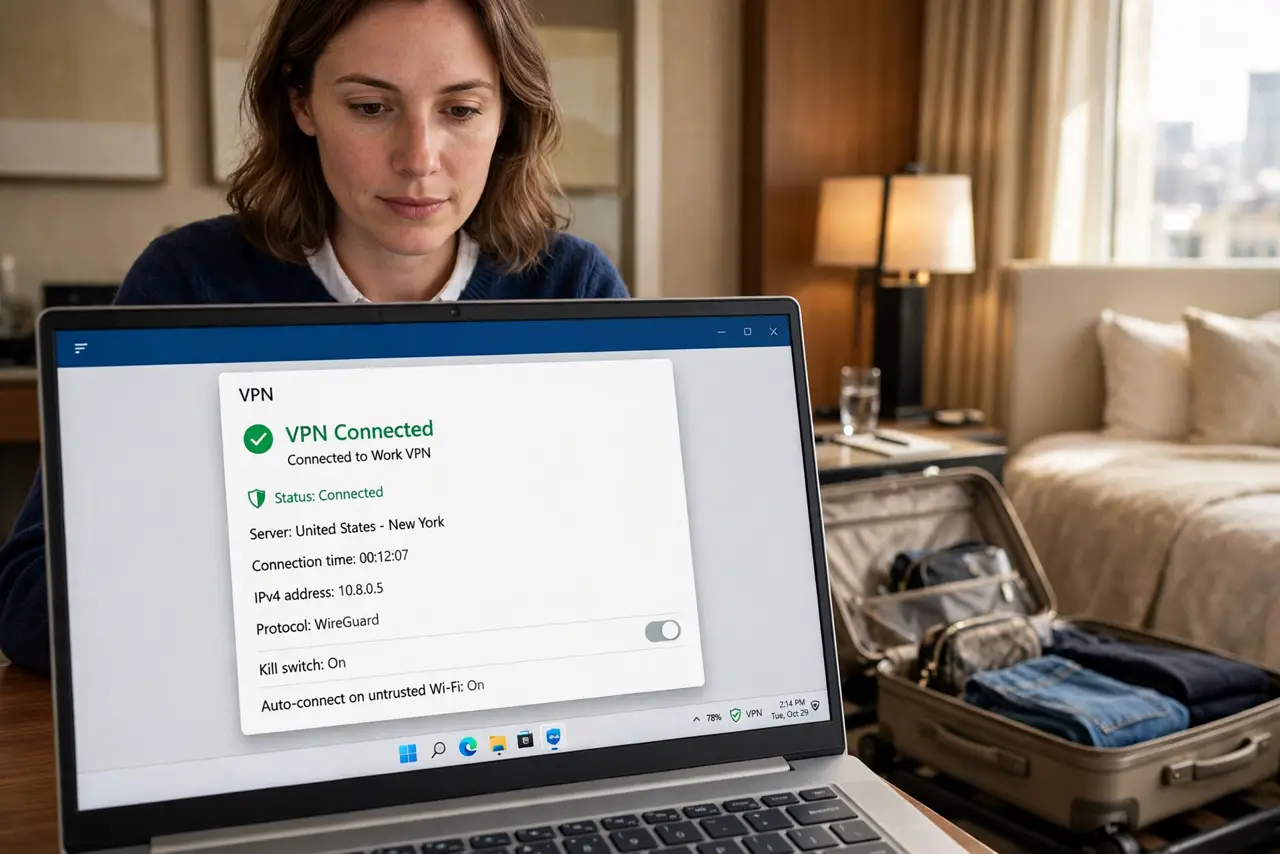
Quick fix: on hotel Wi-Fi, avoid banking and sensitive logins unless you are on a VPN — anyone on the same network can snoop unencrypted traffic. Verify the exact network name with staff to dodge evil-twin hotspots. Forget the network when you check out.
Follow these steps
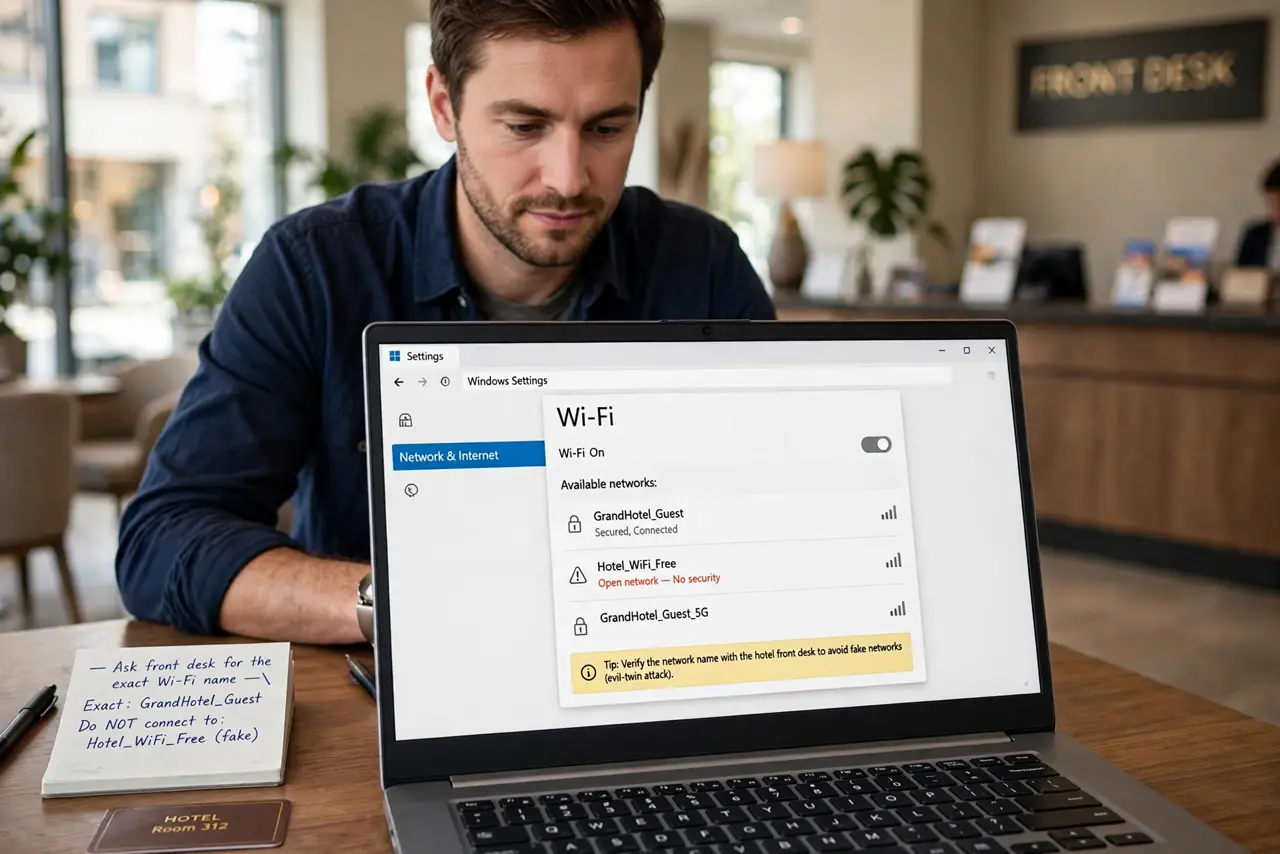
- Verify the real network name. Ask the front desk for the exact Wi-Fi name. Attackers broadcast lookalikes ('Hotel_WiFi_Free') to harvest logins — the evil-twin trick is the top hotel threat.
- Use a VPN for anything sensitive. A VPN encrypts everything between you and the internet, neutralizing local snoopers. Banking, email, work logins — VPN on first. See VPN slowdown realities so you know what to expect.
- Never install profiles or software. If the captive portal asks you to install a certificate or profile to 'get online', stop — see the profile install warning. Legit hotel Wi-Fi needs no installs.
- Prefer HTTPS everywhere. Modern sites encrypt by default, which already defeats casual snooping. Check for the padlock on anything asking for credentials — see HTTPS vs VPN for what each protects.
- Turn off auto-join and sharing. Disable auto-join for open networks, and turn off file/printer sharing while traveling. Your laptop shouldn't advertise services to a hotel full of strangers.
- Forget the network at checkout. Remove the hotel network from your saved list when you leave. Otherwise your phone will auto-join any future lookalike with the same name — the evil twin's favorite trick.
What NOT to do
- Do not do banking on hotel Wi-Fi without a VPN. It's the highest-value target on the network — use mobile data instead if you have no VPN.
- Do not install anything the portal asks for. Certificates and profiles hand the network power to decrypt your traffic — a hard no, always.
- Do not assume a password means safety. The hotel Wi-Fi password is shared with every guest — it keeps outsiders out, not guests away from each other.
- Do not leave file sharing on. Open shares on a hotel network are an invitation; turn sharing off before you connect.
Frequently asked questions
Is hotel Wi-Fi safe with a VPN?
Yes, for practical purposes — the VPN encrypts your traffic past the local network. It's the single best hotel-Wi-Fi habit. Just use a reputable VPN; see free VPN risks.
What about using my phone hotspot instead?
Safer than hotel Wi-Fi — cellular data isn't shared with strangers. It's the best option for banking when you have signal and data to spare.
Can the hotel see what I browse?
Without a VPN, the network operator can see which sites you visit (though HTTPS hides page contents). With a VPN, they see only encrypted traffic to the VPN server.