The 6 GHz Band? Explained
Wi-Fi lived on 2.4 and 5 GHz for decades, then regulators opened a huge new stretch of airspace at 6 GHz. Newer routers and phones can use it — and because almost nobody is there yet, it is gloriously uncongested. But it comes with real limits: range, walls, and device support. Here is when the 6 GHz band actually helps you.
TL;DR / Quick Fix
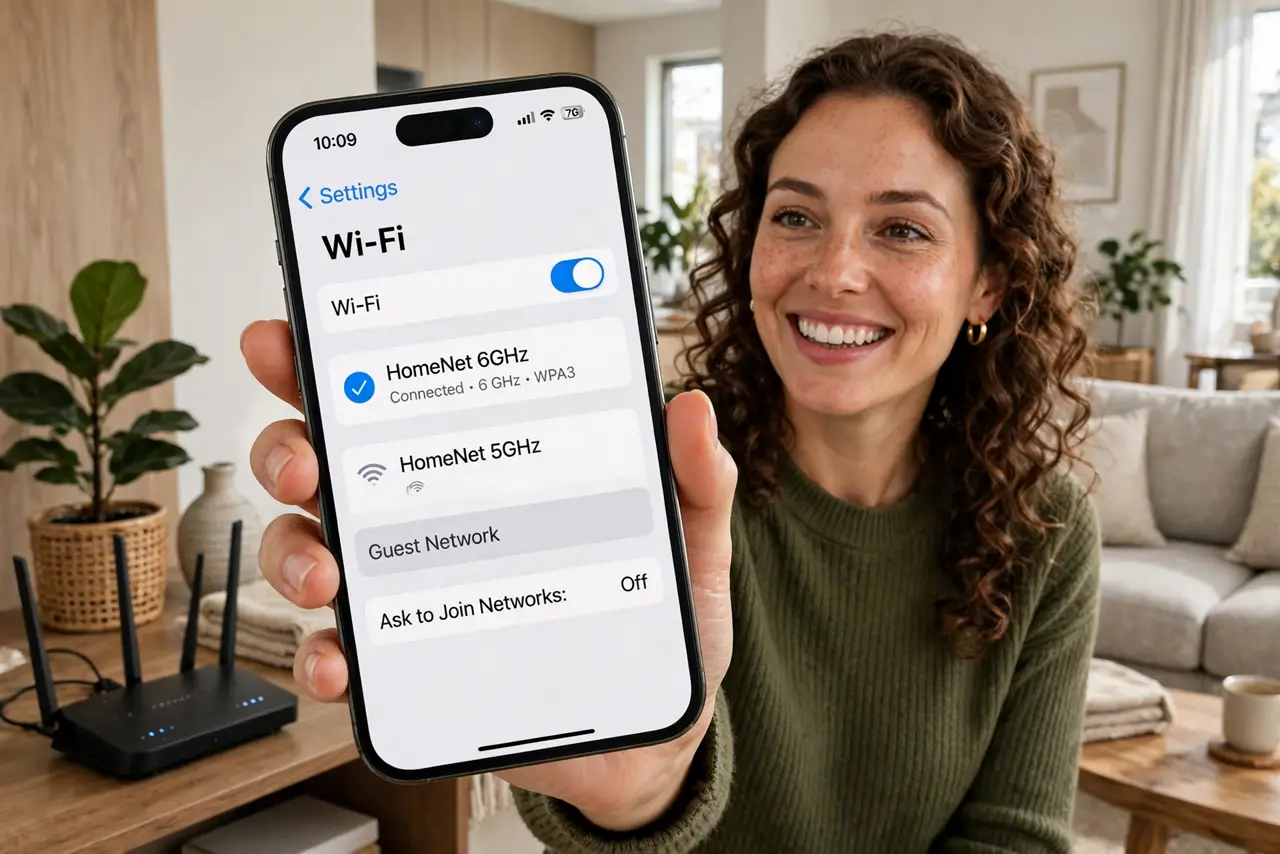
Quick fix: the 6 GHz band is a fresh, empty Wi-Fi frequency on Wi-Fi 6E and 7 gear — extremely fast and congestion-free at close range, but shorter range than 5 GHz and blocked more by walls. Both router and device must support 6E or 7 to use it.
Follow these steps
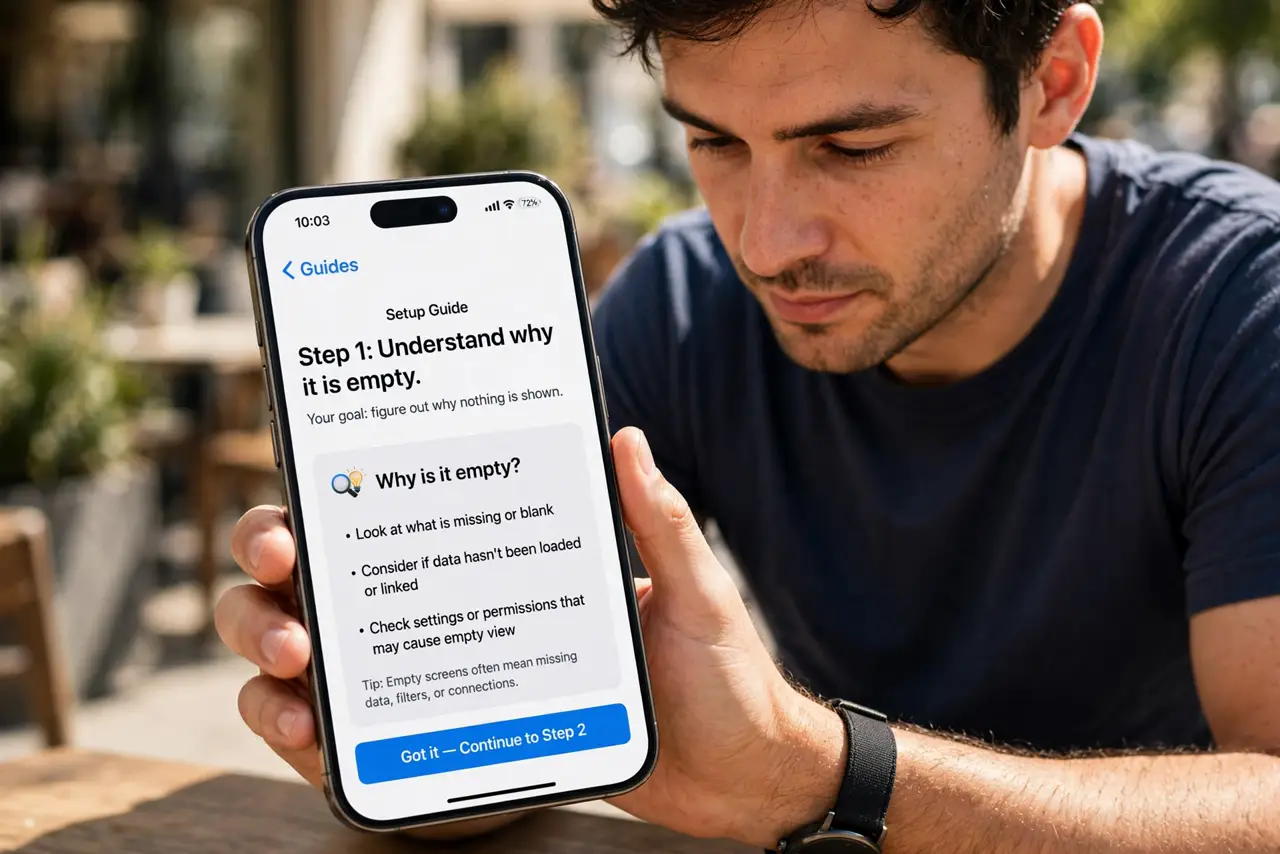
- Understand why it is empty. 2.4 and 5 GHz are packed with neighbors, gadgets, and microwaves. 6 GHz was opened recently, so almost nothing competes with you there — yet.
- Check both ends support it. Router: Wi-Fi 6E or Wi-Fi 7. Device: a recent flagship phone or laptop. If either end is older, the 6 GHz network is invisible to that device.
- Expect speed, not range. 6 GHz is the sprinter: blazing fast in the same room, fading fast through walls. It complements 5 GHz; it does not replace it across a house.
- Let band steering handle it — mostly. Good routers automatically put capable devices on 6 GHz when close and move them down when far. If yours parks devices wrongly, see band steering.
- Compare with 5 GHz honestly. For the 2.4 vs 5 GHz decision you already know: 6 GHz is 'even faster, even shorter range' — same tradeoff, one step further.
- Do not buy in solely for 6 GHz. If your devices lack 6E/7, the band sits unused. Upgrade devices first, router second — or buy a router whose 5 GHz already fixes your problem.
What NOT to do
- Do not expect 6 GHz to punch through three walls. Higher frequency means worse penetration — physics, not a defective router.
- Do not disable 5 GHz 'because 6 is newer.' Older devices need 5 GHz, and distant corners of the house do too.
- Do not assume every 'Wi-Fi 6' router has 6 GHz. Plain Wi-Fi 6 does not — you need 6E or 7 specifically for the 6 GHz band.
- Do not pay the 6E premium for a studio apartment with a 200 Mbps plan. The empty band is lovely, but your bottleneck was never congestion.
Frequently asked questions
Why can't my laptop see the 6 GHz network?
Its Wi-Fi chip predates 6E. The network is broadcasting fine — the laptop's radio simply cannot tune to 6 GHz.
Is 6 GHz safer or more private?
Not meaningfully. Same encryption, same passwords — the advantage is capacity and cleanliness, not security.
Will 6 GHz replace 5 GHz someday?
No — they serve different jobs. Expect 6 GHz as the fast lane and 5/2.4 GHz as the coverage layers for years.